Mastering Constraints in Revit: Essential Tips for Precise Modeling 🛠️
Learn what constraints are in Revit, how they control element relationships, and how to effectively use them to ensure accurate and consistent building models. Perfect for enhancing your Revit skills!
Muhammad Ehsan ul Haque Ehsan
1 views • Jun 2, 2025
About this video
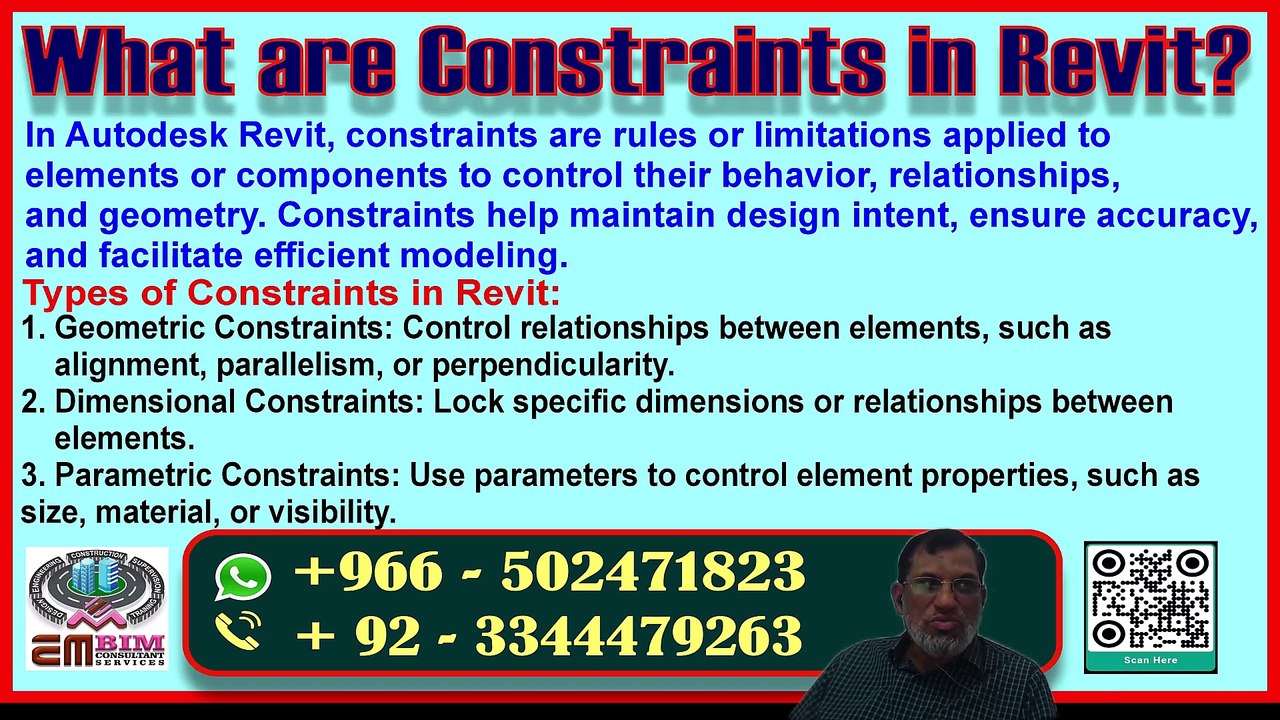
Constraints in Revit:<br /><br />Constraints are rules or relationships that control the behavior and positioning of elements in Revit. They help maintain design intent and ensure that changes are propagated correctly.<br /><br />Types of Constraints:<br /><br />1. Dimensions: Lock dimensions to maintain specific sizes or relationships.<br />2. Alignments: Use alignment tools to position elements relative to each other.<br />3. Relationships: Establish relationships between elements (e.g., parallel, perpendicular).<br /><br />How to Use Constraints:<br /><br />1. Apply dimensions: Use locked dimensions to control sizes.<br />2. Use alignment tools: Align elements using tools like Align or Move.<br />3. Establish relationships: Use constraints to maintain relationships between elements.<br /><br />By using constraints effectively, you can:<br /><br />- Maintain design intent<br />- Reduce errors<br />- Increase productivity<br /><br />Constraints help you create more accurate and flexible models in Revit.
Video Information
Views
1
Duration
16:32
Published
Jun 2, 2025
Related Trending Topics
LIVE TRENDSRelated trending topics. Click any trend to explore more videos.
No specific trending topics match this video yet.
Explore All Trends