Mastering Navigation in Revit: Essential Skills for Architects and Civil Engineers 🏗️
Learn key techniques to efficiently navigate Revit for architectural and civil engineering projects. Boost your productivity with these expert tips! #Revit #Civil3D #Autodesk
Autodesk786
711 views • Feb 14, 2025
About this video
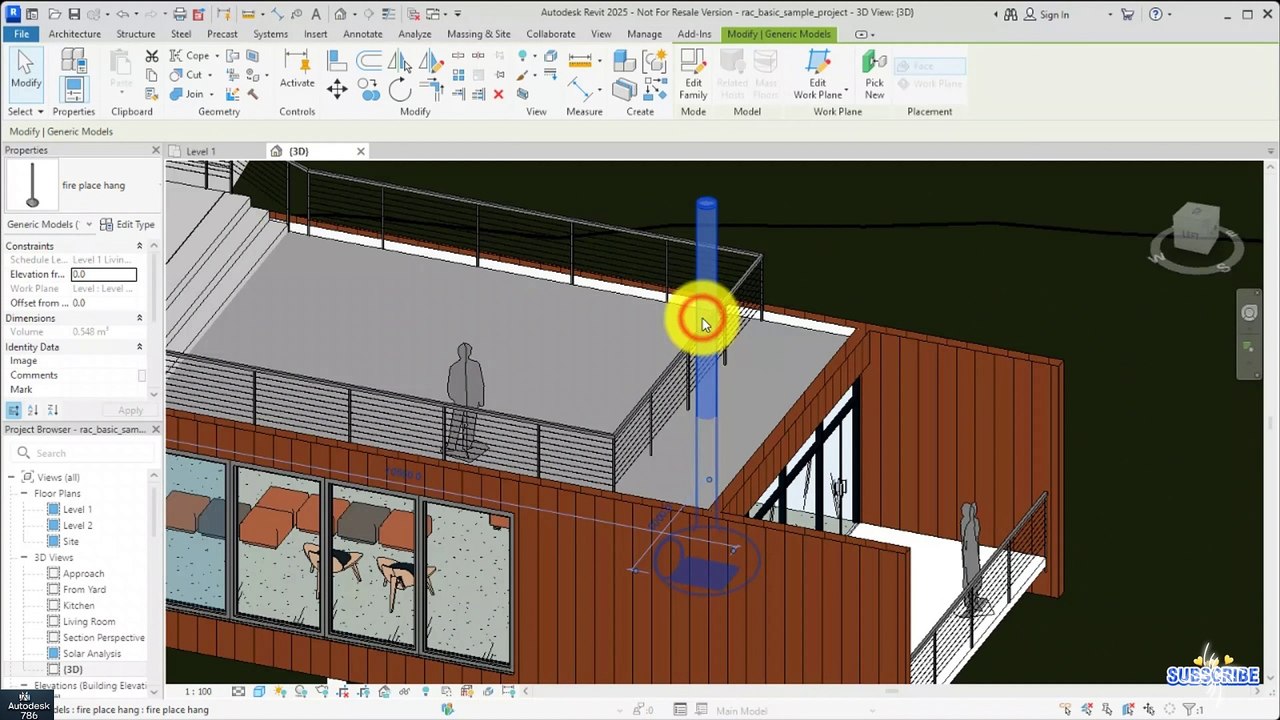
@autocad @CIVIL3D @Civil3dpro04 @Civil3 <br />https://dai.ly/x9dob6c<br />https://dai.ly/x9dob38<br />https://dai.ly/x9dgqem<br />https://dai.ly/x9d58e0<br />https://dai.ly/x9d2fm6<br />https://dai.ly/x9dob6c<br /> Navigating in Revit – Essential Skills for Beginners<br />Efficient navigation in Revit is crucial for working smoothly in 2D & 3D views. Understanding navigation tools helps you zoom, pan, rotate, and switch views efficiently.<br />1. Essential Navigation Tools<br />A) Zooming (Mouse & Keyboard Shortcuts)<br />Scroll Wheel → Zoom In/Out<br />Double-click Scroll Wheel → Zoom to Fit<br />CTRL + Scroll Wheel → Smooth Zoom<br />Z + E → Zoom Extents (Fits all elements in view)<br />Z + A → Zoom All (Fits all views in current window)<br />B) Panning (Moving the View)<br />Press & Hold Scroll Wheel → Move the view<br />Shift + Scroll Wheel → Constrained Pan<br />C) Rotating the View (3D)<br />Shift + Hold Scroll Wheel → Orbit in 3D<br />View Cube → Click & Drag to Rotate<br />📌 Tip: Click on View Cube Corners to quickly switch to preset angles (e.g., Isometric View).<br /><br />2. Managing Views & Switching Between Them<br />A) Opening & Navigating Between Views<br />Project Browser → Double-click a view (e.g., Floor Plan, 3D View).<br />CTRL + TAB → Cycle through open views.<br />View Tab → Tile Views → Arrange multiple views side by side.<br />📌 Tip: Use View Templates to apply consistent display settings across views.<br /><br />B) Using the Navigation Bar<br />The Navigation Bar (bottom-right corner) has quick-access tools:<br />🔹 Zoom & Pan → Basic controls<br />🔹 Orbit → Rotate in 3D<br />🔹 Walkthrough Tool → Simulate walking inside the model<br /><br />3. Using Section & Elevation Views for Better Navigation<br />View Tab → Section/Elevation → Cut a section to explore interior details.<br />Click on the section/elevation and go to View to navigate inside.<br />📌 Tip: Use Crop View & Section Box in 3D to focus on specific areas.<br /><br />🚀 Pro Tip: Set Up Keyboard Shortcuts for Faster Navigation<br />Go to File → Options → Keyboard Shortcuts and set shortcuts for your frequently used navigation tools.<br /><br />Mastering navigation makes modeling faster & more efficient! Need help with a specific navigation issue
Video Information
Views
711
Duration
1:27
Published
Feb 14, 2025