CorelDraw X6 for Beginners: Mastering Control Lines, Pen, Polygon, and Rotation Tools 🖍️
Learn essential CorelDraw X6 techniques in this comprehensive beginner's guide. Explore control lines, pen, polygon tool, and rotation features to enhance your design skills.
Eng Seong
1 views • Jul 14, 2014
About this video
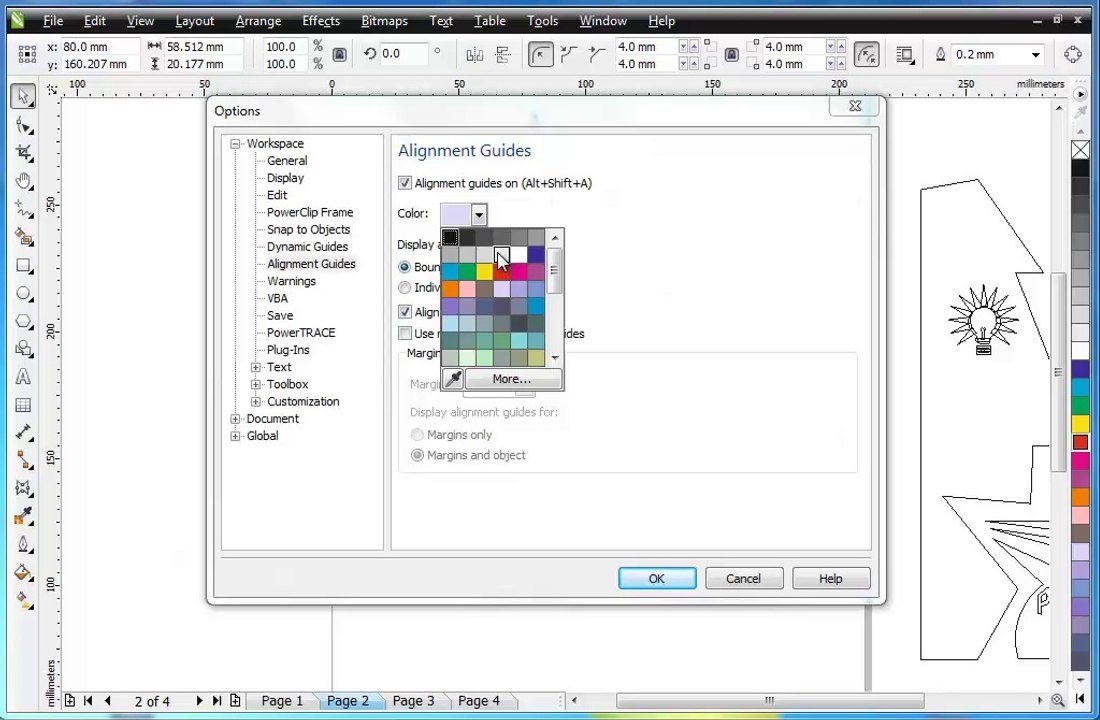
Guide - CorelDraw X6 for Begineers <br />- Segment <br />- Control Lines <br />- Pen <br />- Polygon Tool <br />- Rotate <br />- Rotation Point <br />- Relative Center <br />- Proportional <br />- Position <br />- Align <br />- Transformations <br />- Rectangle <br />- Round <br />- Shape Tool <br />- Together <br />- Position <br />- Align <br />- Snap to objects <br />- Duplicate <br />- Alignment Guides <br />- Group
Video Information
Views
1
Duration
20:15
Published
Jul 14, 2014
Related Trending Topics
LIVE TRENDSRelated trending topics. Click any trend to explore more videos.
No specific trending topics match this video yet.
Explore All Trends