CorelDraw X6 for Beginners: Mastering Artistic Media, Alignment, and Editing Tools 🎨
Step-by-step guide for beginners covering Artistic Media, alignment, framing, path editing, trimming, node reduction, text import, and more in CorelDraw X6. Enhance your design skills today!
Eng Seong
17 views • Jul 14, 2014
About this video
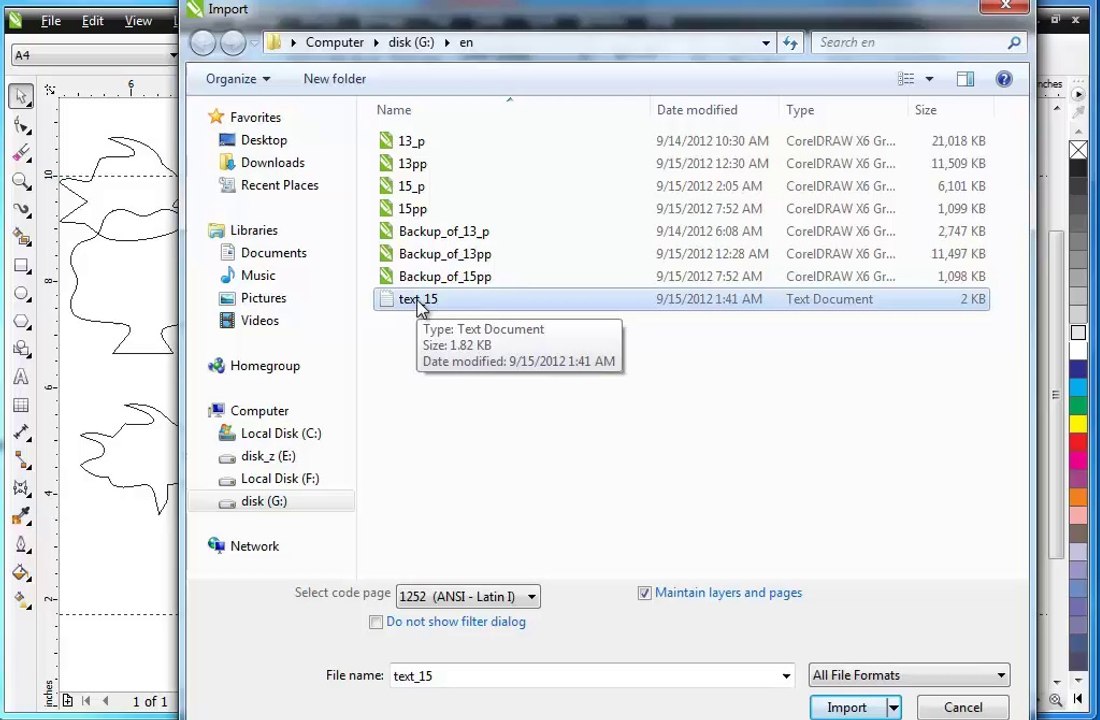
Guide - CorelDraw X6 for Begineers <br />- Artistic Media <br />- Align <br />- Frame <br />- Path <br />- Trim - Break <br />- Shift+F4 <br />- Eraser <br />- Reduce Nodes <br />- Nodes <br />- Text <br />- Text-Import <br />- CMYK Black <br />- Text Frame <br />- Continue Text <br />- Text Frame - Object <br />- Break <br />- Show Text Frames <br />- Envelope <br />- Create Frame - Text <br />- Selected <br />- Break
Video Information
Views
17
Duration
17:57
Published
Jul 14, 2014
Related Trending Topics
LIVE TRENDSRelated trending topics. Click any trend to explore more videos.
No specific trending topics match this video yet.
Explore All Trends