CorelDraw X6 for Beginners: Master Logo Design & Essential Tools (Part 20) ✏️
Learn how to create stunning logos with CorelDraw X6! This step-by-step guide covers arrow and star shapes, guideline setup, snapping, zooming, duplication, and trimming techniques for beginners.
Eng Seong
46 views • Jul 14, 2014
About this video
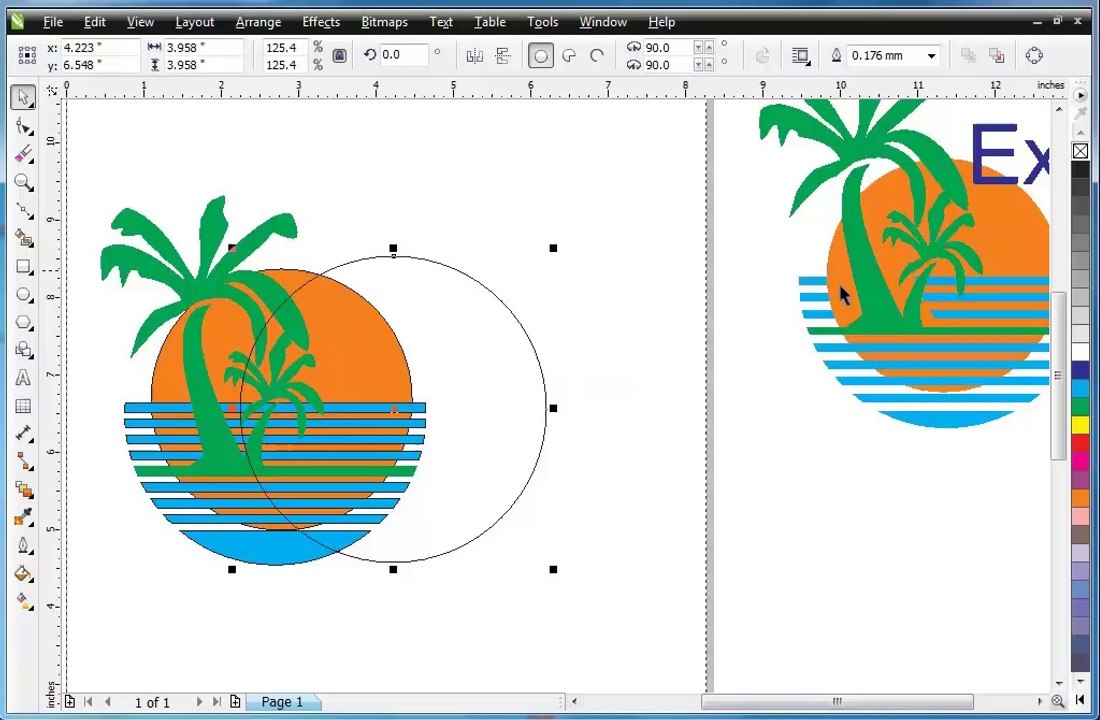
Guide - CorelDraw X6 for Begineers <br />- Logo <br />- Arrow <br />- Star <br />- Guidelines Setup <br />- Snap to guidelines <br />- F2 - Zoom <br />- Duplicate - Crtl+D <br />- Distance <br />- Trim, <br />- Break <br />- Combine <br />- Arrange <br />- Bezier Tool <br />- Convert - Segment <br />- Trim <br />- Mirror <br />- Bezier Tool <br />- Close Curve <br />- Shape <br />- Trim <br />- Mirror <br />- Weld <br />- Break <br />- Intersect <br />- Wireframe <br />- Artistic Text
Video Information
Views
46
Duration
19:29
Published
Jul 14, 2014
Related Trending Topics
LIVE TRENDSRelated trending topics. Click any trend to explore more videos.
No specific trending topics match this video yet.
Explore All Trends