CorelDraw X6 for Beginners: Mastering Bitmap, Transparency & Transformations (Part 21) 🎨
Learn essential CorelDraw X6 techniques including working with bitmaps, creating transparent effects, rotating, snapping, and transforming objects in this comprehensive beginner's guide.
Eng Seong
1 views • Jul 14, 2014
About this video
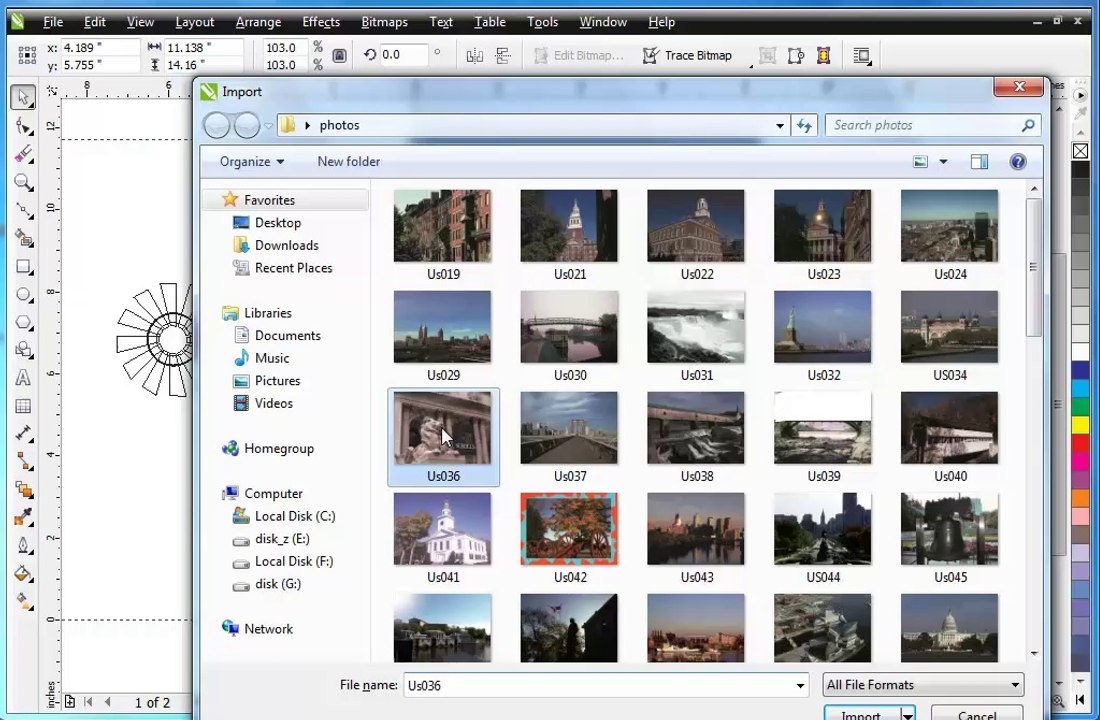
Guide - CorelDraw X6 for Begineers <br />- Bitmap <br />- Transparent <br />- Effects <br />- Rotate <br />- Snap to object <br />- Crtl+D <br />- Transformations rotate <br />- Shift - Scale <br />- Shape <br />- Mirror <br />- Weld <br />- Align <br />- Rectangle - page <br />- Combine <br />- Bitmap <br />- Bitmaps noise <br />- Gaussian blur <br />- Import <br />- Powerclip <br />- Noise <br />- Text <br />- Drop Shadow <br />- Break <br />- Add Noise <br />- Elliptical Marquee Tool <br />- Feather <br />- Inverse <br />- Transparency <br />- Layer <br />- Corel-Import <br />- Effects-Hue
Video Information
Views
1
Duration
19:23
Published
Jul 14, 2014
Related Trending Topics
LIVE TRENDSRelated trending topics. Click any trend to explore more videos.
No specific trending topics match this video yet.
Explore All Trends