Enable Network Level Authentication in Windows 🖥️
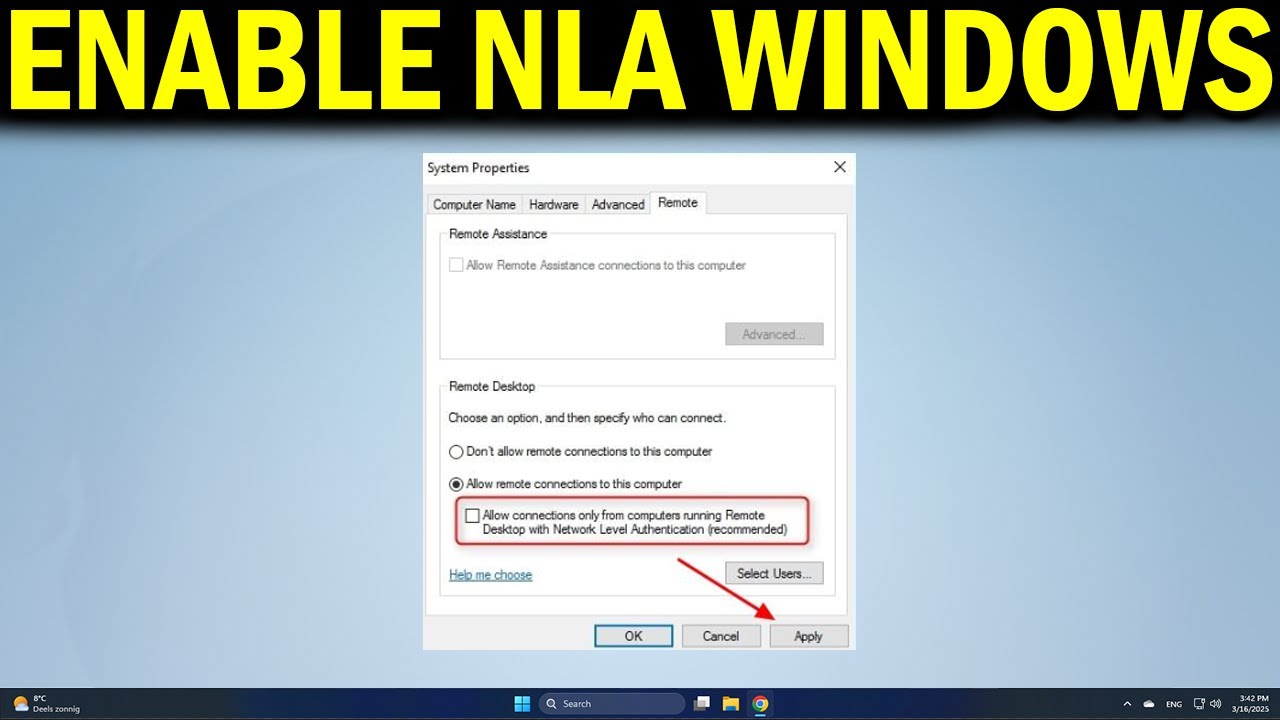
Learn how to enable NLA in Windows 10/11 to secure your Remote Desktop connections with user authentication.

How to Simplify Tech
127 views • Jan 2, 2025
About this video
Want to secure your Remote Desktop connections? This video shows how to enable Network Level Authentication (NLA) in Windows so only authenticated users can access your PC.
🔹 Enable Network Level Authentication for Remote Desktop on Windows
🔹 Configure RDP settings to require NLA for connections
🔹 Troubleshoot login issues after enabling NLA
🔹 Update Windows and security settings to support NLA
🔹 Manage user permissions for remote access
🔹 Improve Remote Desktop security by enforcing NLA
Applies to: Windows, PC desktops, laptops, Remote Desktop, RDP connections, network security
🔹 Enable Network Level Authentication for Remote Desktop on Windows
🔹 Configure RDP settings to require NLA for connections
🔹 Troubleshoot login issues after enabling NLA
🔹 Update Windows and security settings to support NLA
🔹 Manage user permissions for remote access
🔹 Improve Remote Desktop security by enforcing NLA
Applies to: Windows, PC desktops, laptops, Remote Desktop, RDP connections, network security
Tags and Topics
Browse our collection to discover more content in these categories.
Video Information
Views
127
Duration
1:32
Published
Jan 2, 2025
Related Trending Topics
LIVE TRENDSRelated trending topics. Click any trend to explore more videos.
No specific trending topics match this video yet.
Explore All Trends