Enable Network Level Authentication in Windows 11 🔒
Learn how to enable Network Level Authentication on Windows 11 for secure remote access and protection.

Tech Bachhal
5.1K views • Mar 20, 2022
About this video
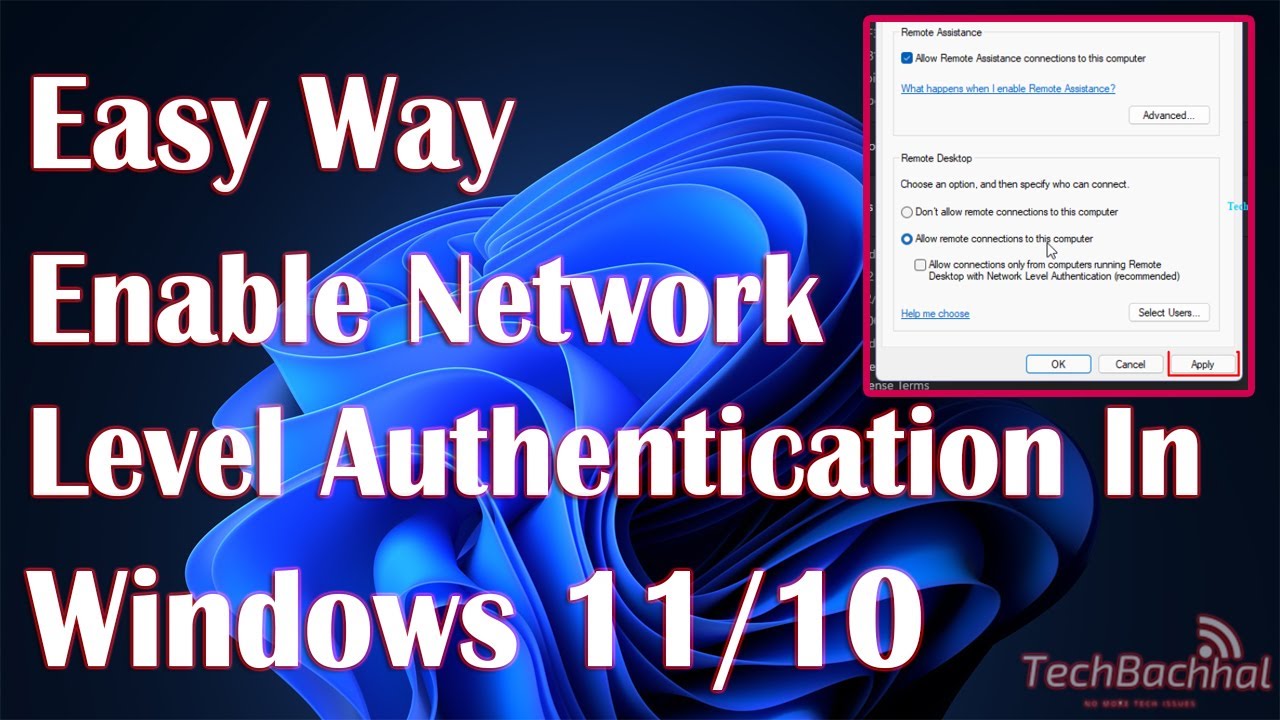
Network-level authentication in Windows 11 is a protection setting that you must follow if you want to use your computer remotely.
Windows 11 allows you to connect to and operate another computer machine remotely through the internet from a different device or location. However, before to configure a connection server or granting access to others, you must activate the remote desktop and adjust some built-in options. In Windows 11, you may use Remote Desktop Protocol (RDP) in the same way that you could in the previous version. This feature's settings allow you to manage another person's computer or server without having to be physically there. After you've enabled this, you may use the classic Remote Desktop Connection software or the "Remote Desktop store app" to connect to an external computer remotely.
Why only permit connections that are authenticated at the network level?
You don't need to enable Remote Desktop if you simply want to access your PC while you're physically there. Enabling Remote Desktop exposes a port on your computer to the rest of your network. Only use Remote Desktop on trustworthy networks, such as your home network. You also don't want to activate Remote Desktop on any computer with restricted access.
If you wish to limit who has access to your computer, enable Network Level Authentication alone (NLA). Users must authenticate themselves to the network before they may connect to your PC if you set this option. Allowing connections from just Remote Desktop with NLA-enabled PCs is a more secure authentication approach that can help safeguard your computer from unwanted users and applications.
00:00 Intro
00:14 Settings
00:33 Advanced system settings 00:46 Enable Network Level Authentication
01:11 Outro
This video will help to solve Enable Network Level Authentication In Windows 11 on computers, laptops, desktops running Windows 11, Windows 10, Windows 8/8.1, Windows 7 systems. Works on all computers and laptops (HP, Dell, Asus, Acer, Lenovo, Samsung, Toshiba).
#NetworkLevelAuthentication #Windows11 #Windows11Fix
Windows 11 allows you to connect to and operate another computer machine remotely through the internet from a different device or location. However, before to configure a connection server or granting access to others, you must activate the remote desktop and adjust some built-in options. In Windows 11, you may use Remote Desktop Protocol (RDP) in the same way that you could in the previous version. This feature's settings allow you to manage another person's computer or server without having to be physically there. After you've enabled this, you may use the classic Remote Desktop Connection software or the "Remote Desktop store app" to connect to an external computer remotely.
Why only permit connections that are authenticated at the network level?
You don't need to enable Remote Desktop if you simply want to access your PC while you're physically there. Enabling Remote Desktop exposes a port on your computer to the rest of your network. Only use Remote Desktop on trustworthy networks, such as your home network. You also don't want to activate Remote Desktop on any computer with restricted access.
If you wish to limit who has access to your computer, enable Network Level Authentication alone (NLA). Users must authenticate themselves to the network before they may connect to your PC if you set this option. Allowing connections from just Remote Desktop with NLA-enabled PCs is a more secure authentication approach that can help safeguard your computer from unwanted users and applications.
00:00 Intro
00:14 Settings
00:33 Advanced system settings 00:46 Enable Network Level Authentication
01:11 Outro
This video will help to solve Enable Network Level Authentication In Windows 11 on computers, laptops, desktops running Windows 11, Windows 10, Windows 8/8.1, Windows 7 systems. Works on all computers and laptops (HP, Dell, Asus, Acer, Lenovo, Samsung, Toshiba).
#NetworkLevelAuthentication #Windows11 #Windows11Fix
Tags and Topics
Browse our collection to discover more content in these categories.
Video Information
Views
5.1K
Likes
10
Duration
1:17
Published
Mar 20, 2022
User Reviews
3.9
(1) Related Trending Topics
LIVE TRENDSRelated trending topics. Click any trend to explore more videos.
No specific trending topics match this video yet.
Explore All Trends