Redmi 15C: Change Default Apps Easily
Learn step-by-step how to set your preferred apps as default on Redmi 15C for a personalized experience. 📱

Bscholarly TV
8.7K views • Oct 23, 2025
About this video
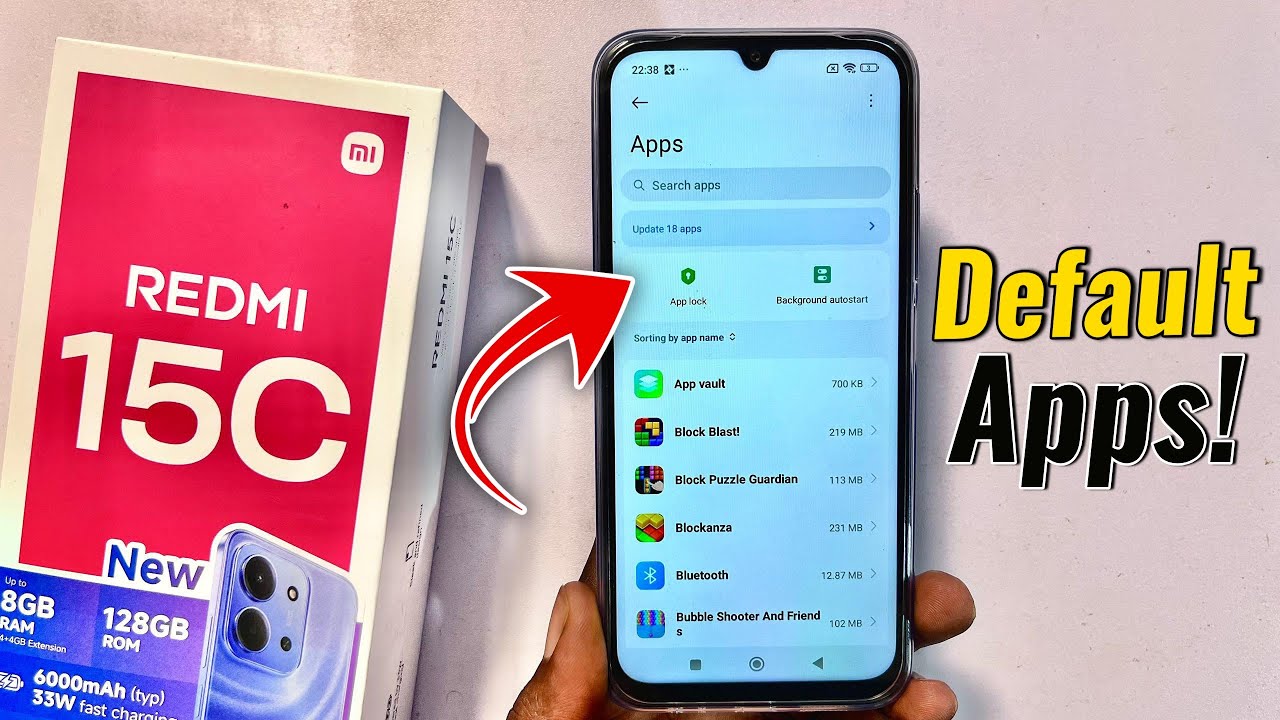
In this video, I will show you step-by-step how to change default apps on your Redmi 15C. If you’ve been wondering how to make your preferred apps open automatically on your Redmi 15C — like setting your default browser, gallery, camera, or messaging app — this tutorial will guide you through everything. I’ll take you into the app settings of your Redmi 15C, then show you exactly where to find the Default Apps option and how to customize it to your liking. Whether you want to change your default browser to Chrome, set a different gallery app, or switch your default camera app, this video will help you take full control of your Redmi 15C. Watch till the end to learn how to easily manage and change default apps on your Redmi 15C for a smoother and more personalized experience.
#redmi15c
#redmi15
#defaultapps
#redmi15c
#redmi15
#defaultapps
Tags and Topics
Browse our collection to discover more content in these categories.
Video Information
Views
8.7K
Likes
42
Duration
0:43
Published
Oct 23, 2025
User Reviews
4.0
(1) Related Trending Topics
LIVE TRENDSRelated trending topics. Click any trend to explore more videos.
No specific trending topics match this video yet.
Explore All Trends