Change Default Apps on Android Easily 📱
Learn how to set or change default apps on Android with our simple guide. Read more at WebPro Education.

WebPro Education
2.3K views • Dec 11, 2023
About this video
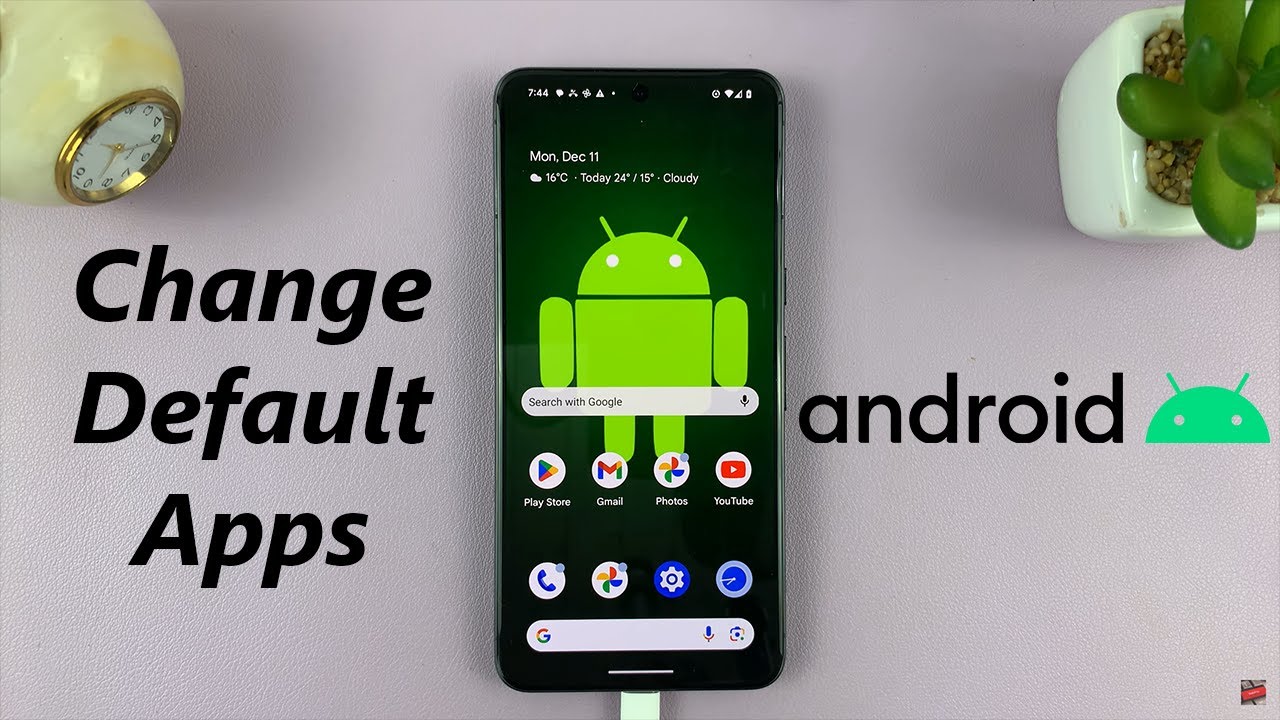
Learn How To Change Default Apps On Android.
Read: https://www.webproeducation.org/how-to/change-default-apps-on-android/
Are you tired of your Android device opening certain apps by default, but you're not sure how to change it? In this comprehensive tutorial, we'll walk you through the step-by-step process of changing default apps on your Android phone.
Changing default apps not only enhances your user experience but also allows you to tailor your device to your preferences. Whether it's browsers, email clients, or music players, you deserve the freedom to choose.
How To Change Default Apps On Android
1. Open the Settings app. Select your Apps settings.
2. You should see the Default Apps option. Tap on it. A list of all apps and their default options will appear.
3. Tap on the app whose default you would like to change. Select an alternative if you have one installed. For example, choose the browser option and select between Chrome and Firefox.
USB 3.1 to Type C OTG Adapter: https://amzn.to/3NS9Gc7
PS5 Controller Camo Skin (US): https://amzn.to/3x7kvAw
PS5 Dual Sense Controller (Choose Color): https://amzn.to/3m91xnN
-----My Gear for Youtube videos-----
Main Camera (iPhone 13 pro): https://amzn.to/3GZztve
Tripod: https://amzn.to/35acqRa
Cell Phone Tripod Adapter: https://amzn.to/3v3wFuI
Lights: https://amzn.to/3vkoGK7
As full disclosure, I use affiliate links on this channel and purchasing through these links earns me a small commission. The price you pay will be the same!
Website: https://www.webproeducation.org
Facebook: https://www.facebook.com/webproeducation.org
Twitter: https://twitter.com/WebPro_E
Instagram: https://www.instagram.com/webproeducation/
Read: https://www.webproeducation.org/how-to/change-default-apps-on-android/
Are you tired of your Android device opening certain apps by default, but you're not sure how to change it? In this comprehensive tutorial, we'll walk you through the step-by-step process of changing default apps on your Android phone.
Changing default apps not only enhances your user experience but also allows you to tailor your device to your preferences. Whether it's browsers, email clients, or music players, you deserve the freedom to choose.
How To Change Default Apps On Android
1. Open the Settings app. Select your Apps settings.
2. You should see the Default Apps option. Tap on it. A list of all apps and their default options will appear.
3. Tap on the app whose default you would like to change. Select an alternative if you have one installed. For example, choose the browser option and select between Chrome and Firefox.
USB 3.1 to Type C OTG Adapter: https://amzn.to/3NS9Gc7
PS5 Controller Camo Skin (US): https://amzn.to/3x7kvAw
PS5 Dual Sense Controller (Choose Color): https://amzn.to/3m91xnN
-----My Gear for Youtube videos-----
Main Camera (iPhone 13 pro): https://amzn.to/3GZztve
Tripod: https://amzn.to/35acqRa
Cell Phone Tripod Adapter: https://amzn.to/3v3wFuI
Lights: https://amzn.to/3vkoGK7
As full disclosure, I use affiliate links on this channel and purchasing through these links earns me a small commission. The price you pay will be the same!
Website: https://www.webproeducation.org
Facebook: https://www.facebook.com/webproeducation.org
Twitter: https://twitter.com/WebPro_E
Instagram: https://www.instagram.com/webproeducation/
Tags and Topics
Browse our collection to discover more content in these categories.
Video Information
Views
2.3K
Likes
5
Duration
1:24
Published
Dec 11, 2023
User Reviews
3.8
(2) Related Trending Topics
LIVE TRENDSRelated trending topics. Click any trend to explore more videos.
No specific trending topics match this video yet.
Explore All Trends