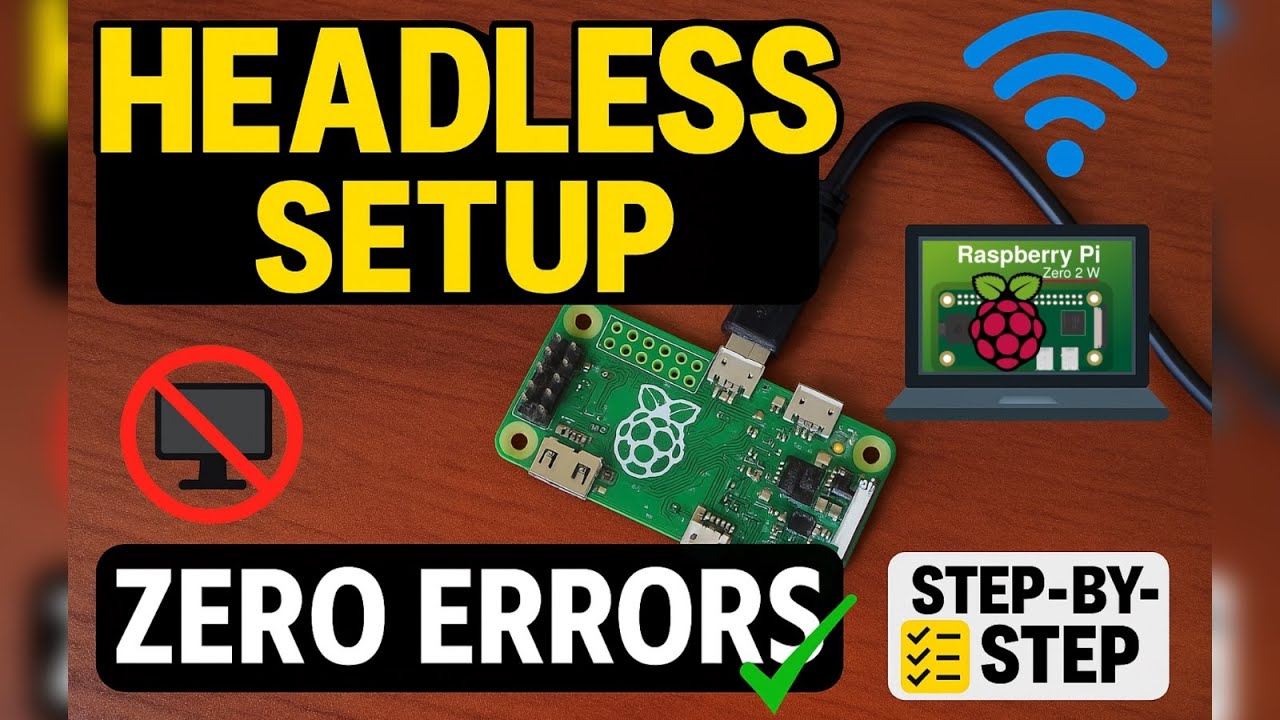
Raspberry Pi Zero 2W Headless Setup Guide 🛠️
Step-by-step guide to set up Raspberry Pi Zero 2W headless without errors. Perfect for beginners in electronics and Raspberry Pi.

ROBOTRONICS VERSE
7.0K views • Apr 12, 2025
About this video
Recently i purchased a raspberry pi zero 2w and this is new to me .
i tried to setup it many times but each and every in some issue came across,
and at the end finally i found a correct method to do this so follow this video very carefully.
!! DISCLAIMER !!
-set your mobile hotspot to 2.4Ghz
-dont shutdown your pi by unpluging it.it may cause corruption of os.
-use command sudo shutdown now to shutdown it and unlug it when geen led turn off.
-make sure not to disturbe your pi it may also cause problem.
command to shutdown your raspberry:- sudo shutdown now
and you can also go through this :-https://github.com/vishal-kumar-7/raspberry-pi-headless-setup./blob/main/README.md
wpa_supplicant.conf:-
country=IN
ctrl_interface=DIR=/var/run/wpa_supplicant GROUP=netdev
update_config=1
network={
ssid="YourWiFiName"
psk="YourPassword"
}
userconf:- username:hash password
thank you
i tried to setup it many times but each and every in some issue came across,
and at the end finally i found a correct method to do this so follow this video very carefully.
!! DISCLAIMER !!
-set your mobile hotspot to 2.4Ghz
-dont shutdown your pi by unpluging it.it may cause corruption of os.
-use command sudo shutdown now to shutdown it and unlug it when geen led turn off.
-make sure not to disturbe your pi it may also cause problem.
command to shutdown your raspberry:- sudo shutdown now
and you can also go through this :-https://github.com/vishal-kumar-7/raspberry-pi-headless-setup./blob/main/README.md
wpa_supplicant.conf:-
country=IN
ctrl_interface=DIR=/var/run/wpa_supplicant GROUP=netdev
update_config=1
network={
ssid="YourWiFiName"
psk="YourPassword"
}
userconf:- username:hash password
thank you
Video Information
Views
7.0K
Duration
24:09
Published
Apr 12, 2025
User Reviews
3.8
(1)