Power Apps 2025: Build a Custom Form with SharePoint & Patch (Beginner's Tutorial)
Welcome to my beginner’s guide to building a Project Proposal Submission Form in Power Apps! In this video, we’ll walk you through creating a custom form tha...

Andrew Hess
40.6K views • Feb 3, 2025
About this video
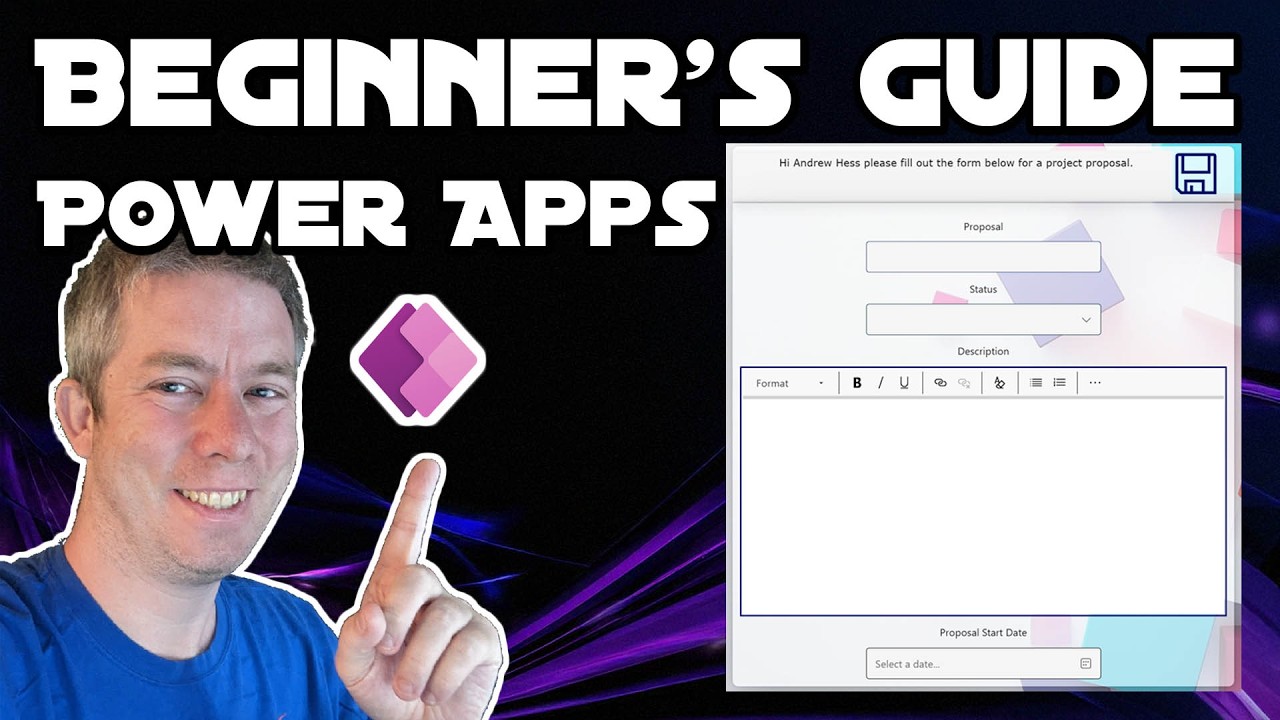
Welcome to my beginner’s guide to building a Project Proposal Submission Form in Power Apps! In this video, we’ll walk you through creating a custom form that connects to a SharePoint list using a custom Patch() submission method. We’ll cover everything you need to get started—from setting up your SharePoint list with fields, to designing a sleek, responsive UI using containers and Screen.Size property.
Part 1. https://www.youtube.com/watch?v=PJOx0RBRYOE
Part 2. https://www.youtube.com/watch?v=VecWigZOXV0
Part 3. https://www.youtube.com/watch?v=G0W9_llKtgU&t
In this video we will learn:
✅ SharePoint Lists & Best Practices
✅ Power Apps Custom Form
✅ Using Screen.Size for Responsive Apps
✅ Patching() different types of columns, like single line text, multi line text, choice, and date fields.
✅ Patching() records
Chapters:
0:00 Introduction
0:33 Key Topics Today
1:35 Setting Up a SharePoint List
8:58 Power Apps
12:05 Using the Header and footer Template
14:14 ScreenSize in Power Apps
17:07 Adjusting the Containers
19:00 Adding Controls to our Container
21:39 Using Flexible Height
23:30 Renaming our Controls
26:05 Adding a Save Button
28:20 Using Patch instead of Submit
33:45 Noticing the Status Column is a Record
36:25 Testing
37:19 Conclusion
Part 1. https://www.youtube.com/watch?v=PJOx0RBRYOE
Part 2. https://www.youtube.com/watch?v=VecWigZOXV0
Part 3. https://www.youtube.com/watch?v=G0W9_llKtgU&t
In this video we will learn:
✅ SharePoint Lists & Best Practices
✅ Power Apps Custom Form
✅ Using Screen.Size for Responsive Apps
✅ Patching() different types of columns, like single line text, multi line text, choice, and date fields.
✅ Patching() records
Chapters:
0:00 Introduction
0:33 Key Topics Today
1:35 Setting Up a SharePoint List
8:58 Power Apps
12:05 Using the Header and footer Template
14:14 ScreenSize in Power Apps
17:07 Adjusting the Containers
19:00 Adding Controls to our Container
21:39 Using Flexible Height
23:30 Renaming our Controls
26:05 Adding a Save Button
28:20 Using Patch instead of Submit
33:45 Noticing the Status Column is a Record
36:25 Testing
37:19 Conclusion
Tags and Topics
Browse our collection to discover more content in these categories.
Video Information
Views
40.6K
Likes
394
Duration
37:55
Published
Feb 3, 2025
User Reviews
4.3
(8) Related Trending Topics
LIVE TRENDSRelated trending topics. Click any trend to explore more videos.
No specific trending topics match this video yet.
Explore All Trends