Power Apps Vibe + SharePoint Lists: Build React Apps Fast ⚡
Learn to quickly create React apps using Power Apps Vibe and SharePoint Lists in this step-by-step guide.

Reza Dorrani
19.4K views • Apr 27, 2026
About this video
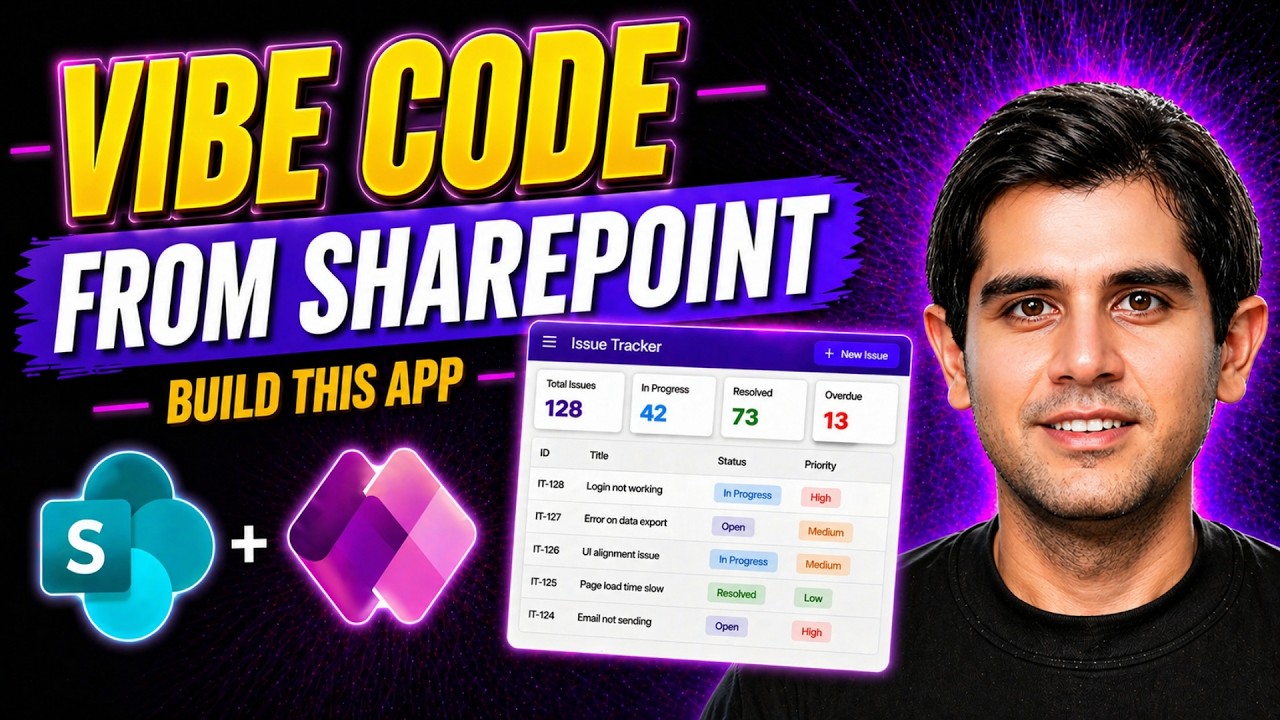
In this video, I show you the brand new Power Apps Vibe experience with SharePoint Lists — and how to build a real React-based application in minutes without writing traditional Power Fx formulas.
This isn’t just a demo. This is an example of a real-world app built step-by-step using modern, AI-assisted development.
🔥 What you’ll learn:
→ Connect multiple SharePoint Lists using the new Vibe coding experience
→ How Power Apps Vibe generates a React-based app
→ Build a complete Issue Tracker app from scratch with SharePoint lists
→ Filtering, status tracking, and modern UI patterns
→ Build multiple pages — Calendar, Kanban, Dashboards, Reports, and more
💡 Why this matters:
We’re moving from manual app building → AI-assisted, code-driven experiences.
📌 Resources:
👉 https://learn.microsoft.com/power-apps/vibe/add-data-source-sharepoint-lists
👉 Get access to the SharePoint Lists & prompts used in this video
🔒 Channel Members only - To become a member, click here: https://www.youtube.com/rezadorrani/join
#PowerApps #SharePoint #VibeCoding #PowerPlatform #AI
Table of Contents:
0:00 - Power Apps Vibe + SharePoint Lists: Build a React App in Minutes 🤯
0:30 - Vibe Code a React App connected to SharePoint lists
2:14 - Build a Vibe Power Apps with SharePoint as a data source
5:00 - Build react pages by Vibe Coding in PowerApps
11:13 - Build dashboards, calendar views, list views & more for SharePoint
16:00 - Publishing, Sharing and Security of SharePoint Vibe Power Apps
This isn’t just a demo. This is an example of a real-world app built step-by-step using modern, AI-assisted development.
🔥 What you’ll learn:
→ Connect multiple SharePoint Lists using the new Vibe coding experience
→ How Power Apps Vibe generates a React-based app
→ Build a complete Issue Tracker app from scratch with SharePoint lists
→ Filtering, status tracking, and modern UI patterns
→ Build multiple pages — Calendar, Kanban, Dashboards, Reports, and more
💡 Why this matters:
We’re moving from manual app building → AI-assisted, code-driven experiences.
📌 Resources:
👉 https://learn.microsoft.com/power-apps/vibe/add-data-source-sharepoint-lists
👉 Get access to the SharePoint Lists & prompts used in this video
🔒 Channel Members only - To become a member, click here: https://www.youtube.com/rezadorrani/join
#PowerApps #SharePoint #VibeCoding #PowerPlatform #AI
Table of Contents:
0:00 - Power Apps Vibe + SharePoint Lists: Build a React App in Minutes 🤯
0:30 - Vibe Code a React App connected to SharePoint lists
2:14 - Build a Vibe Power Apps with SharePoint as a data source
5:00 - Build react pages by Vibe Coding in PowerApps
11:13 - Build dashboards, calendar views, list views & more for SharePoint
16:00 - Publishing, Sharing and Security of SharePoint Vibe Power Apps
Tags and Topics
Browse our collection to discover more content in these categories.
Video Information
Views
19.4K
Likes
521
Duration
18:07
Published
Apr 27, 2026
User Reviews
4.6
(3) Related Trending Topics
LIVE TRENDSRelated trending topics. Click any trend to explore more videos.
No specific trending topics match this video yet.
Explore All Trends