Power Apps 📂: Preview & Edit SharePoint Files
Learn how to preview SharePoint files and edit Office documents in Power Apps with this step-by-step tutorial. ✏️
Reza Dorrani
72.4K views • Jul 10, 2023
About this video
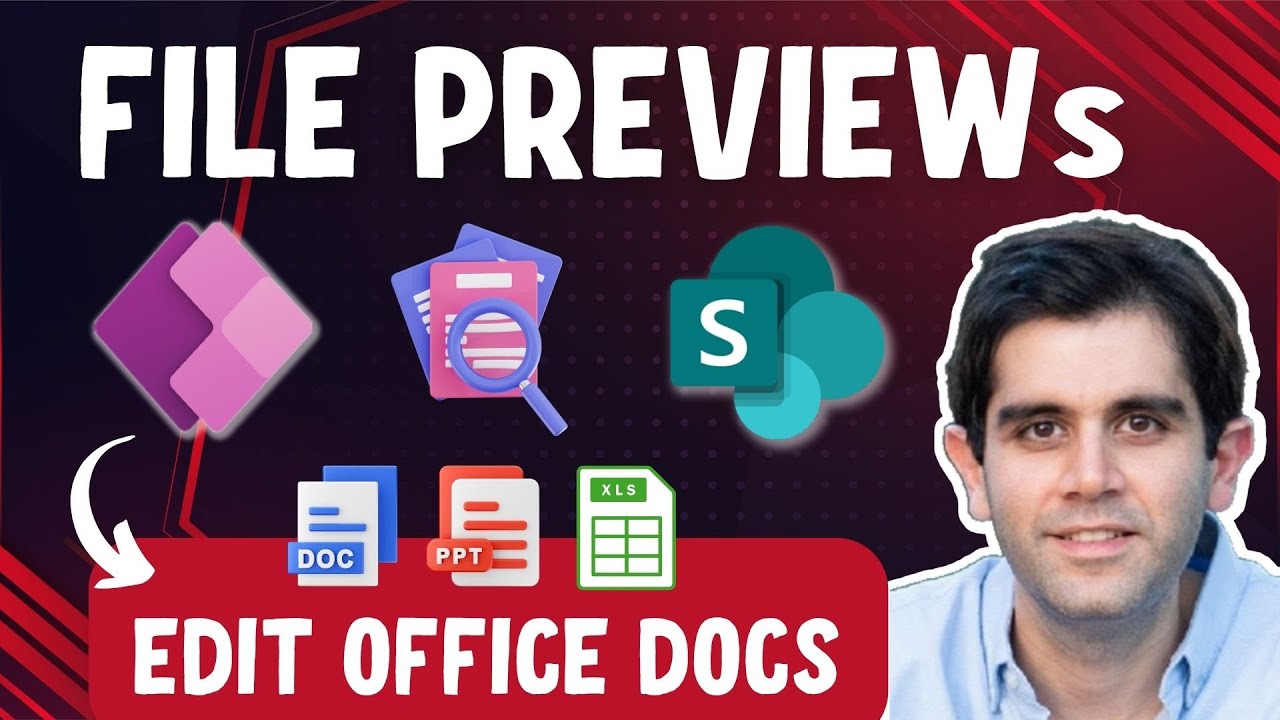
In this Power Apps Tutorial Video, we dive into the exciting world of file previewing and editing in PowerApps using SharePoint Document Library. Discover how you can seamlessly preview files from SharePoint and directly edit Office documents (Word, PowerPoint, and Excel) within Power Apps.
Throughout this comprehensive tutorial, you'll learn how to leverage the power of SharePoint REST API and Microsoft Graph API to enable document previews and edits in Power Apps. Follow along as this Power Apps tutorial video will guide you through building the file preview experience, making API calls to SharePoint REST API and Graph API, and utilizing Power Automate for seamless integration.
Unlock the magic of the Graph API 🚀 and witness firsthand how you can query the SharePoint REST API to generate file previews and edit experiences. And guess what? These techniques work on Mobile Apps too!
Key topics covered in this video include:
✅ Demo - Document Viewer + Editor in Power Apps
✅ Utilizing Microsoft Graph API to preview drive items
✅ Leveraging SharePoint REST API to preview SharePoint library files
✅ Editing office documents directly within Power Apps
✅ Full document library experience in Power Apps
⬇️ Download the sample Apps showcased in the video:
Exclusive for Channel Members (Silver Club 🥈 or higher).
Find the download link in the Community Tab for Members.
To become a member, click here: https://www.youtube.com/rezadorrani/join
Additional Resources:
🔗 SharePoint REST operations via the Microsoft Graph REST API:
https://learn.microsoft.com/en-us/sharepoint/dev/apis/sharepoint-rest-graph
🔗 Microsoft Graph Explorer:
https://developer.microsoft.com/graph/graph-explorer
🔗 driveItem: preview - Obtain a short-lived embeddable URL for an item to render a temporary preview:
https://learn.microsoft.com/en-us/graph/api/driveitem-preview?view=graph-rest-1.0
🔗 Embeddable file previews:
https://learn.microsoft.com/en-us/onedrive/developer/rest-api/api/driveitem_preview?view=odsp-graph-online
🔗 Iframe PCF code component:
https://pcf.gallery/iframe-pcf/
#PowerApps #SharePoint #Documents #Files #Office #microsoftgraph
Table of Contents:
00:00 - Introduction to SharePoint Document Library file viewing and editing in Power Apps
00:49 - SharePoint Document Previews in Power Apps
01:57 - How to build document viewer in PowerApps - Tutorial
03:29 - Power Apps Get file preview using SharePoint API
21:47 - Power Apps Get document preview using Microsoft Graph API
25:30 - Editing Office files in Power Apps
28:20 - Document Library Experience in Power Apps
29:44 - Subscribe to Reza Dorrani channel
🤝 Let’s connect on social:
🔗 Reza Dorrani LinkedIn: https://www.linkedin.com/in/rezadorrani/
🐦 Reza Dorrani Twitter: https://twitter.com/rezadorrani
Throughout this comprehensive tutorial, you'll learn how to leverage the power of SharePoint REST API and Microsoft Graph API to enable document previews and edits in Power Apps. Follow along as this Power Apps tutorial video will guide you through building the file preview experience, making API calls to SharePoint REST API and Graph API, and utilizing Power Automate for seamless integration.
Unlock the magic of the Graph API 🚀 and witness firsthand how you can query the SharePoint REST API to generate file previews and edit experiences. And guess what? These techniques work on Mobile Apps too!
Key topics covered in this video include:
✅ Demo - Document Viewer + Editor in Power Apps
✅ Utilizing Microsoft Graph API to preview drive items
✅ Leveraging SharePoint REST API to preview SharePoint library files
✅ Editing office documents directly within Power Apps
✅ Full document library experience in Power Apps
⬇️ Download the sample Apps showcased in the video:
Exclusive for Channel Members (Silver Club 🥈 or higher).
Find the download link in the Community Tab for Members.
To become a member, click here: https://www.youtube.com/rezadorrani/join
Additional Resources:
🔗 SharePoint REST operations via the Microsoft Graph REST API:
https://learn.microsoft.com/en-us/sharepoint/dev/apis/sharepoint-rest-graph
🔗 Microsoft Graph Explorer:
https://developer.microsoft.com/graph/graph-explorer
🔗 driveItem: preview - Obtain a short-lived embeddable URL for an item to render a temporary preview:
https://learn.microsoft.com/en-us/graph/api/driveitem-preview?view=graph-rest-1.0
🔗 Embeddable file previews:
https://learn.microsoft.com/en-us/onedrive/developer/rest-api/api/driveitem_preview?view=odsp-graph-online
🔗 Iframe PCF code component:
https://pcf.gallery/iframe-pcf/
#PowerApps #SharePoint #Documents #Files #Office #microsoftgraph
Table of Contents:
00:00 - Introduction to SharePoint Document Library file viewing and editing in Power Apps
00:49 - SharePoint Document Previews in Power Apps
01:57 - How to build document viewer in PowerApps - Tutorial
03:29 - Power Apps Get file preview using SharePoint API
21:47 - Power Apps Get document preview using Microsoft Graph API
25:30 - Editing Office files in Power Apps
28:20 - Document Library Experience in Power Apps
29:44 - Subscribe to Reza Dorrani channel
🤝 Let’s connect on social:
🔗 Reza Dorrani LinkedIn: https://www.linkedin.com/in/rezadorrani/
🐦 Reza Dorrani Twitter: https://twitter.com/rezadorrani
Tags and Topics
Browse our collection to discover more content in these categories.
Video Information
Views
72.4K
Likes
977
Duration
29:52
Published
Jul 10, 2023
User Reviews
4.6
(14) Related Trending Topics
LIVE TRENDSRelated trending topics. Click any trend to explore more videos.
No specific trending topics match this video yet.
Explore All Trends