Build a Scrollable Editable Power Apps Gallery
Learn to create a responsive Power Apps Gallery with horizontal and vertical scrolling for an editable table experience. 📊

Reza Dorrani
34.5K views • Jan 26, 2026
About this video
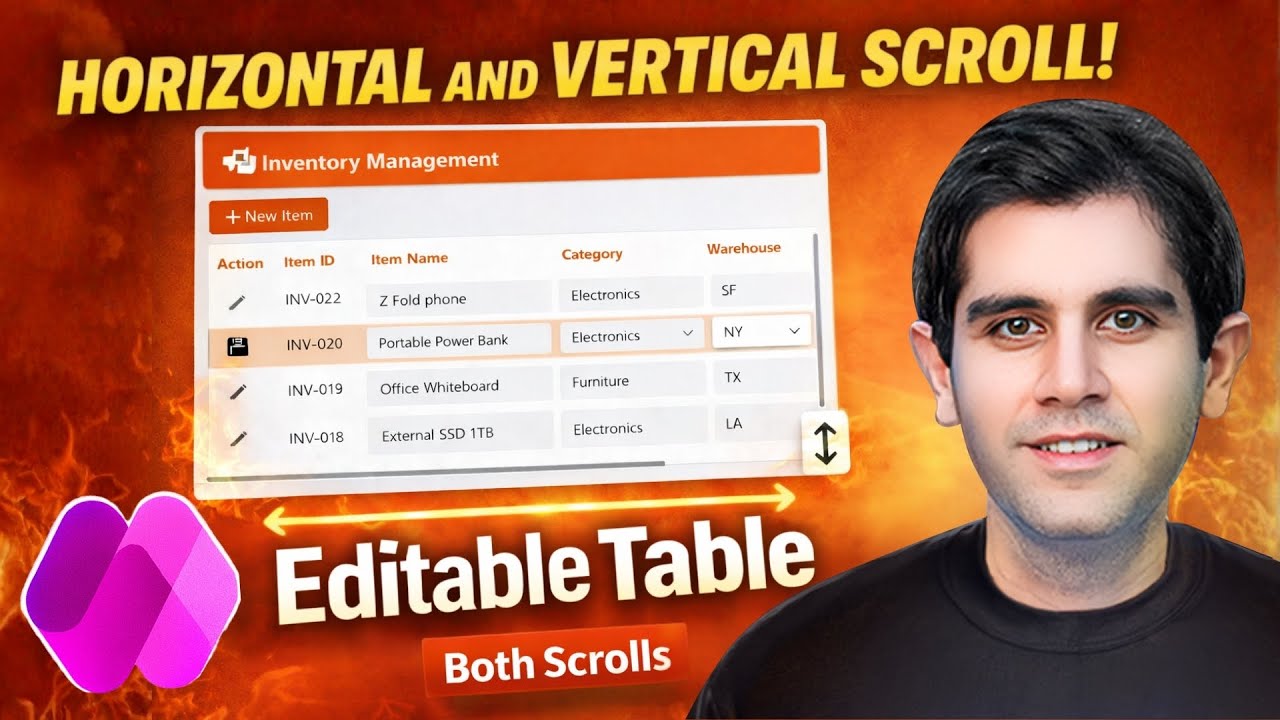
Learn how to build a Power Apps Gallery with both horizontal and vertical scrolling to create a fully responsive editable table like experience.
In this video, I walk through a practical, step-by-step approach to designing a Gallery-based editable table in Power Apps that supports many rows (vertical scrolling) and many columns (horizontal scrolling). The gallery dynamically adapts to screen size and orientation (full responsive design), allowing users to smoothly scroll across columns while maintaining a clean, usable layout on any device.
🔹 What you’ll learn:
How to configure a Power Apps Gallery with horizontal & vertical scroll
Build an editable table using Gallery controls (not Data Tables)
Handle large datasets with many rows and columns
Make the layout fully responsive across screen sizes and orientations
Enable full CRUD operations directly inside the Gallery
Create a modern, scalable editable grid experience in Canvas Apps
#powerapps #powerplatform #lowcode #responsivedesign
⬇️ Download Power Apps Gallery with horizontal and vertical scroll solution as shown in video
➡️ The link is in Community Tab for Channel Members (Gold 🥇 OR Silver 🥈)
To become a member, click here: https://www.youtube.com/rezadorrani/join
Table of Contents:
0:00 - How to Build a Power Apps Gallery with Horizontal & Vertical Scroll | Editable Table
0:32 - Build a Responsive Power App experience
1:22 - Build Excel like Editable Table in Power Apps
12:15 - Power Apps Vertical Gallery with Horizontal Scrolling
14:06 - Gallery Container Vertical Scroll
15:46 - Add scrollable Headers for Gallery (Editable Table)
25:15 - Patch Gallery updates to data source
In this video, I walk through a practical, step-by-step approach to designing a Gallery-based editable table in Power Apps that supports many rows (vertical scrolling) and many columns (horizontal scrolling). The gallery dynamically adapts to screen size and orientation (full responsive design), allowing users to smoothly scroll across columns while maintaining a clean, usable layout on any device.
🔹 What you’ll learn:
How to configure a Power Apps Gallery with horizontal & vertical scroll
Build an editable table using Gallery controls (not Data Tables)
Handle large datasets with many rows and columns
Make the layout fully responsive across screen sizes and orientations
Enable full CRUD operations directly inside the Gallery
Create a modern, scalable editable grid experience in Canvas Apps
#powerapps #powerplatform #lowcode #responsivedesign
⬇️ Download Power Apps Gallery with horizontal and vertical scroll solution as shown in video
➡️ The link is in Community Tab for Channel Members (Gold 🥇 OR Silver 🥈)
To become a member, click here: https://www.youtube.com/rezadorrani/join
Table of Contents:
0:00 - How to Build a Power Apps Gallery with Horizontal & Vertical Scroll | Editable Table
0:32 - Build a Responsive Power App experience
1:22 - Build Excel like Editable Table in Power Apps
12:15 - Power Apps Vertical Gallery with Horizontal Scrolling
14:06 - Gallery Container Vertical Scroll
15:46 - Add scrollable Headers for Gallery (Editable Table)
25:15 - Patch Gallery updates to data source
Tags and Topics
Browse our collection to discover more content in these categories.
Video Information
Views
34.5K
Likes
731
Duration
29:48
Published
Jan 26, 2026
User Reviews
4.7
(6) Related Trending Topics
LIVE TRENDSRelated trending topics. Click any trend to explore more videos.
No specific trending topics match this video yet.
Explore All Trends