Transfer All Data to New iPhone Without Backup 📱
Learn how to transfer all data from your old iPhone to a new one easily, no backup needed, with iCarefone. Transfer photos, contacts, and more.

Daniel About Tech
714.9K views • Nov 14, 2024
About this video
iCarefone (https://bit.ly/4i8VU4N) Transfer ALL DATA from old iPhone to new iPhone. 1-Click to transfer photos from iPhone to PC/Mac. Transfer/manage contacts, music, videos, messages between iPhone/iPad and PC/Mac with iCarefone Easily.
Best way to transfer ALL DATA from old iPhone to new iPhone: https://bit.ly/3HD8Faw
Transfer photos, videos, music, voice memos, contacts, SMS etc between iPhone and computer in 1 click.
If you won't have both iPhones with you: https://youtu.be/o8BOOpmywdU
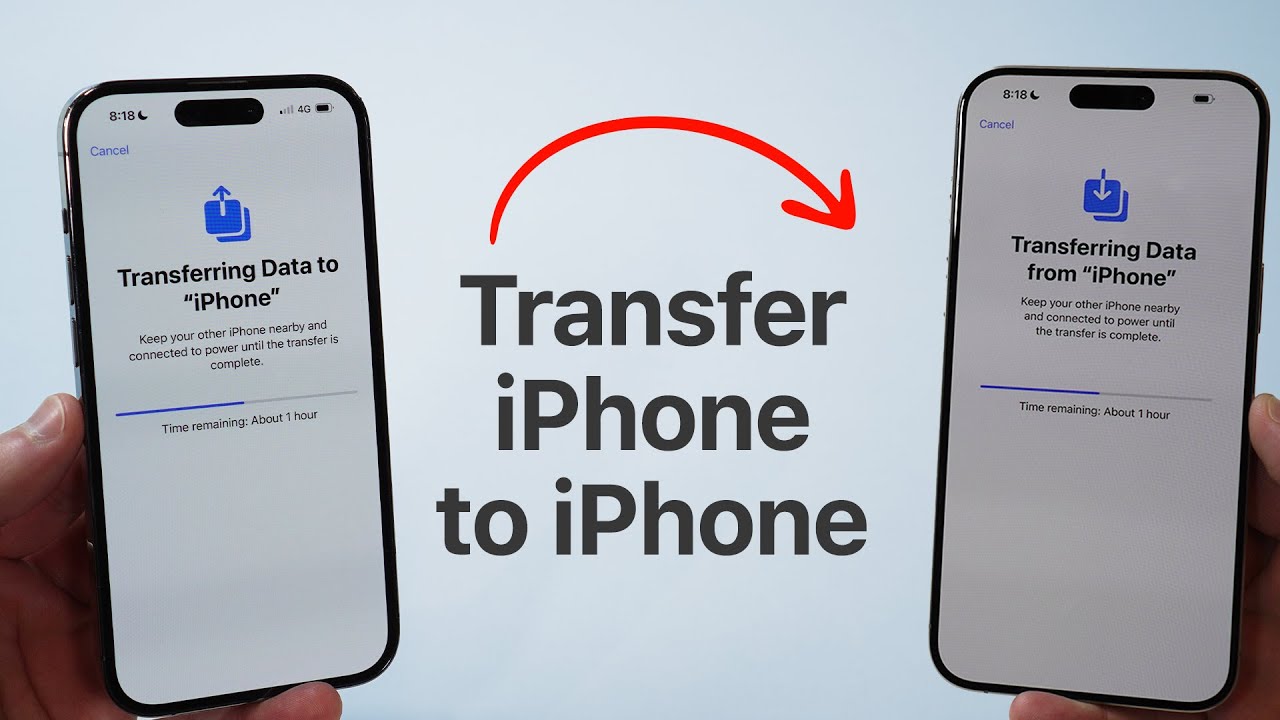
Have you bought a new iPhone and want to transfer all you data, files and apps from your old iPhone? In this updated video for iOS 18 I teach you how. The best part? No Backup or computer is necessary and it's all free! Hope U Enjoy!
Best way to transfer ALL DATA from old iPhone to new iPhone: https://bit.ly/3HD8Faw
Transfer photos, videos, music, voice memos, contacts, SMS etc between iPhone and computer in 1 click.
If you won't have both iPhones with you: https://youtu.be/o8BOOpmywdU
Have you bought a new iPhone and want to transfer all you data, files and apps from your old iPhone? In this updated video for iOS 18 I teach you how. The best part? No Backup or computer is necessary and it's all free! Hope U Enjoy!
Video Information
Views
714.9K
Likes
4.2K
Duration
14:38
Published
Nov 14, 2024
User Reviews
4.3
(142) Related Trending Topics
LIVE TRENDSRelated trending topics. Click any trend to explore more videos.
No specific trending topics match this video yet.
Explore All Trends