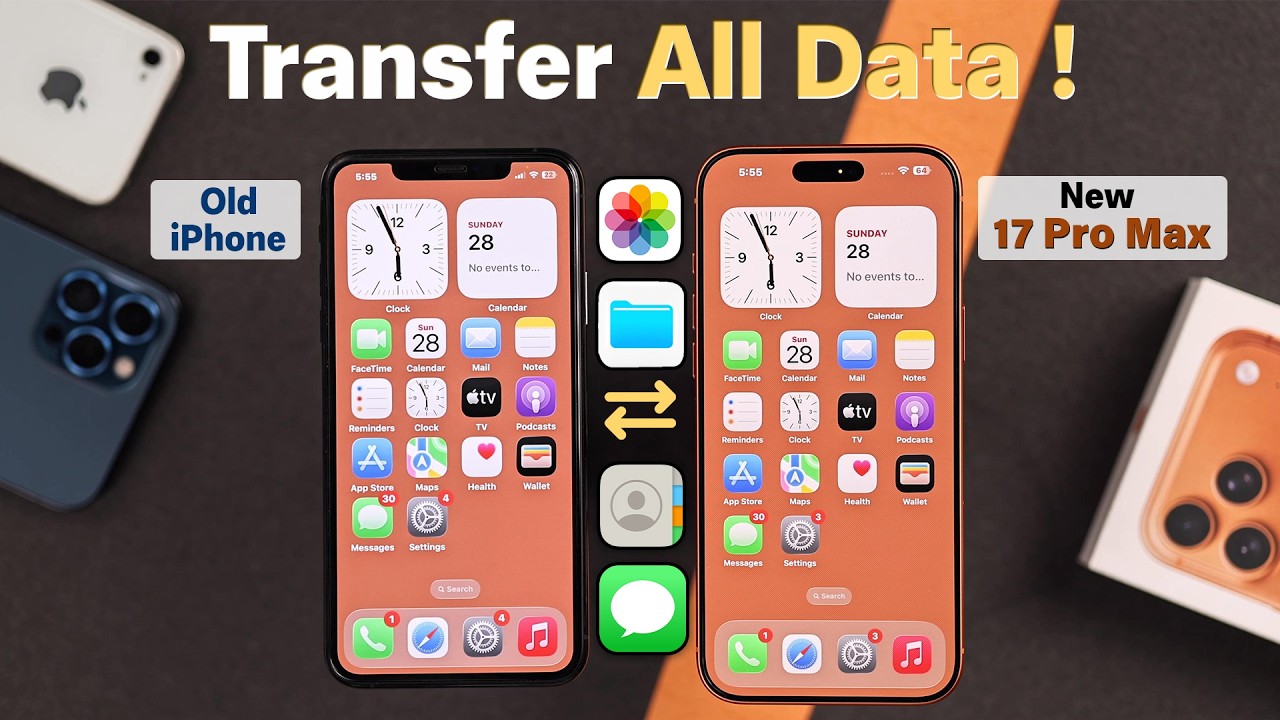
Transfer Data from Old iPhone to iPhone 17 Pro Max 📱
Learn how to easily transfer photos, contacts, apps, and more from your old iPhone to the new iPhone 17 Pro Max without iCloud.

Fix369
2.6K views • Oct 2, 2025
About this video
Seamlessly transfer all data, like photos, videos, contacts, apps, and more on iPhone 17 Pro Max, 17 Pro, 17 after upgrading from an Old iPhone without iCloud backup, want to know how?
Need help to setup your new iPhone 17 series phone with everything from any old iPhone, including iPhone 16, 15, 14, 13, 12, and 11 Pro Max? No worries, follow the 3-step beginner’s guide to move all data and contents from your old iPhone to your new iPhone 17 Pro Max.
#iPhone17ProMaxDataTransferOldiPhone #iPhone17TransferAllDataOldiPhone
0:00 Intro: Transfer everything from an Old iPhone to a New iPhone 17 Pro Max
0:13 Step 1: Reset iPhone 17 to factory default settings (if already set up)
1:02 Step 2: Connect to the Old iPhone for Data Transfer and Additional Settings
1:51 Step 3: Migrate all data to set up the new iPhone 17 Pro Max
Need help to setup your new iPhone 17 series phone with everything from any old iPhone, including iPhone 16, 15, 14, 13, 12, and 11 Pro Max? No worries, follow the 3-step beginner’s guide to move all data and contents from your old iPhone to your new iPhone 17 Pro Max.
#iPhone17ProMaxDataTransferOldiPhone #iPhone17TransferAllDataOldiPhone
0:00 Intro: Transfer everything from an Old iPhone to a New iPhone 17 Pro Max
0:13 Step 1: Reset iPhone 17 to factory default settings (if already set up)
1:02 Step 2: Connect to the Old iPhone for Data Transfer and Additional Settings
1:51 Step 3: Migrate all data to set up the new iPhone 17 Pro Max
Tags and Topics
Browse our collection to discover more content in these categories.
Video Information
Views
2.6K
Likes
17
Duration
3:05
Published
Oct 2, 2025
User Reviews
4.1
(2) Related Trending Topics
LIVE TRENDSRelated trending topics. Click any trend to explore more videos.
No specific trending topics match this video yet.
Explore All Trends