Transfer Data from Old to New iPhone Easily 📱
Learn quick methods to transfer all your data from an old iPhone to a new one efficiently and seamlessly.
Howfinity
14.2M views • Nov 4, 2020
About this video
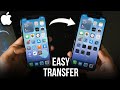
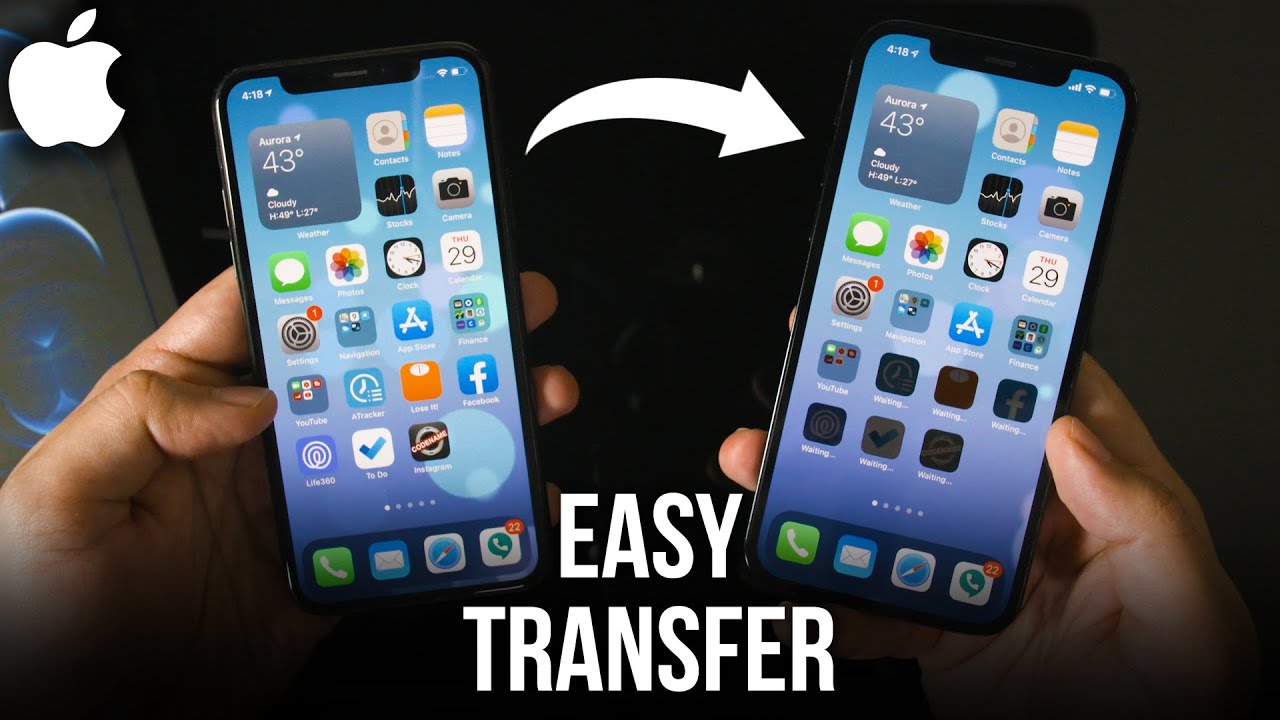
You can now easily transfer all your data from an old iPhone to a new iPhone faster than ever before.
Previously, your best options were to use iCloud, or a computer to transfer data from one iPhone to another iPhone.
But with iPhone 11 and 12, this process is much easier.
You simply need to hold your old iPhone and new iPhone next to each other and follow the transfer process which only takes a few steps.
Step 1: Back up your iPhone using iCloud. We won't be using the iCloud transfer method, but we will do this for safety.
Step 2: make sure your new iPhone is on the hello page. If it's not, you need to reset the phone to its original settings for the settings menu.
Step 3: Unlock your old iPhone. This will work for iPhone 7, iPhone 8, iPhone X, iPhone 11, and iPhone 12, iPhone 12 Pro and iPhone 12 Pro Max, and iPhone 12 mini.
Just make sure both phones have the same iOS or the new phone has a newer iOS.
Step 4: Scan the code that appears on your phone and follow the steps.
Thank you for watching this video! Please share and subscribe for more, easy to follow social media and tech videos.
======================================
Share this video: https://youtu.be/_CVzm_vNHpY
======================================
See more simple and easy to follow how-to videos.
Subscribe https://www.youtube.com/c/howfinity?sub_confirmation=1
Watch easy to follow how-to videos on social media and tech on our website.
https://howfinity.com
Previously, your best options were to use iCloud, or a computer to transfer data from one iPhone to another iPhone.
But with iPhone 11 and 12, this process is much easier.
You simply need to hold your old iPhone and new iPhone next to each other and follow the transfer process which only takes a few steps.
Step 1: Back up your iPhone using iCloud. We won't be using the iCloud transfer method, but we will do this for safety.
Step 2: make sure your new iPhone is on the hello page. If it's not, you need to reset the phone to its original settings for the settings menu.
Step 3: Unlock your old iPhone. This will work for iPhone 7, iPhone 8, iPhone X, iPhone 11, and iPhone 12, iPhone 12 Pro and iPhone 12 Pro Max, and iPhone 12 mini.
Just make sure both phones have the same iOS or the new phone has a newer iOS.
Step 4: Scan the code that appears on your phone and follow the steps.
Thank you for watching this video! Please share and subscribe for more, easy to follow social media and tech videos.
======================================
Share this video: https://youtu.be/_CVzm_vNHpY
======================================
See more simple and easy to follow how-to videos.
Subscribe https://www.youtube.com/c/howfinity?sub_confirmation=1
Watch easy to follow how-to videos on social media and tech on our website.
https://howfinity.com
Tags and Topics
Browse our collection to discover more content in these categories.
Video Information
Views
14.2M
Likes
139.7K
Duration
5:02
Published
Nov 4, 2020
User Reviews
4.6
(2844) Related Trending Topics
LIVE TRENDSRelated trending topics. Click any trend to explore more videos.
No specific trending topics match this video yet.
Explore All Trends