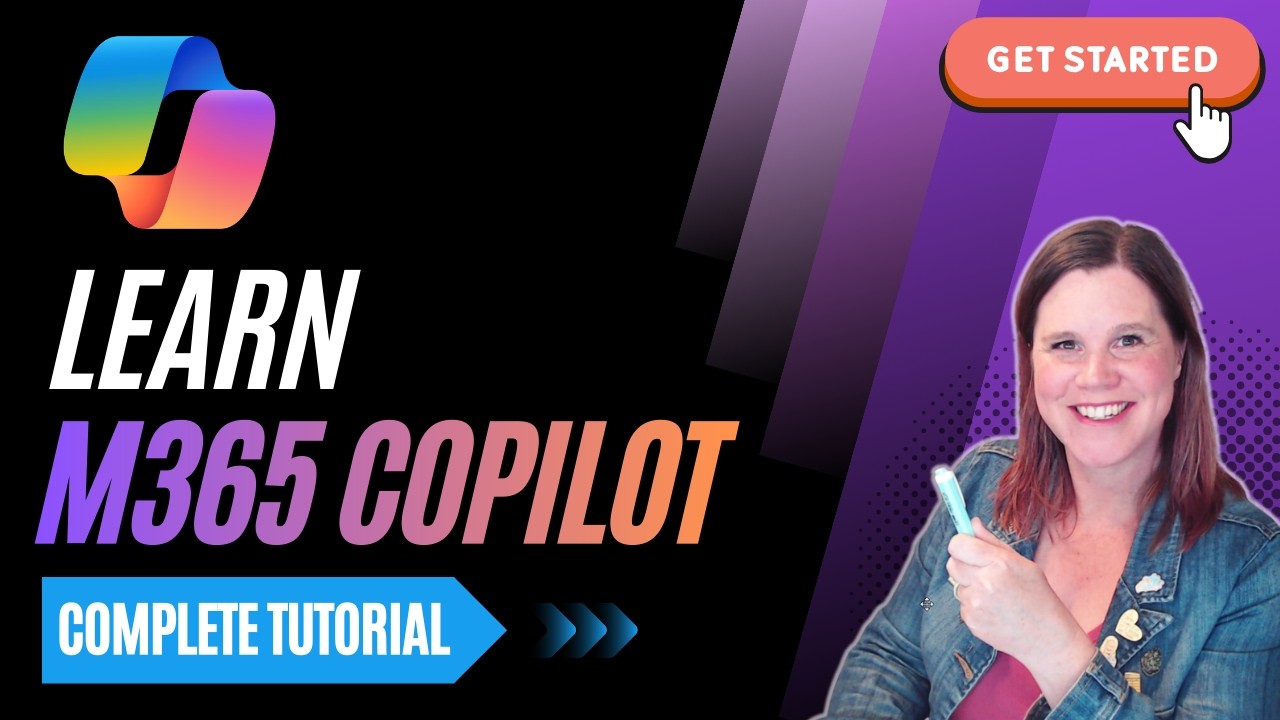
Microsoft 365 Copilot: Complete Tutorial for Beginners (2026)
In this complete Microsoft 365 Copilot tutorial, you’ll learn how to use Copilot the right way — from understanding licensing and security, to writing powerf...

Lisa Crosbie
27.5K views • Feb 23, 2026
About this video
In this complete Microsoft 365 Copilot tutorial, you’ll learn how to use Copilot the right way — from understanding licensing and security, to writing powerful prompts, building agents, and using Copilot across Teams, Outlook, Word, Excel, and PowerPoint.
If you're feeling overwhelmed by Microsoft 365 Copilot, don't know where to start or how to get real business value from it, this video walks you step-by-step through everything you need to know.
By the end of this tutorial, you’ll understand:
• How Microsoft 365 Copilot actually works (Work IQ, grounding, and enterprise security)
• How to write effective prompts using the GCSE framework
• How to save, schedule, and refine prompts
• How to use Pages and Notebooks for collaboration
• How to build your own Copilot agents
• The difference between Copilot Chat and Copilot inside Microsoft 365 apps
• How to use Copilot in Teams, Outlook, Word, Excel, and PowerPoint
This is designed for business users, IT professionals, and leaders who want to move beyond experimentation and start using Copilot strategically.
------------------------------
Thank you for supporting my channel:
☕ Buy me a coffee: https://www.buymeacoffee.com/lisacrosbie
📘 Get my book - Copilot Studio Step by Step: https://www.microsoftpressstore.com/store/microsoft-copilot-studio-step-by-step-customizing-copilot-9780135491539 (Also available on Amazon)
🤝 Follow me on LinkedIn: https://www.linkedin.com/in/lisa-crosbie/
---------------------------
Timestamps:
0:00 - How to Get Real Business Value from Microsoft 365 Copilot
0:33 - Access Requirements and Licensing Explained
1:57 - Understanding Work IQ and How It Powers Copilot
2:53 - Enterprise Security and Data Protection in Copilot
3:59 - The Work Tab: How Copilot Uses Your Work Data (Grounding Explained)
6:42 - Using the Web Tab for Broader Research
8:12 - Using Context IQ to Find and Add Specific Sources
12:30 - How to Edit and Refine a Prompt
13:46 - How to Schedule Prompts in Copilot
15:35 - Saving Prompts and Using the Prompt Gallery
16:14 - The GCSE Framework: How to Write an Effective Copilot Prompt
20:05 - Starting a New Chat in Microsoft 365 Copilot
20:27 - Applying the GCSE Framework: Writing a High-Quality Prompt
22:20 - Copy and Collaborate with Copilot Pages
24:30 - Using Notebooks to Organise Your Work
29:04 - How to Build Your Own Copilot Agent
40:43 - The Agent Store and Out-of-the-Box Agents
41:36 - Using the Researcher Agent
44:55 - Using the Analyst Agent
47:06 - Microsoft 365 Copilot Chat vs Copilot in Apps: What’s the Difference?
47:26 - Using Copilot Inside Microsoft Teams
48:14 - Working with Copilot in Outlook
50:05 - Using Copilot in Word
51:48 - Using Copilot in Excel
52:10 - Using Copilot in PowerPoint
52:25 - You Made It to the End! What’s Next?
If you're feeling overwhelmed by Microsoft 365 Copilot, don't know where to start or how to get real business value from it, this video walks you step-by-step through everything you need to know.
By the end of this tutorial, you’ll understand:
• How Microsoft 365 Copilot actually works (Work IQ, grounding, and enterprise security)
• How to write effective prompts using the GCSE framework
• How to save, schedule, and refine prompts
• How to use Pages and Notebooks for collaboration
• How to build your own Copilot agents
• The difference between Copilot Chat and Copilot inside Microsoft 365 apps
• How to use Copilot in Teams, Outlook, Word, Excel, and PowerPoint
This is designed for business users, IT professionals, and leaders who want to move beyond experimentation and start using Copilot strategically.
------------------------------
Thank you for supporting my channel:
☕ Buy me a coffee: https://www.buymeacoffee.com/lisacrosbie
📘 Get my book - Copilot Studio Step by Step: https://www.microsoftpressstore.com/store/microsoft-copilot-studio-step-by-step-customizing-copilot-9780135491539 (Also available on Amazon)
🤝 Follow me on LinkedIn: https://www.linkedin.com/in/lisa-crosbie/
---------------------------
Timestamps:
0:00 - How to Get Real Business Value from Microsoft 365 Copilot
0:33 - Access Requirements and Licensing Explained
1:57 - Understanding Work IQ and How It Powers Copilot
2:53 - Enterprise Security and Data Protection in Copilot
3:59 - The Work Tab: How Copilot Uses Your Work Data (Grounding Explained)
6:42 - Using the Web Tab for Broader Research
8:12 - Using Context IQ to Find and Add Specific Sources
12:30 - How to Edit and Refine a Prompt
13:46 - How to Schedule Prompts in Copilot
15:35 - Saving Prompts and Using the Prompt Gallery
16:14 - The GCSE Framework: How to Write an Effective Copilot Prompt
20:05 - Starting a New Chat in Microsoft 365 Copilot
20:27 - Applying the GCSE Framework: Writing a High-Quality Prompt
22:20 - Copy and Collaborate with Copilot Pages
24:30 - Using Notebooks to Organise Your Work
29:04 - How to Build Your Own Copilot Agent
40:43 - The Agent Store and Out-of-the-Box Agents
41:36 - Using the Researcher Agent
44:55 - Using the Analyst Agent
47:06 - Microsoft 365 Copilot Chat vs Copilot in Apps: What’s the Difference?
47:26 - Using Copilot Inside Microsoft Teams
48:14 - Working with Copilot in Outlook
50:05 - Using Copilot in Word
51:48 - Using Copilot in Excel
52:10 - Using Copilot in PowerPoint
52:25 - You Made It to the End! What’s Next?
Tags and Topics
Browse our collection to discover more content in these categories.
Video Information
Views
27.5K
Likes
504
Duration
52:56
Published
Feb 23, 2026
User Reviews
4.6
(5) Related Trending Topics
LIVE TRENDSRelated trending topics. Click any trend to explore more videos.
No specific trending topics match this video yet.
Explore All Trends