Master Microsoft 365 Copilot with Your 365 Coach 🚀
Learn how to maximize Microsoft 365 Copilot using Your 365 Coach for courses, training, and expert guidance. Updated for 2026!
Scott Brant
16.6K views • Dec 8, 2025
About this video
👉 Want to get the most from Microsoft 365 Copilot? Start with Your 365 Coach by visiting https://www.your365coach.co.uk for courses, training, and expert help with Copilot!
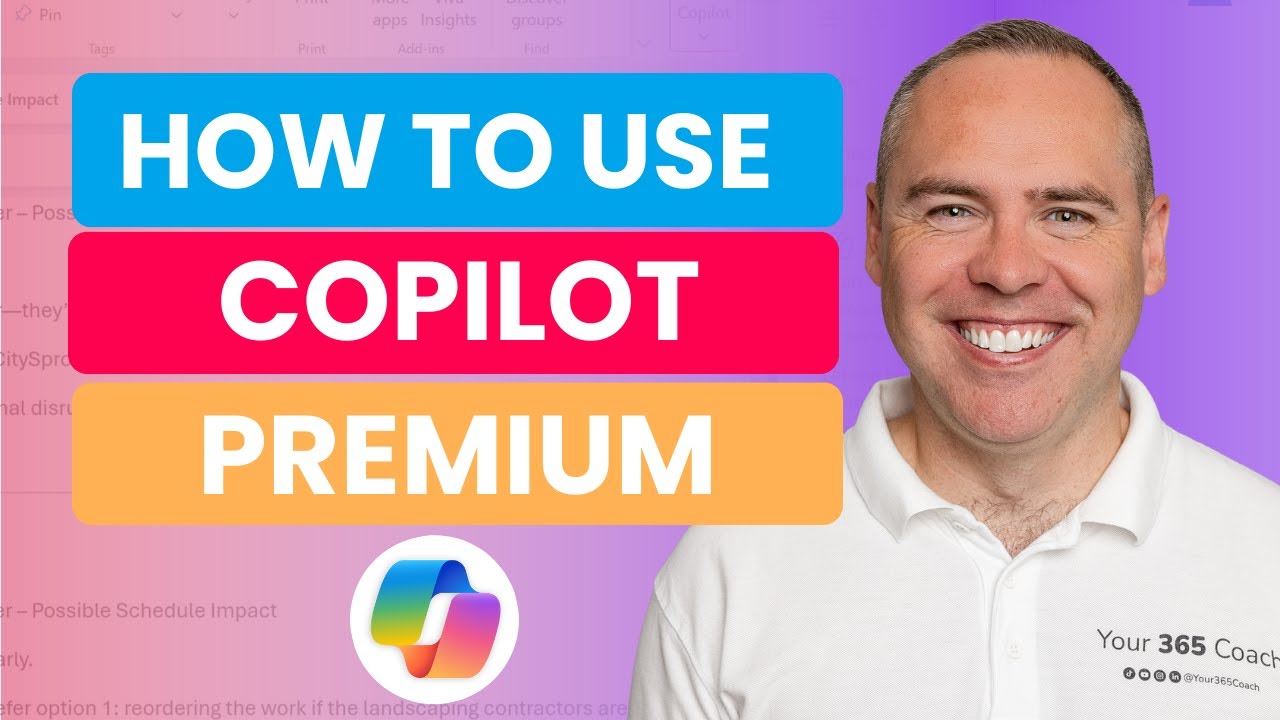
In this hands-on tutorial, we explore five practical ways start-ups and small businesses can use Microsoft Copilot in Microsoft 365 Premium and Copilot Pro. Whether you're using Microsoft 365 Premium (Personal/Family) or previously used Copilot Pro, this guide shows how to get real business value from Copilot across Outlook, Word, Copilot Chat, and the new Analyst capabilities.
Today, I’ll take you through each experience step by step, showing you where to find Copilot, how to use it effectively, and the best ways to apply it to everyday business tasks like email handling, research, document creation, data analysis, and gathering insights.
If you're running a start-up, working independently, or managing a small team, this video will give you a clear understanding of how Copilot can support productivity, decision-making, and content creation — without needing a corporate Microsoft 365 subscription.
🔍 What You’ll Learn in This Video
✅ What Copilot Pro was, what Microsoft 365 Premium includes today, and what small businesses still get
✅ How to find Copilot for Work and understand the difference between work and personal contexts
✅ How to use Copilot Chat for research, planning, drafting, and problem-solving
✅ How to use Copilot in Outlook to write, respond, summarise threads, and draft content
✅ How to work with Copilot Analyst for business insights and quick data exploration
✅ How to use Copilot in Word to create proposals, reports, letters, and structured documents
✅ A full summary of how Copilot fits into a start-up or small business workflow
⭐ Additional Resources
🎓 Learn Microsoft 365 Copilot in our Academy:
👉 https://www.your365coach.co.uk/your-365-coach-learning-academy
📘 Download our FREE Microsoft 365 Copilot eBook Collection:
👉 https://www.your365coach.co.uk/ebook
📬 Join our Weekly Microsoft 365 Newsletter (Coach’s Corner):
👉 https://www.your365coach.co.uk/newsletter
📰 Stay Connected with Your 365 Coach
📸 Instagram: www.instagram.com/your365coach
🎵 TikTok: www.tiktok.com/@your365coach
🔗 LinkedIn: https://www.linkedin.com/company/your-365-coach
👍 If you found this video helpful, please give it a LIKE
💬 Comment below: Which Copilot skill is most valuable for your start-up or small business?
🔔 Subscribe to Your 365 Coach for weekly Microsoft 365 tutorials, tips, and updates
⏱ Video Chapters
00:00 Explaining Copilot Pro and Microsoft 365 Premium
01:17 How to Find Copilot For Work
04:28 How to Use Copilot Chat
08:07 How to Use Copilot in Outlook
11:07 How to Use Copilot Analyst
14:32 How to Use Copilot in Word
17:03 Summarising Copilot for Small Businesses and Start-Ups
Disclaimer:
The instructions and information provided in this video are offered as general guidance only. While every effort has been made to ensure accuracy, Your 365 Coach makes no warranties, guarantees, or representations about the completeness or suitability of this content for your specific environment. Always review your organisation’s policies, permissions, and licensing agreements before implementing any changes.
In this hands-on tutorial, we explore five practical ways start-ups and small businesses can use Microsoft Copilot in Microsoft 365 Premium and Copilot Pro. Whether you're using Microsoft 365 Premium (Personal/Family) or previously used Copilot Pro, this guide shows how to get real business value from Copilot across Outlook, Word, Copilot Chat, and the new Analyst capabilities.
Today, I’ll take you through each experience step by step, showing you where to find Copilot, how to use it effectively, and the best ways to apply it to everyday business tasks like email handling, research, document creation, data analysis, and gathering insights.
If you're running a start-up, working independently, or managing a small team, this video will give you a clear understanding of how Copilot can support productivity, decision-making, and content creation — without needing a corporate Microsoft 365 subscription.
🔍 What You’ll Learn in This Video
✅ What Copilot Pro was, what Microsoft 365 Premium includes today, and what small businesses still get
✅ How to find Copilot for Work and understand the difference between work and personal contexts
✅ How to use Copilot Chat for research, planning, drafting, and problem-solving
✅ How to use Copilot in Outlook to write, respond, summarise threads, and draft content
✅ How to work with Copilot Analyst for business insights and quick data exploration
✅ How to use Copilot in Word to create proposals, reports, letters, and structured documents
✅ A full summary of how Copilot fits into a start-up or small business workflow
⭐ Additional Resources
🎓 Learn Microsoft 365 Copilot in our Academy:
👉 https://www.your365coach.co.uk/your-365-coach-learning-academy
📘 Download our FREE Microsoft 365 Copilot eBook Collection:
👉 https://www.your365coach.co.uk/ebook
📬 Join our Weekly Microsoft 365 Newsletter (Coach’s Corner):
👉 https://www.your365coach.co.uk/newsletter
📰 Stay Connected with Your 365 Coach
📸 Instagram: www.instagram.com/your365coach
🎵 TikTok: www.tiktok.com/@your365coach
🔗 LinkedIn: https://www.linkedin.com/company/your-365-coach
👍 If you found this video helpful, please give it a LIKE
💬 Comment below: Which Copilot skill is most valuable for your start-up or small business?
🔔 Subscribe to Your 365 Coach for weekly Microsoft 365 tutorials, tips, and updates
⏱ Video Chapters
00:00 Explaining Copilot Pro and Microsoft 365 Premium
01:17 How to Find Copilot For Work
04:28 How to Use Copilot Chat
08:07 How to Use Copilot in Outlook
11:07 How to Use Copilot Analyst
14:32 How to Use Copilot in Word
17:03 Summarising Copilot for Small Businesses and Start-Ups
Disclaimer:
The instructions and information provided in this video are offered as general guidance only. While every effort has been made to ensure accuracy, Your 365 Coach makes no warranties, guarantees, or representations about the completeness or suitability of this content for your specific environment. Always review your organisation’s policies, permissions, and licensing agreements before implementing any changes.
Tags and Topics
Browse our collection to discover more content in these categories.
Video Information
Views
16.6K
Likes
202
Duration
18:06
Published
Dec 8, 2025
User Reviews
4.4
(3) Related Trending Topics
LIVE TRENDSRelated trending topics. Click any trend to explore more videos.
No specific trending topics match this video yet.
Explore All Trends