Master Microsoft 365 Copilot in Easy Steps 🚀
Learn how to use Microsoft 365 Copilot and revolutionize your workflow with our simple tutorial at Your365Coach.

Scott Brant
34.1K views • May 5, 2025
About this video
👉 Master Microsoft 365 Copilot and transform how you work at https://www.your365coach.co.uk/your-365-coach-master-microsoft-365-copilot
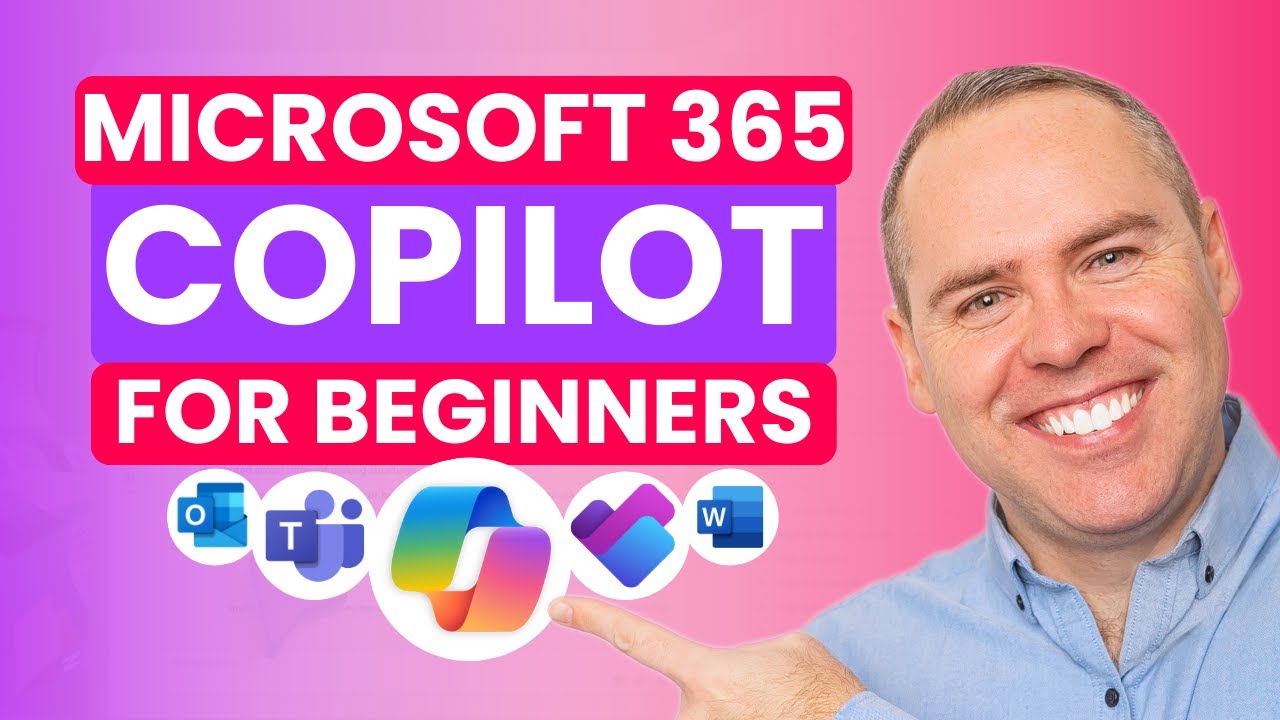
Say goodbye to confusion around Copilot and underwhelming results—this video shows you 5 powerful, easy-to-follow ways to actually use Microsoft 365 Copilot to get real work done across Outlook, Teams, Word, Planner, for Projects and more.
In this tutorial, you'll discover how to make Copilot work for you—not just as a gimmick, but as a genuine productivity tool that helps you manage projects, draft content, and summarise complex information with ease.
🔍 What You’ll Learn in This Video:
✅ The Real Problem with Copilot
Understand why many users struggle with Copilot and what you need to know before expecting results.
✅ Using Microsoft Copilot in Outlook
Discover how Copilot can help you draft, reply, and summarise emails quickly—saving time every day.
✅ Meeting Notes & Transcriptions with Microsoft Teams Copilot
Learn how to turn your meetings into automatically captured insights and shared action points.
✅ Drafting Project Updates in Word with Copilot
See how to use Word + Copilot to generate professional content for your project comms in seconds.
✅ Using Planner Premium with Copilot for Smarter Project Management
Create AI-powered plans, track progress, and manage complex tasks more effectively.
✅ Using Copilot Chat to Summarise Long PDFs Instantly
No more scrolling! Learn how to feed PDFs into Copilot Chat and get clean, usable summaries.
✅ Recap & Key Takeaways
A quick summary of what you’ve learned—and how to put it into action across your projects today.
⭐️ Additional Resources:
📘 Download Your FREE Microsoft 365 Copilot eBook
👉 https://www.your365coach.co.uk/free-microsoft-365-copilot-ebook
🌐 Need Help with Microsoft 365?
We coach teams and businesses on how to unlock the full potential of Microsoft 365.
👉 https://www.your365coach.co.uk/
🔥 Enjoy This Video?
👍 Hit LIKE if this helped you understand Copilot better.
💬 Comment below: Which Copilot use case are you most excited about?
🔔 Subscribe for weekly tutorials to help you master Microsoft 365 and work smarter.
⏱ Video Chapters:
00:00 The Problem with Copilot
01:26 How to Use Microsoft Copilot in Microsoft Outlook
03:45 How to Use Automatic Meeting Notes & Transcriptions with Copilot in Microsoft Teams
06:35 How to Use Copilot in Word to Draft Project Updates
10:24 How to Use Planner AI with Project Management
13:20 How to Use Copilot Chat to Summarise Long PDFs
16:41 Summary of Copilot for Projects
#Microsoft365 #MicrosoftCopilot #CopilotTips #AI #Your365Coach #LearnWithMSFT
Say goodbye to confusion around Copilot and underwhelming results—this video shows you 5 powerful, easy-to-follow ways to actually use Microsoft 365 Copilot to get real work done across Outlook, Teams, Word, Planner, for Projects and more.
In this tutorial, you'll discover how to make Copilot work for you—not just as a gimmick, but as a genuine productivity tool that helps you manage projects, draft content, and summarise complex information with ease.
🔍 What You’ll Learn in This Video:
✅ The Real Problem with Copilot
Understand why many users struggle with Copilot and what you need to know before expecting results.
✅ Using Microsoft Copilot in Outlook
Discover how Copilot can help you draft, reply, and summarise emails quickly—saving time every day.
✅ Meeting Notes & Transcriptions with Microsoft Teams Copilot
Learn how to turn your meetings into automatically captured insights and shared action points.
✅ Drafting Project Updates in Word with Copilot
See how to use Word + Copilot to generate professional content for your project comms in seconds.
✅ Using Planner Premium with Copilot for Smarter Project Management
Create AI-powered plans, track progress, and manage complex tasks more effectively.
✅ Using Copilot Chat to Summarise Long PDFs Instantly
No more scrolling! Learn how to feed PDFs into Copilot Chat and get clean, usable summaries.
✅ Recap & Key Takeaways
A quick summary of what you’ve learned—and how to put it into action across your projects today.
⭐️ Additional Resources:
📘 Download Your FREE Microsoft 365 Copilot eBook
👉 https://www.your365coach.co.uk/free-microsoft-365-copilot-ebook
🌐 Need Help with Microsoft 365?
We coach teams and businesses on how to unlock the full potential of Microsoft 365.
👉 https://www.your365coach.co.uk/
🔥 Enjoy This Video?
👍 Hit LIKE if this helped you understand Copilot better.
💬 Comment below: Which Copilot use case are you most excited about?
🔔 Subscribe for weekly tutorials to help you master Microsoft 365 and work smarter.
⏱ Video Chapters:
00:00 The Problem with Copilot
01:26 How to Use Microsoft Copilot in Microsoft Outlook
03:45 How to Use Automatic Meeting Notes & Transcriptions with Copilot in Microsoft Teams
06:35 How to Use Copilot in Word to Draft Project Updates
10:24 How to Use Planner AI with Project Management
13:20 How to Use Copilot Chat to Summarise Long PDFs
16:41 Summary of Copilot for Projects
#Microsoft365 #MicrosoftCopilot #CopilotTips #AI #Your365Coach #LearnWithMSFT
Tags and Topics
Browse our collection to discover more content in these categories.
Video Information
Views
34.1K
Likes
558
Duration
17:45
Published
May 5, 2025
User Reviews
4.7
(6) Related Trending Topics
LIVE TRENDSRelated trending topics. Click any trend to explore more videos.
No specific trending topics match this video yet.
Explore All Trends