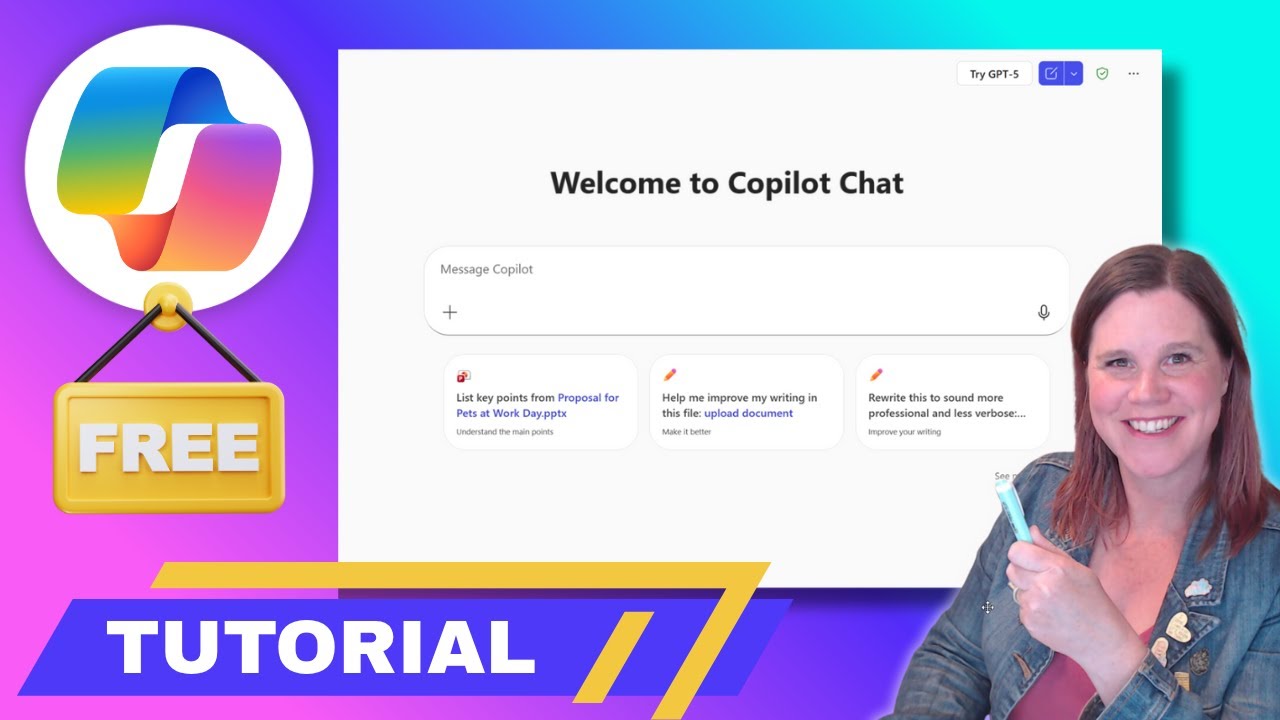
Free Microsoft 365 Copilot Chat Tutorial 📚
Learn how to maximize the free Microsoft 365 Copilot Chat with this step-by-step guide for your work account.

Lisa Crosbie
8.4K views • Nov 10, 2025
About this video
In this step-by-step tutorial, you’ll learn exactly how to get the most out of the free version of Copilot Chat that comes with your Microsoft 365 work account.
If you’ve seen all the hype around Microsoft Copilot but don’t have the paid license, this video is for you. I’ll walk you through how to get real value from the free Copilot Chat experience, including what it can (and can’t) do, how to write great prompts, and how to start using it right now inside the apps you already use.
What You'll Learn:
- How to access Copilot Chat with your work account
- The 4-step prompt framework to get better results
- Where to find Copilot inside Word, Excel, Teams, and Outlook
- How to use Copilot memory for personalized responses
- How to build your own AI agents for repeat tasks
- The real limits of the free version vs the paid one
- Tips to make Copilot Chat actually useful in your daily work
This is clear, practical help for non-technical professionals who want to use AI more effectively in the Microsoft 365 tools they already rely on.
-------------------------------------------------------------------
Connect with me:
☕ Buy me a coffee: https://www.buymeacoffee.com/lisacrosbie
🖇 LinkedIn: https://www.linkedin.com/in/lisa-crosbie/
📼 TikTok: https://www.tiktok.com/@lisa.crosbie
Timestamps:
0:00 - What is Free Copilot Chat? Full Introduction
1:05 - How to Access Copilot Chat in Microsoft 365
3:15 - How Secure AI Works at Work (Enterprise-Grade)
5:22 - How to Write Better Prompts (The #1 Skill)
13:22 - How Copilot Chat Uses Conversation History
14:17 - Intro to AI Agents for Personal Productivity
16:00 - Exploring Microsoft-Built Agents (e.g. Prompt Coach)
18:49 - How to Build Your Own Custom Agent
30:45 - Using Copilot Memory for Personalization
35:03 - Copilot Chat in Microsoft 365 Apps Overview
36:28 - Using Copilot Chat in Excel
38:48 - Using Copilot Chat in Word
41:01 - Using Copilot Chat in PowerPoint
43:47 - Using Copilot Chat in Outlook
45:37 - Using Copilot Chat in OneNote
46:16 - Using Search and Quick Prompt Actions
47:03 - Exploring the Prompt Gallery & Suggested Prompts
47:46 - Free Copilot Chat vs Paid Microsoft 365 Copilot
If you’ve seen all the hype around Microsoft Copilot but don’t have the paid license, this video is for you. I’ll walk you through how to get real value from the free Copilot Chat experience, including what it can (and can’t) do, how to write great prompts, and how to start using it right now inside the apps you already use.
What You'll Learn:
- How to access Copilot Chat with your work account
- The 4-step prompt framework to get better results
- Where to find Copilot inside Word, Excel, Teams, and Outlook
- How to use Copilot memory for personalized responses
- How to build your own AI agents for repeat tasks
- The real limits of the free version vs the paid one
- Tips to make Copilot Chat actually useful in your daily work
This is clear, practical help for non-technical professionals who want to use AI more effectively in the Microsoft 365 tools they already rely on.
-------------------------------------------------------------------
Connect with me:
☕ Buy me a coffee: https://www.buymeacoffee.com/lisacrosbie
🖇 LinkedIn: https://www.linkedin.com/in/lisa-crosbie/
📼 TikTok: https://www.tiktok.com/@lisa.crosbie
Timestamps:
0:00 - What is Free Copilot Chat? Full Introduction
1:05 - How to Access Copilot Chat in Microsoft 365
3:15 - How Secure AI Works at Work (Enterprise-Grade)
5:22 - How to Write Better Prompts (The #1 Skill)
13:22 - How Copilot Chat Uses Conversation History
14:17 - Intro to AI Agents for Personal Productivity
16:00 - Exploring Microsoft-Built Agents (e.g. Prompt Coach)
18:49 - How to Build Your Own Custom Agent
30:45 - Using Copilot Memory for Personalization
35:03 - Copilot Chat in Microsoft 365 Apps Overview
36:28 - Using Copilot Chat in Excel
38:48 - Using Copilot Chat in Word
41:01 - Using Copilot Chat in PowerPoint
43:47 - Using Copilot Chat in Outlook
45:37 - Using Copilot Chat in OneNote
46:16 - Using Search and Quick Prompt Actions
47:03 - Exploring the Prompt Gallery & Suggested Prompts
47:46 - Free Copilot Chat vs Paid Microsoft 365 Copilot
Tags and Topics
Browse our collection to discover more content in these categories.
Video Information
Views
8.4K
Likes
241
Duration
48:37
Published
Nov 10, 2025
User Reviews
4.6
(1) Related Trending Topics
LIVE TRENDSRelated trending topics. Click any trend to explore more videos.
No specific trending topics match this video yet.
Explore All Trends