J2EE Registration Project (04) – Display Database Page
Implement a Servlet in the client tier that utilizes the EJB local interface in the Business Tier to retrieve and display information from the database in the Enterprise tier.

TheFrugalComputerGuy2
345 views • Dec 30, 2015
About this video
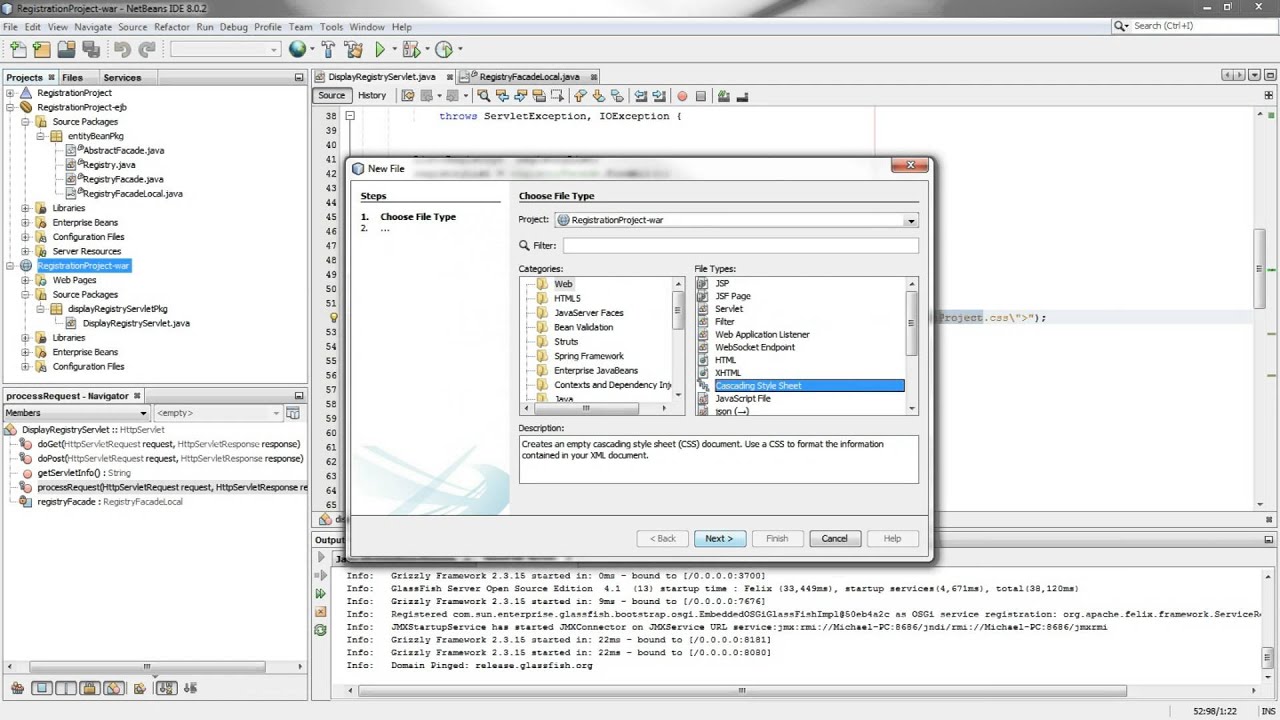
We create a Servlet (in the client tier) that uses the ejb local interface (in the Bisiness Tier) to display infromation from the database (in the Enterprise Tier).
I right click on the RegistrationProject-war module to create a new – other – web – servlet.
I type in the annotation @EJB and private to access the interface FacadeLocal ejb create in the previous video. We then need to fix imports to prevent the error messages.
I then remove the current HTML and paste in HTML code that can be downloaded (for free) from thefrugalcomputerguy.com/j2eeregistryproject
We take a quick look at the code pasted in and create some CSS (and paste in code downloaded from thefrugalcomputerguy.com/j2eeregistryproject
The code is briefly explained.
We need to deploy the RegrstrationProject-ejb module – this should have been done in the previous video.
Right clicking on the RegistrationProject (triangle) clean and build project, then right click again on the triangle and run.
We need to type in the servlet name to bring it up, and we see the results in our browser window.
I right click on the RegistrationProject-war module to create a new – other – web – servlet.
I type in the annotation @EJB and private to access the interface FacadeLocal ejb create in the previous video. We then need to fix imports to prevent the error messages.
I then remove the current HTML and paste in HTML code that can be downloaded (for free) from thefrugalcomputerguy.com/j2eeregistryproject
We take a quick look at the code pasted in and create some CSS (and paste in code downloaded from thefrugalcomputerguy.com/j2eeregistryproject
The code is briefly explained.
We need to deploy the RegrstrationProject-ejb module – this should have been done in the previous video.
Right clicking on the RegistrationProject (triangle) clean and build project, then right click again on the triangle and run.
We need to type in the servlet name to bring it up, and we see the results in our browser window.
Tags and Topics
Browse our collection to discover more content in these categories.
Video Information
Views
345
Duration
8:51
Published
Dec 30, 2015
Related Trending Topics
LIVE TRENDSRelated trending topics. Click any trend to explore more videos.
No specific trending topics match this video yet.
Explore All Trends