J2EE Registration Project (02) – Database Creation in Enterprise Tier
This tutorial guides you through creating the database for the J2EE registration project within the Enterprise Tier, using NetBeans IDE 8.0.2 and relevant plugins.
TheFrugalComputerGuy2
809 views • Dec 30, 2015
About this video
We create the database for our project (this will be in the Enterprise Tier).
We first show we are using the Netbeans IDE 8.0.2 and we look at what plugins I have installed before we start.
We show we then see I am using the Glassfish 4.1 server and we start that.
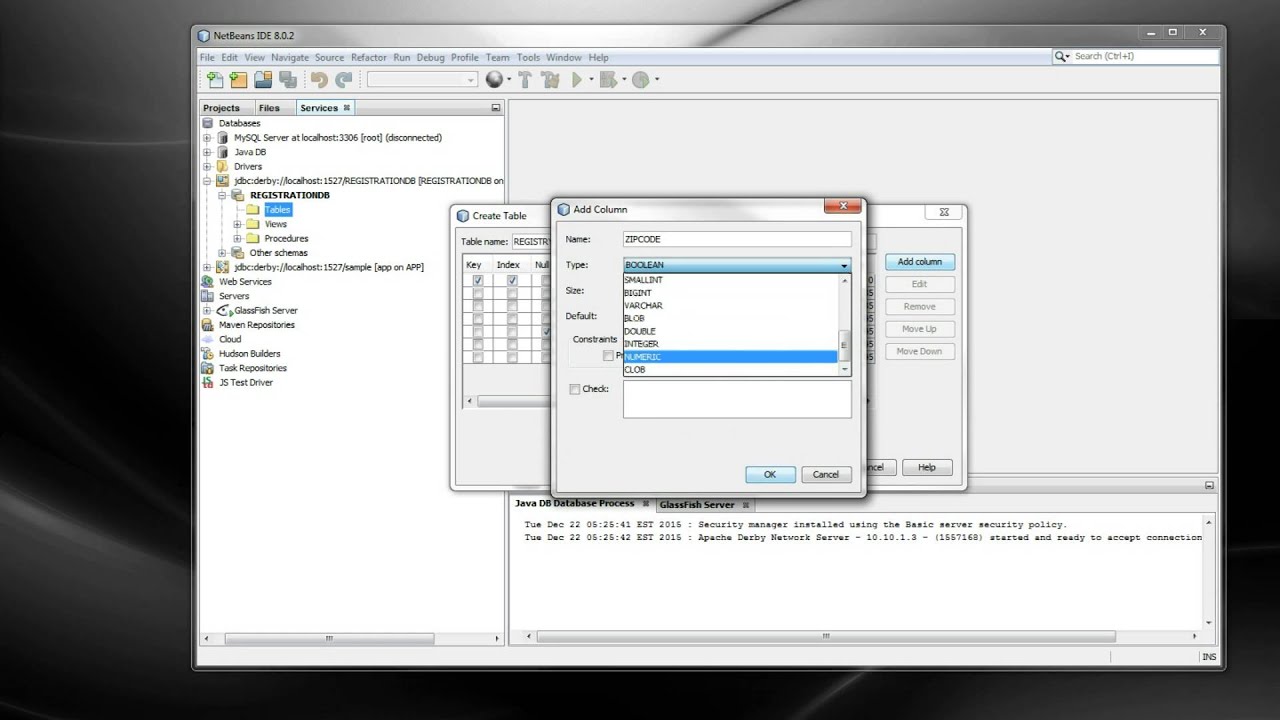
We create a database then we create a table on that database. We then make a backup of the structure of that table using the Grab Structure feature in Netbeans and we delete the table.
We then recreate the table (using the recreate feature of Netbeans) and before recreating the table, we want to edit the table script. We then add the code to auto increment the primary key for this table and we recreate the table.
We then add 2 records showing the auto increment works for the table and timestamp is auto-populated.
The last thing we do in the video is we create the Java EE – Enterprise Application.
We first show we are using the Netbeans IDE 8.0.2 and we look at what plugins I have installed before we start.
We show we then see I am using the Glassfish 4.1 server and we start that.
We create a database then we create a table on that database. We then make a backup of the structure of that table using the Grab Structure feature in Netbeans and we delete the table.
We then recreate the table (using the recreate feature of Netbeans) and before recreating the table, we want to edit the table script. We then add the code to auto increment the primary key for this table and we recreate the table.
We then add 2 records showing the auto increment works for the table and timestamp is auto-populated.
The last thing we do in the video is we create the Java EE – Enterprise Application.
Tags and Topics
Browse our collection to discover more content in these categories.
Video Information
Views
809
Likes
4
Duration
10:47
Published
Dec 30, 2015
Related Trending Topics
LIVE TRENDSRelated trending topics. Click any trend to explore more videos.
No specific trending topics match this video yet.
Explore All Trends