Install Windows 11 on Unsupported PCs (This ONE Command Still Works in 2026)
Update your "unsupported" computer to the latest Windows 11 version 25H2! In this 2026 tutorial, I’ll show you the legendary "one command" trick to bypass TP...
Passionate About Tech
7.0K views • Jan 23, 2026
About this video
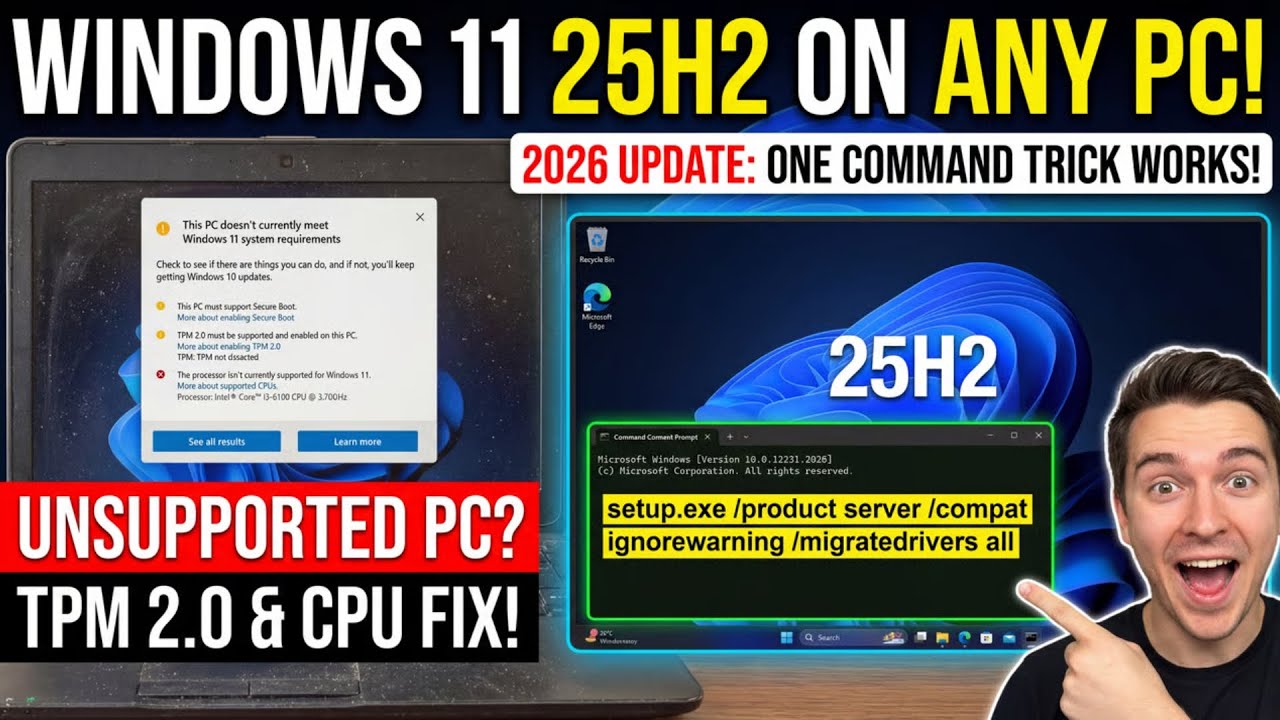
Update your "unsupported" computer to the latest Windows 11 version 25H2! In this 2026 tutorial, I’ll show you the legendary "one command" trick to bypass TPM 2.0, Secure Boot, and CPU requirements using the official Microsoft ISO. No third-party tools or risky downloads are required—just one simple line of text to give your old PC a new lease on life.
🚀 **GET WINDOWS 11 PRO CHEAP**
If you need to activate your new install or remove the watermark, get a legitimate retail key here:
🔗 **Link:** [https://www.premiumcdkeys.com/products/windows-11-professional-retail-key?bg_ref=jIUe58sw5S](https://www.premiumcdkeys.com/products/windows-11-professional-retail-key?bg_ref=jIUe58sw5S)
💻 **THE COMMAND USED:**
`setup.exe /product server /compat ignorewarning /migrate-drivers all`
✅ **WHAT WE COVER:**
1. Downloading the official Windows 11 25H2 ISO from Microsoft.
2. Mounting the ISO and locating your drive letter.
3. Using the Command Prompt (Admin) to bypass hardware checks.
4. Keeping your files, apps, and settings during the upgrade.
5. Post-install updates and activation.
⚠️ **IMPORTANT NOTE:** When the setup starts, it will say "Installing Windows Server." Don't panic! This is a workaround to skip the hardware checks. It will actually install the version of Windows 11 (Home or Pro) that matches your current system.
#Windows11 #25H2 #PCRepair #TechTips #WindowsUpdate #UnsupportedPC #TechHacks #PassionateAboutTech
🚀 **GET WINDOWS 11 PRO CHEAP**
If you need to activate your new install or remove the watermark, get a legitimate retail key here:
🔗 **Link:** [https://www.premiumcdkeys.com/products/windows-11-professional-retail-key?bg_ref=jIUe58sw5S](https://www.premiumcdkeys.com/products/windows-11-professional-retail-key?bg_ref=jIUe58sw5S)
💻 **THE COMMAND USED:**
`setup.exe /product server /compat ignorewarning /migrate-drivers all`
✅ **WHAT WE COVER:**
1. Downloading the official Windows 11 25H2 ISO from Microsoft.
2. Mounting the ISO and locating your drive letter.
3. Using the Command Prompt (Admin) to bypass hardware checks.
4. Keeping your files, apps, and settings during the upgrade.
5. Post-install updates and activation.
⚠️ **IMPORTANT NOTE:** When the setup starts, it will say "Installing Windows Server." Don't panic! This is a workaround to skip the hardware checks. It will actually install the version of Windows 11 (Home or Pro) that matches your current system.
#Windows11 #25H2 #PCRepair #TechTips #WindowsUpdate #UnsupportedPC #TechHacks #PassionateAboutTech
Tags and Topics
Browse our collection to discover more content in these categories.
Video Information
Views
7.0K
Likes
164
Duration
6:58
Published
Jan 23, 2026
User Reviews
4.6
(1) Related Trending Topics
LIVE TRENDSRelated trending topics. Click any trend to explore more videos.