Install Windows 11 25H2 on Unsupported Hardware
In this video I will explain how to perform a fresh installation of Windows 11 25H2 on unsupported hardware. In the video, we will take a look at the requir...

jensd_be
25.7K views • Oct 8, 2025
About this video
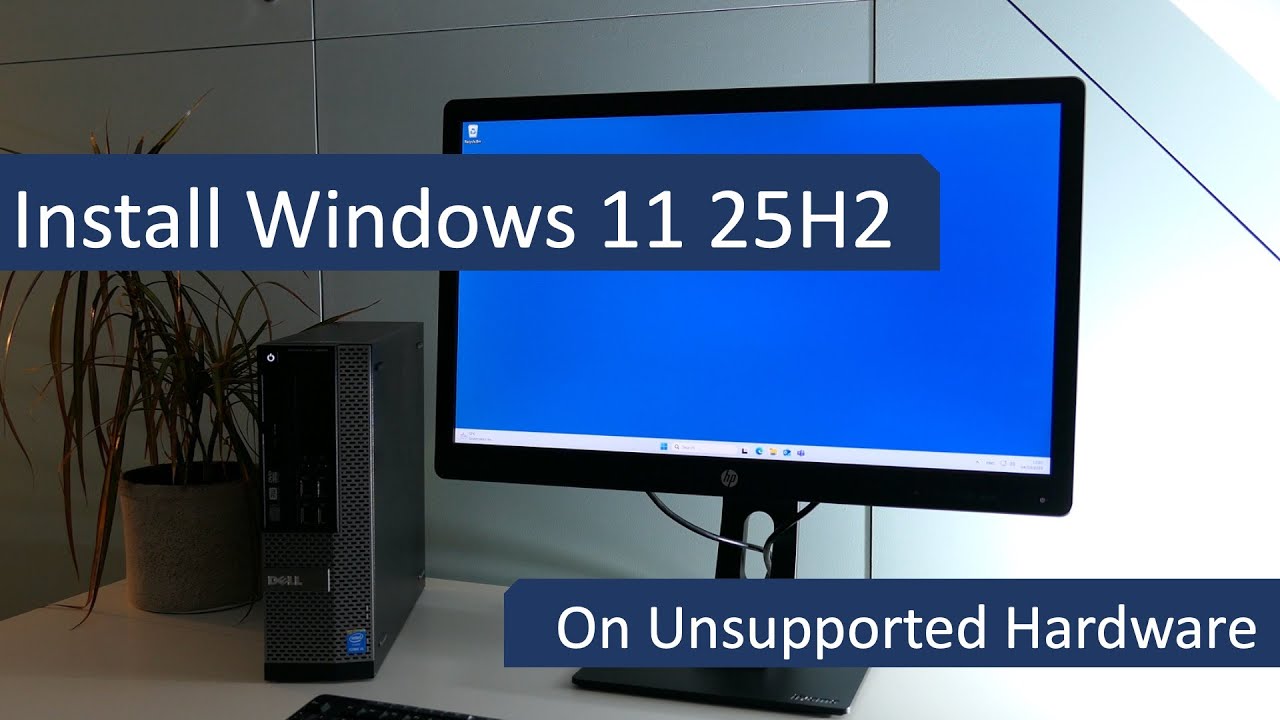
In this video I will explain how to perform a fresh installation of Windows 11 25H2 on unsupported hardware.
In the video, we will take a look at the required steps, then prepare a bootable USB drive, which can be used on multiple machines, followed by an installation where we bypass the hardware limitations and eventually also the requirement for a Microsoft account. This works for both Windows 11 Home and Professional.
Other scenarios:
- Upgrade from Windows 11 which is already on 24H2 on unsupported hardware: https://youtu.be/LkG87oX-aRU
- Upgrade from Windows 10 or an older version of Windows 11 like 23H2 or 22H2 to the latest version of Windows 11: 25H2 on unsupported hardware: https://youtu.be/uVnQaG06XOA
If you prefer to have the step-by-step instructions in written form: https://jensd.be/2689/windows/upgrade-to-or-install-windows-11-25h2-on-unsupported-hardware
Chapters:
00:00 - Introduction
00:29 - Other scenarios
01:23 - Windows 11 and unsupported hardware
03:03 - SSE 4.2 and POPCNT
04:07 - USB drive preparation
05:58 - Create Windows 11 installer
07:32 - Fresh Install of 25H2
08:36 - Skip hardware checks
11:25 - Initial setup and bypass Microsoft account
13:12 - Updates after upgrade
In the video, we will take a look at the required steps, then prepare a bootable USB drive, which can be used on multiple machines, followed by an installation where we bypass the hardware limitations and eventually also the requirement for a Microsoft account. This works for both Windows 11 Home and Professional.
Other scenarios:
- Upgrade from Windows 11 which is already on 24H2 on unsupported hardware: https://youtu.be/LkG87oX-aRU
- Upgrade from Windows 10 or an older version of Windows 11 like 23H2 or 22H2 to the latest version of Windows 11: 25H2 on unsupported hardware: https://youtu.be/uVnQaG06XOA
If you prefer to have the step-by-step instructions in written form: https://jensd.be/2689/windows/upgrade-to-or-install-windows-11-25h2-on-unsupported-hardware
Chapters:
00:00 - Introduction
00:29 - Other scenarios
01:23 - Windows 11 and unsupported hardware
03:03 - SSE 4.2 and POPCNT
04:07 - USB drive preparation
05:58 - Create Windows 11 installer
07:32 - Fresh Install of 25H2
08:36 - Skip hardware checks
11:25 - Initial setup and bypass Microsoft account
13:12 - Updates after upgrade
Video Information
Views
25.7K
Likes
376
Duration
14:14
Published
Oct 8, 2025
User Reviews
4.6
(5) Related Trending Topics
LIVE TRENDSRelated trending topics. Click any trend to explore more videos.
No specific trending topics match this video yet.
Explore All Trends