Implementing Encryption and Steganography for Enhanced Security
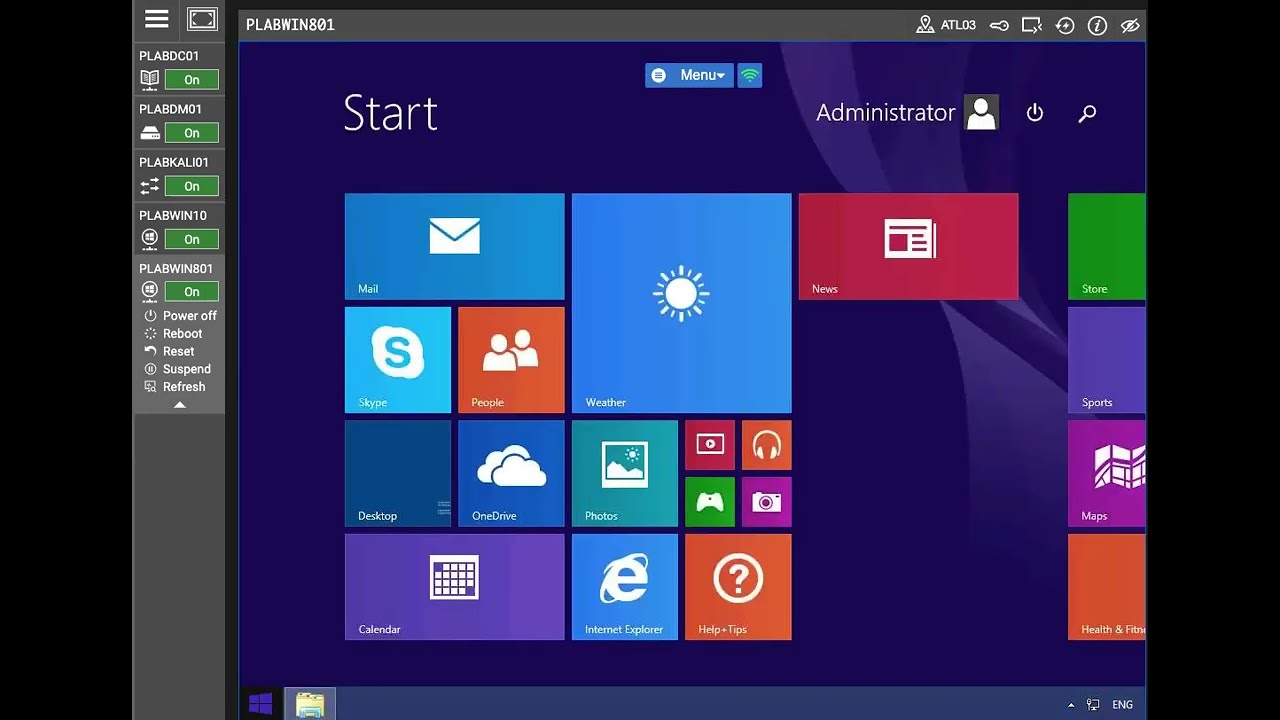
In the Using Encryption and Steganography Practice Lab, I showcased my expertise in implementing robust security measures through encryption and steganography.

Maurice Gardner
12 views • Feb 29, 2024
About this video
In the Using Encryption and Steganography Practice Lab, I showcased my expertise in implementing robust security measures through encryption and steganography.
Here's a concise summary:
The objective of utilizing encryption and steganography for enhanced security:
Configure BitLocker on Portable Media:
Enabled BitLocker without TPM support, addressing scenarios without Trusted Platform Module compatibility.
Configured BitLocker settings via Group Policy Objects (GPO) for centralized management.
Verified BitLocker functionality and managed the encrypted drive using command prompt and recovery keys.
Implement Full Disk Encryption using BitLocker:
Shrank the existing drive to allocate space for encryption.
Enabled BitLocker on the entire disk to ensure comprehensive data protection.
Manage Security for Removable Media:
Configured restrictions for removable media using GPO, controlling access and enhancing security.
Hide Documents in a Graphics File:
Utilized folder steganography tools to hide documents within a graphics file, showcasing advanced covert communication techniques.
Skills and Tools Used:
Analyzed scenarios to integrate security controls for host devices effectively.
Objectives Covered:
Analyzed a scenario to integrate security controls for host devices to meet security requirements.
This lab demonstrates my practical proficiency in using encryption tools like BitLocker and exploring steganography techniques, showcasing my ability to implement diverse security measures for host devices.
Here's a concise summary:
The objective of utilizing encryption and steganography for enhanced security:
Configure BitLocker on Portable Media:
Enabled BitLocker without TPM support, addressing scenarios without Trusted Platform Module compatibility.
Configured BitLocker settings via Group Policy Objects (GPO) for centralized management.
Verified BitLocker functionality and managed the encrypted drive using command prompt and recovery keys.
Implement Full Disk Encryption using BitLocker:
Shrank the existing drive to allocate space for encryption.
Enabled BitLocker on the entire disk to ensure comprehensive data protection.
Manage Security for Removable Media:
Configured restrictions for removable media using GPO, controlling access and enhancing security.
Hide Documents in a Graphics File:
Utilized folder steganography tools to hide documents within a graphics file, showcasing advanced covert communication techniques.
Skills and Tools Used:
Analyzed scenarios to integrate security controls for host devices effectively.
Objectives Covered:
Analyzed a scenario to integrate security controls for host devices to meet security requirements.
This lab demonstrates my practical proficiency in using encryption tools like BitLocker and exploring steganography techniques, showcasing my ability to implement diverse security measures for host devices.
Video Information
Views
12
Likes
1
Duration
27:10
Published
Feb 29, 2024
Related Trending Topics
LIVE TRENDSRelated trending topics. Click any trend to explore more videos.
No specific trending topics match this video yet.
Explore All Trends