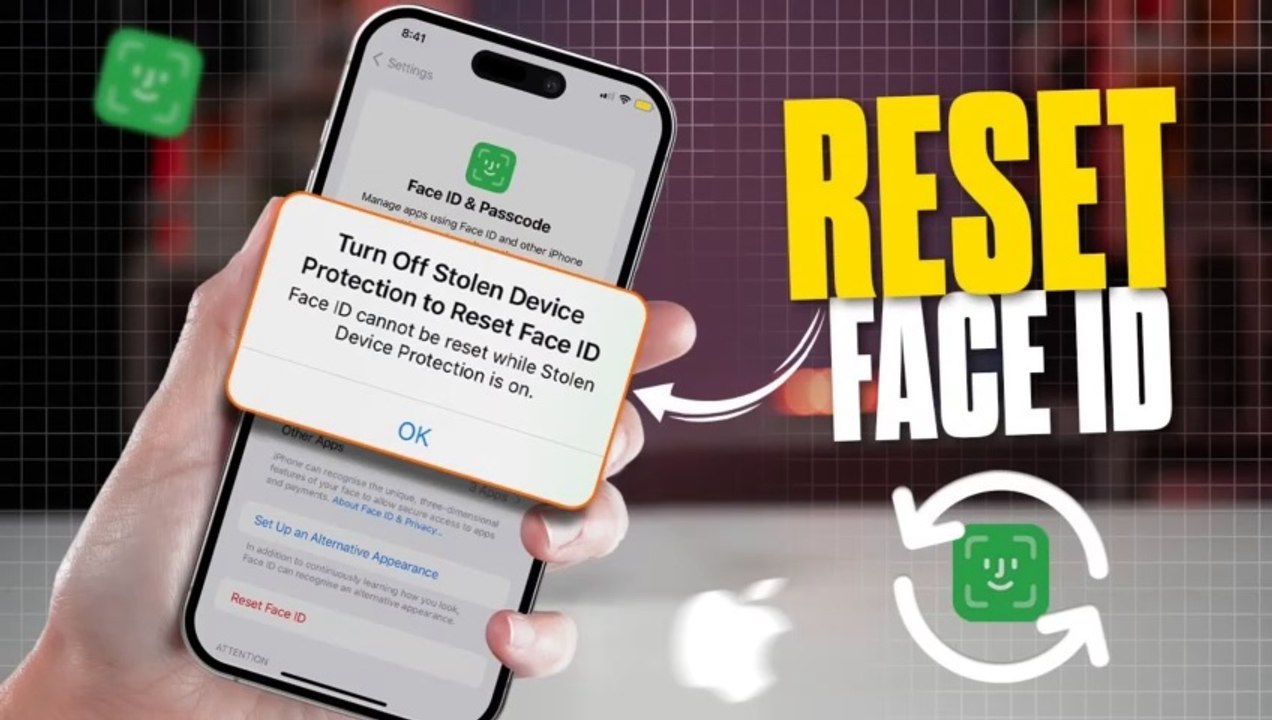
How to Turn Off Stolen Device Protection to Reset Face ID | Can't Reset Face ID on iPhone
Are you unable to reset Face ID on your iPhone due to stolen device protection settings? Apple's stolen device protection is designed to safeguard your iPhon...
Telly World
2.3K views • Apr 23, 2025
About this video
Are you unable to reset Face ID on your iPhone due to stolen device protection settings? Apple's stolen device protection is designed to safeguard your iPhone from unauthorized access, but it may also restrict certain actions like resetting Face ID if not properly configured. This issue can occur if you haven’t disabled Find My iPhone or verified your Apple ID credentials. <br /><br />In this guide, I’ll walk you through the steps to turn off stolen device protection and reset Face ID on your iPhone. From disabling Find My iPhone to verifying your Apple ID and ensuring all security settings are correctly configured, these solutions will help you regain control over your device. If the issue persists, I’ll also provide tips on contacting Apple Support for further assistance. By the end of this guide, you’ll be able to reset Face ID and restore full functionality to your iPhone. <br /><br />Hashtags: <br />#FaceIDReset, #StolenDeviceProtection, #iPhoneFaceID, #FaceIDNotWorking, #AppleSupport, #FindMyiPhone, #TechSupport, #iPhoneHelp, #FaceIDSetup, #iPhoneSecurity
Video Information
Views
2.3K
Duration
1:24
Published
Apr 23, 2025
User Reviews
3.7
(2) Related Trending Topics
LIVE TRENDSRelated trending topics. Click any trend to explore more videos.
No specific trending topics match this video yet.
Explore All Trends