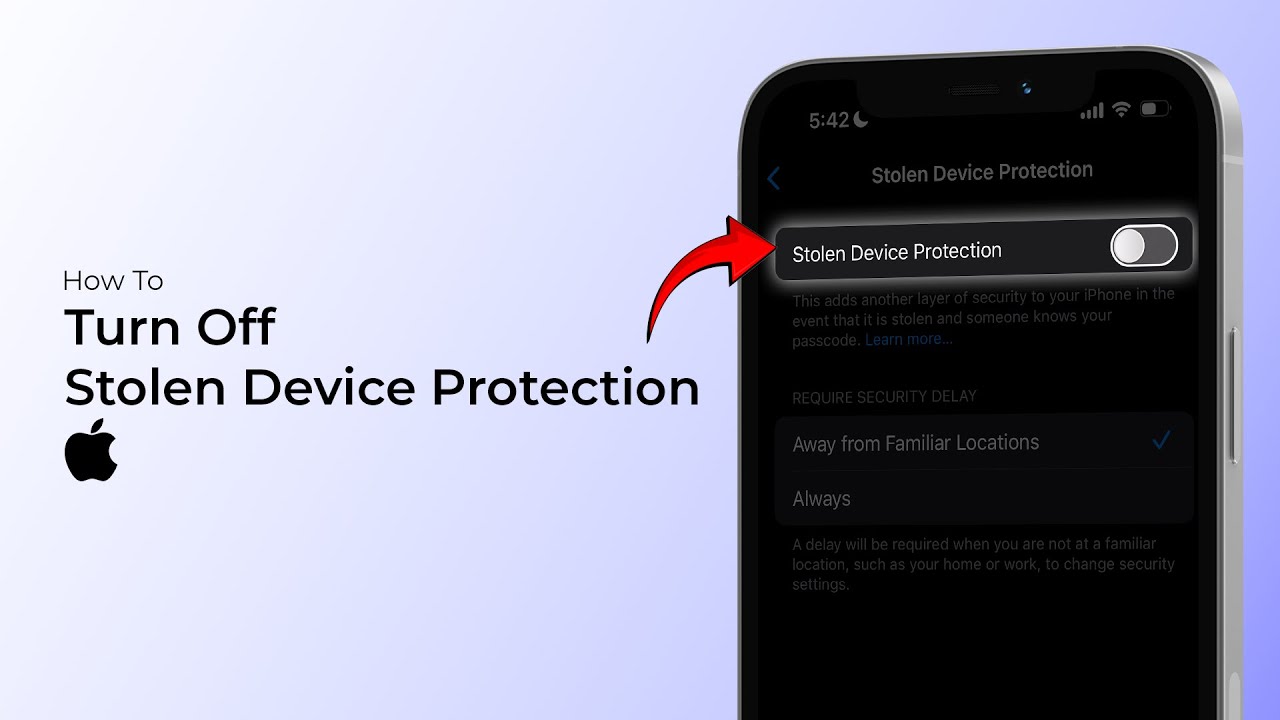
Disabling Stolen Device Protection on iPhone (iOS 18)
Learn how to turn off Apple's Stolen Device Protection feature on your iPhone. This guide provides essential steps to manage your device security settings in case your device is lost or stolen.

TechSimplify
78.4K views • Nov 28, 2024
About this video
Are you concerned about Apple's Stolen Device Protection feature on your iPhone? This feature is designed to protect your device and data in case it's lost or stolen, but it can also raise some privacy concerns. In this video, we'll explore what Stolen Device Protection is, how it works, and most importantly, how to disable it on your iPhone if you choose to do so. Whether you're looking for more control over your device or want to avoid any potential issues, this video will guide you through the process. So, watch until the end to learn more about disabling Stolen Device Protection on your iPhone.
----------------------------------------------------------------------------------
#stolendevice #iphonetricks #iphonetipsandtricks #stolenphone #stolentips #stolentricks #iphonetricks #iphonetips #tech #tipsyoutube #tips_and_tricks #technology #tipps #technicalanalysis #electronicshub
----------------------------------------------------------------------------------
#stolendevice #iphonetricks #iphonetipsandtricks #stolenphone #stolentips #stolentricks #iphonetricks #iphonetips #tech #tipsyoutube #tips_and_tricks #technology #tipps #technicalanalysis #electronicshub
Tags and Topics
Browse our collection to discover more content in these categories.
Video Information
Views
78.4K
Likes
176
Duration
0:42
Published
Nov 28, 2024
User Reviews
4.0
(15) Related Trending Topics
LIVE TRENDSRelated trending topics. Click any trend to explore more videos.
No specific trending topics match this video yet.
Explore All Trends