Disabling Stolen Device Protection on Your iPhone
Learn how to easily turn off the Stolen Device Protection feature on your iPhone with this step-by-step video guide.
MagFone Official
270.1K views • Apr 10, 2025
About this video
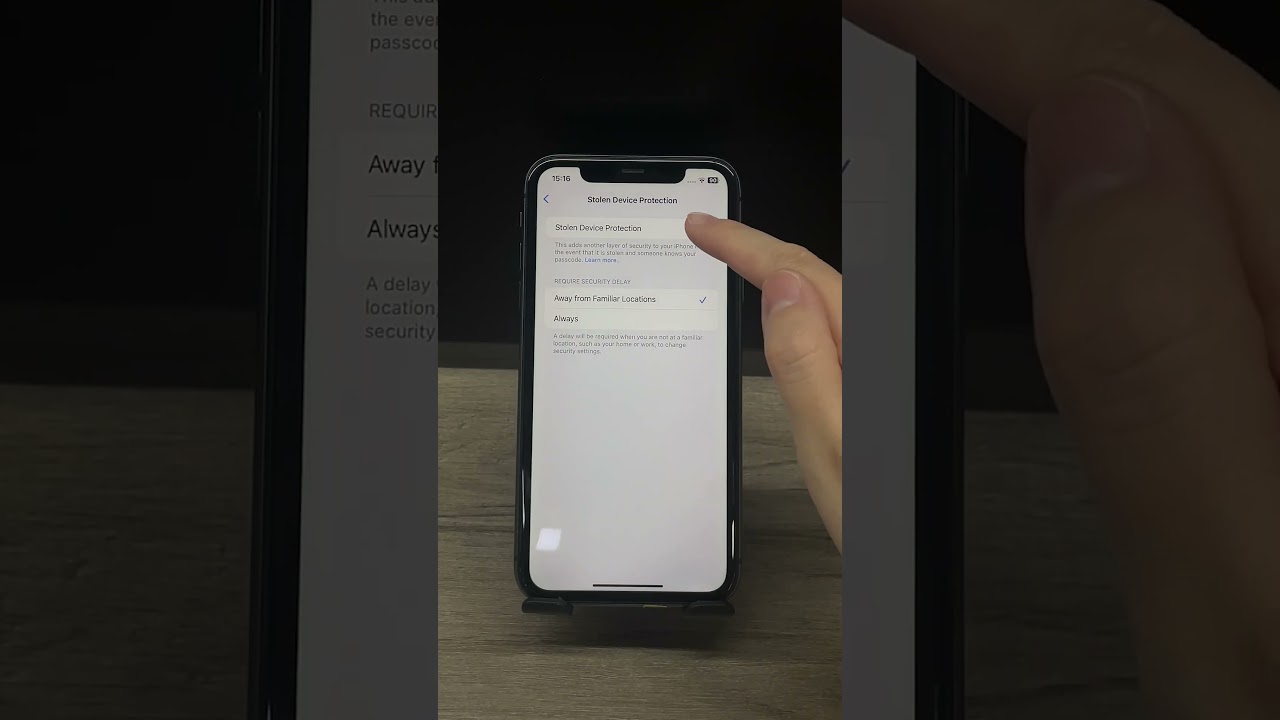
Having trouble turning off Stolen Device Protection on your iPhone?
In this quick video, I’ll show you step-by-step how to disable this security feature — whether you’re at home or on the go.
❗ If you forgot your screen passcode or are locked out, you can use MagFone iPhone Unlocker to bypass the lock screen easily. 👉 https://www.magfone.com/iphone-unlocker/
🔐 Steps Covered:
Open Settings → Face ID & Passcode
Tap Stolen Device Protection
Turn it off using Face ID or Touch ID
Wait time may apply if you're not in a familiar location
#iphone #iphonetips #ios17 #stolendeviceprotection #appleid #iphoneunlock #magfone #iossecurity #appletips #techshorts
In this quick video, I’ll show you step-by-step how to disable this security feature — whether you’re at home or on the go.
❗ If you forgot your screen passcode or are locked out, you can use MagFone iPhone Unlocker to bypass the lock screen easily. 👉 https://www.magfone.com/iphone-unlocker/
🔐 Steps Covered:
Open Settings → Face ID & Passcode
Tap Stolen Device Protection
Turn it off using Face ID or Touch ID
Wait time may apply if you're not in a familiar location
#iphone #iphonetips #ios17 #stolendeviceprotection #appleid #iphoneunlock #magfone #iossecurity #appletips #techshorts
Tags and Topics
Browse our collection to discover more content in these categories.
Video Information
Views
270.1K
Likes
1.6K
Duration
0:28
Published
Apr 10, 2025
User Reviews
4.2
(54) Related Trending Topics
LIVE TRENDSRelated trending topics. Click any trend to explore more videos.
No specific trending topics match this video yet.
Explore All Trends