Transfer Data to iPhone 16 & Pro Easily
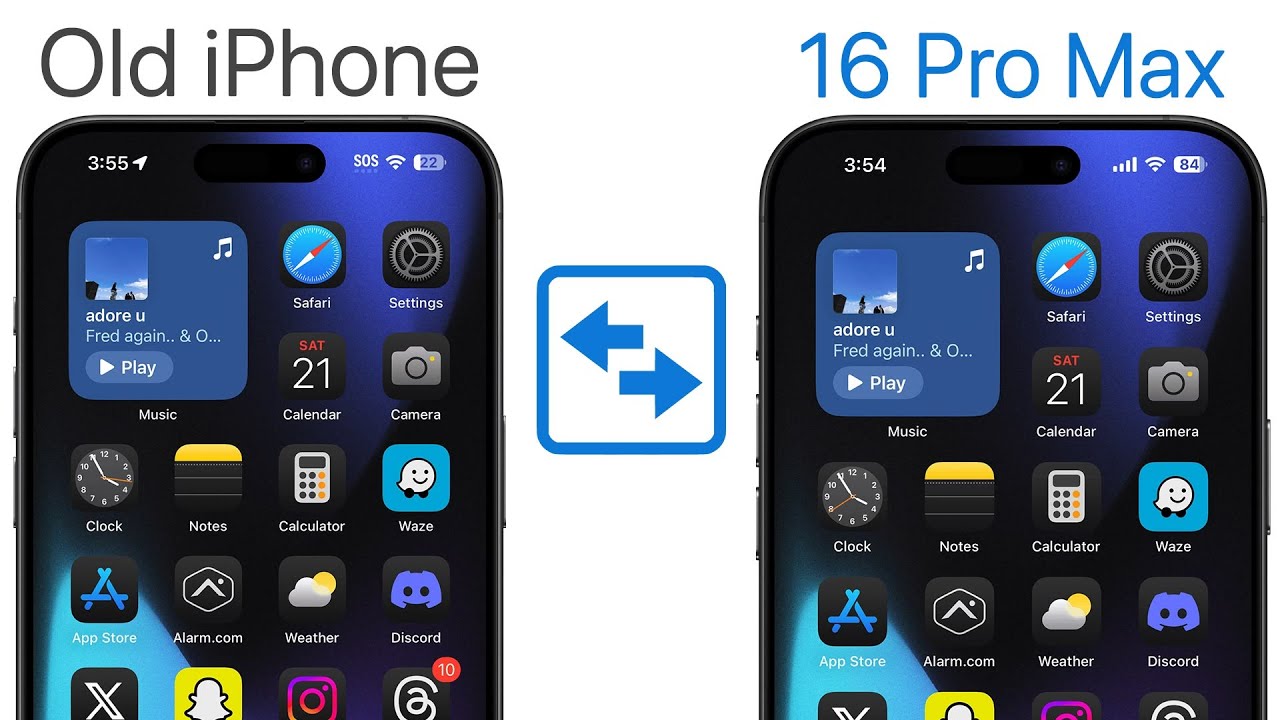
Learn the best way to transfer all data from your old iPhone to iPhone 16 or 16 Pro without backup. Quick setup guide 📱

Brandon Butch
523.6K views • Sep 22, 2024
About this video
How to Transfer Data from Old iPhone to iPhone 16 & iPhone 16 Pro (No Backup Needed) | iPhone 16 Setup Process
If you just got an iPhone 16, 16 Plus, 16 Pro, or iPhone 16 Pro Max and you need to transfer data, eSIM, credit cards, etc over from your old iPhone, here is a tutorial showing you the best & easiest way to do so! An iCloud backup is not required unless you choose to go the iCloud backup method. Enjoy your iPhone 16!
Note: if you’re having issues installing the iOS 18.1 Beta update (or any future update), try this:
1. go through the setup process without restoring from your old device
2. once on the Home Screen of the 16, go to Settings → general → software update & update the software
3. Reset iPhone (as shown at 0:46) and transfer data
🍎 Become an *Ultra Member* to get PDF guides for videos, access to premium wallpapers + more: https://bit.ly/bb-member
💬 Join our *Discord* server to continue the conversation: https://discord.gg/appleden
📖📲 Sign up for the *newsletter* to get unfiltered Apple news & insights: https://theappleden.com/subscribe (it's free)
*Other videos you might like:*
iPhone 16 Pro & Pro Max: All Colors Compared: https://youtu.be/bRbFqSX2PP0
Apple Watch Series 10 Unboxing & Ultra 2 Comparison! (46mm Jet Black): https://youtu.be/gkNk4TuWZP4
iPhone 16 & 16 Plus: All Colors Compared: https://youtu.be/74O58V9SF3o
*Social Media:*
Twitter: https://twitter.com/brandonbutch
Instagram: https://instagram.com/brandonbutch
Threads: https://www.threads.net/@brandonbutch
TikTok: https://tiktok.com/@brandon.butch
Facebook: https://www.facebook.com/brandonbutchyt
Apple Music: https://apple.co/2VF3KZj
*Chapters:*
0:00 Transfer everything over to iPhone 16
1:22 Do this FIRST
1:49 And also THIS
2:13 Begin Transfer Process
3:19 Transfer eSIM & Convert Physical SIM
4:11 Setup Process
4:40 Choose Carefully! (iCloud vs Direct Transfer)
7:15 Continue Beta Program?
7:51 I did it
8:23 Transferring Data (is the ETA accurate?)
9:24 How long my transfer took & erase old iPhone?
10:00 Everything is there & I'm signed in to social media apps!
10:21 Apple Watch transfer
10:45 Just wait it out & enjoy!
*Gear used to make this video:*
📷 Camera: https://amzn.to/3Fn6f8R
📷 Lens: https://amzn.to/31VXuVC
🎙️ Mic: https://amzn.to/2HLUVZp
🎤 Other Mic: https://amzn.to/2jP0HLl
🎛️ Audio Interface: https://amzn.to/2kNwwnU
📱 Best tech deals (updated daily): http://amzn.to/2qcK0QT
Disclosure: This video might contain affiliate links, which help fund the channel if you make a purchase.
Have a fantastic day & I'll see you soon!
If you just got an iPhone 16, 16 Plus, 16 Pro, or iPhone 16 Pro Max and you need to transfer data, eSIM, credit cards, etc over from your old iPhone, here is a tutorial showing you the best & easiest way to do so! An iCloud backup is not required unless you choose to go the iCloud backup method. Enjoy your iPhone 16!
Note: if you’re having issues installing the iOS 18.1 Beta update (or any future update), try this:
1. go through the setup process without restoring from your old device
2. once on the Home Screen of the 16, go to Settings → general → software update & update the software
3. Reset iPhone (as shown at 0:46) and transfer data
🍎 Become an *Ultra Member* to get PDF guides for videos, access to premium wallpapers + more: https://bit.ly/bb-member
💬 Join our *Discord* server to continue the conversation: https://discord.gg/appleden
📖📲 Sign up for the *newsletter* to get unfiltered Apple news & insights: https://theappleden.com/subscribe (it's free)
*Other videos you might like:*
iPhone 16 Pro & Pro Max: All Colors Compared: https://youtu.be/bRbFqSX2PP0
Apple Watch Series 10 Unboxing & Ultra 2 Comparison! (46mm Jet Black): https://youtu.be/gkNk4TuWZP4
iPhone 16 & 16 Plus: All Colors Compared: https://youtu.be/74O58V9SF3o
*Social Media:*
Twitter: https://twitter.com/brandonbutch
Instagram: https://instagram.com/brandonbutch
Threads: https://www.threads.net/@brandonbutch
TikTok: https://tiktok.com/@brandon.butch
Facebook: https://www.facebook.com/brandonbutchyt
Apple Music: https://apple.co/2VF3KZj
*Chapters:*
0:00 Transfer everything over to iPhone 16
1:22 Do this FIRST
1:49 And also THIS
2:13 Begin Transfer Process
3:19 Transfer eSIM & Convert Physical SIM
4:11 Setup Process
4:40 Choose Carefully! (iCloud vs Direct Transfer)
7:15 Continue Beta Program?
7:51 I did it
8:23 Transferring Data (is the ETA accurate?)
9:24 How long my transfer took & erase old iPhone?
10:00 Everything is there & I'm signed in to social media apps!
10:21 Apple Watch transfer
10:45 Just wait it out & enjoy!
*Gear used to make this video:*
📷 Camera: https://amzn.to/3Fn6f8R
📷 Lens: https://amzn.to/31VXuVC
🎙️ Mic: https://amzn.to/2HLUVZp
🎤 Other Mic: https://amzn.to/2jP0HLl
🎛️ Audio Interface: https://amzn.to/2kNwwnU
📱 Best tech deals (updated daily): http://amzn.to/2qcK0QT
Disclosure: This video might contain affiliate links, which help fund the channel if you make a purchase.
Have a fantastic day & I'll see you soon!
Tags and Topics
Browse our collection to discover more content in these categories.
Video Information
Views
523.6K
Likes
6.7K
Duration
11:28
Published
Sep 22, 2024
User Reviews
4.6
(104) Related Trending Topics
LIVE TRENDSRelated trending topics. Click any trend to explore more videos.
No specific trending topics match this video yet.
Explore All Trends