How to Split Each Excel Worksheet Into a Separate File – Fast & Easy!
How to Split Each Excel Worksheet Into a Separate File – Fast & Easy! 🔥Download DataXL: https://exceldashboardschool.com/free-excel-add-ins-tools/ This tut...

Excel Bootcamp
141.0K views • Jun 1, 2023
About this video
How to Split Each Excel Worksheet Into a Separate File – Fast & Easy!
🔥Download DataXL: https://exceldashboardschool.com/free-excel-add-ins-tools/
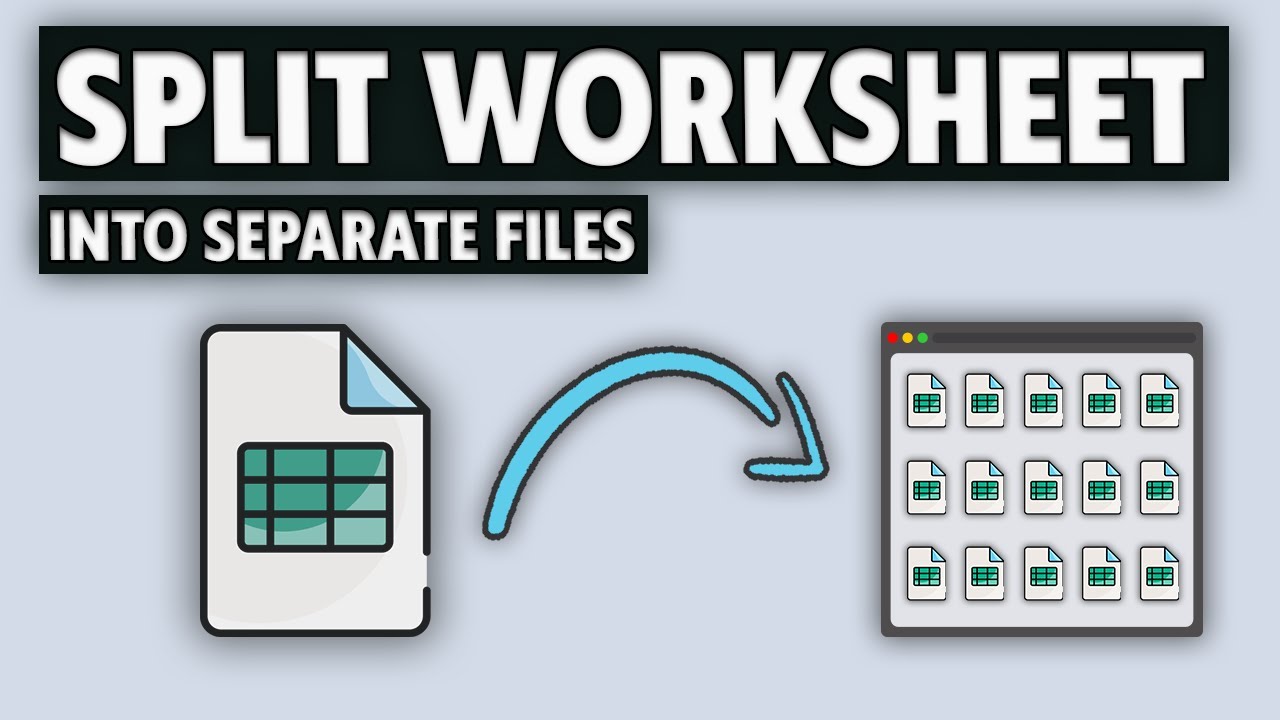
This tutorial will show you how to split each worksheet in an Excel workbook into a separate file quickly and easily.
Chapters:
0:00 Intro
0:09 Use DataXL free add-in
0:13 How to split a Workbook into separate Excel files
1:15 Thank you
Do you need to split an Excel Workbook into multiple separate files? Instead of using slow, manual methods, let’s automate it! This tutorial'll show you how to break a multi-sheet Workbook into individual Excel or PDF files using our free DataXL add-in.
🔥 What You’ll Learn in This Video
✅ How to split all Worksheets into separate files
✅ How to automate the process with the DataXL add-in
✅ How to export to different file types (XLSX, CSV, PDF)
✅ How to preserve formulas or convert to values
📌 Step-by-Step Guide
1️⃣ Open the practice file
2️⃣ Navigate to the Data-XL tab
3️⃣ Select the Worksheets icon → Choose Split Sheets to Files
4️⃣ Pick the sheets to split
5️⃣ Select the output folder & choose file format
6️⃣ Click OK and watch your files get created instantly!
💡 Works with large datasets & multiple worksheets – no need for manual copying and pasting!
👉 Subscribe for more Excel automation tricks!
#msexcel #excel #exceltips #exceltutorial
🔥Download DataXL: https://exceldashboardschool.com/free-excel-add-ins-tools/
This tutorial will show you how to split each worksheet in an Excel workbook into a separate file quickly and easily.
Chapters:
0:00 Intro
0:09 Use DataXL free add-in
0:13 How to split a Workbook into separate Excel files
1:15 Thank you
Do you need to split an Excel Workbook into multiple separate files? Instead of using slow, manual methods, let’s automate it! This tutorial'll show you how to break a multi-sheet Workbook into individual Excel or PDF files using our free DataXL add-in.
🔥 What You’ll Learn in This Video
✅ How to split all Worksheets into separate files
✅ How to automate the process with the DataXL add-in
✅ How to export to different file types (XLSX, CSV, PDF)
✅ How to preserve formulas or convert to values
📌 Step-by-Step Guide
1️⃣ Open the practice file
2️⃣ Navigate to the Data-XL tab
3️⃣ Select the Worksheets icon → Choose Split Sheets to Files
4️⃣ Pick the sheets to split
5️⃣ Select the output folder & choose file format
6️⃣ Click OK and watch your files get created instantly!
💡 Works with large datasets & multiple worksheets – no need for manual copying and pasting!
👉 Subscribe for more Excel automation tricks!
#msexcel #excel #exceltips #exceltutorial
Tags and Topics
Browse our collection to discover more content in these categories.
Video Information
Views
141.0K
Likes
299
Duration
1:24
Published
Jun 1, 2023
User Reviews
4.0
(28) Related Trending Topics
LIVE TRENDSRelated trending topics. Click any trend to explore more videos.
No specific trending topics match this video yet.
Explore All Trends