How to Hide Worksheet Tabs in Excel (Windows Guide) 📝
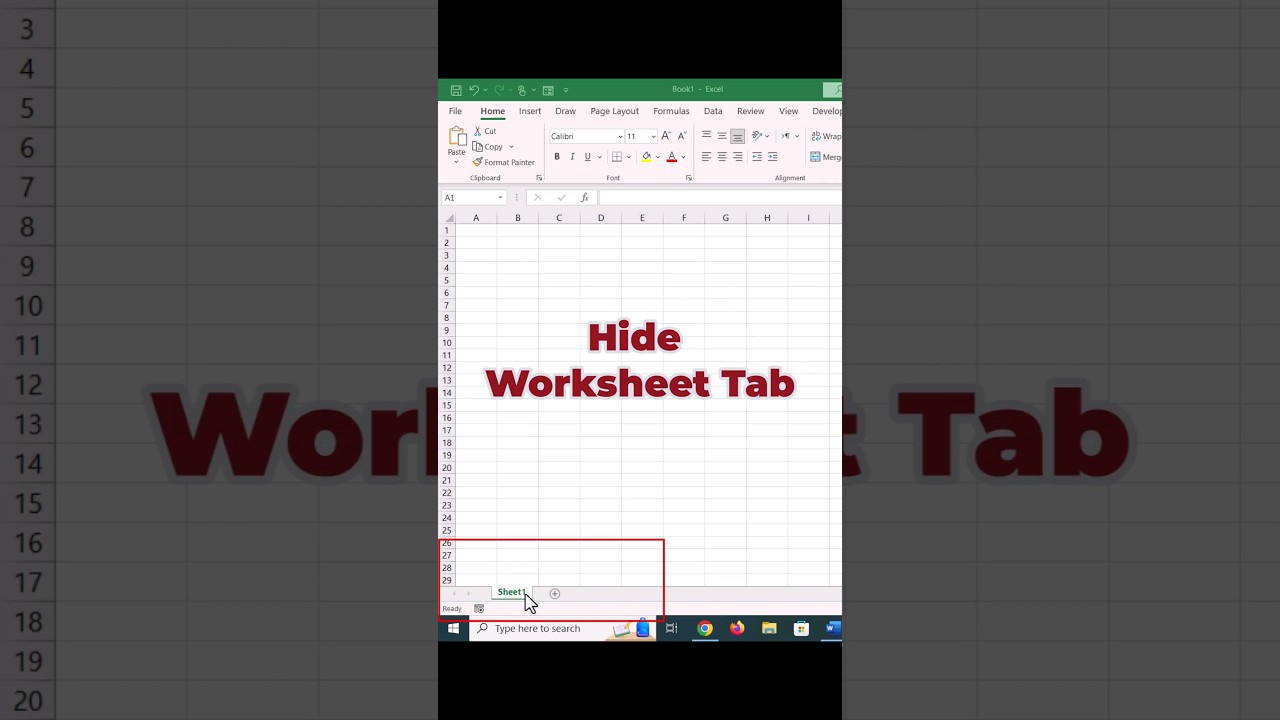
Learn the quick and easy steps to hide worksheet tabs in Excel on Windows. Navigate to Excel Options, then uncheck ‘Show sheet tabs’ under Advanced Display Settings for a cleaner workspace.

Quazi Analytics
303 views • Aug 1, 2024
About this video
Hide worksheet tabs In Excel #excel
Hide worksheet tabs - Windows Button - Excel Options - Advanced - Display Options - uncheck ‘Show sheet tabs’.
Hide worksheet tabs - Windows Button - Excel Options - Advanced - Display Options - uncheck ‘Show sheet tabs’.
Tags and Topics
Browse our collection to discover more content in these categories.
Video Information
Views
303
Likes
2
Duration
0:27
Published
Aug 1, 2024
Related Trending Topics
LIVE TRENDSRelated trending topics. Click any trend to explore more videos.
No specific trending topics match this video yet.
Explore All Trends