How to Set Up Ryujinx Emulator & Play Pokémon Scarlet & Violet The Teal Mask DLC on PC 🎮
Learn step-by-step how to install the Ryujinx emulator and enjoy the new Teal Mask DLC for Pokémon Scarlet & Violet on your PC. Get ready to explore new adventures!
Ghastly Golemz
463 views • Sep 12, 2023
About this video
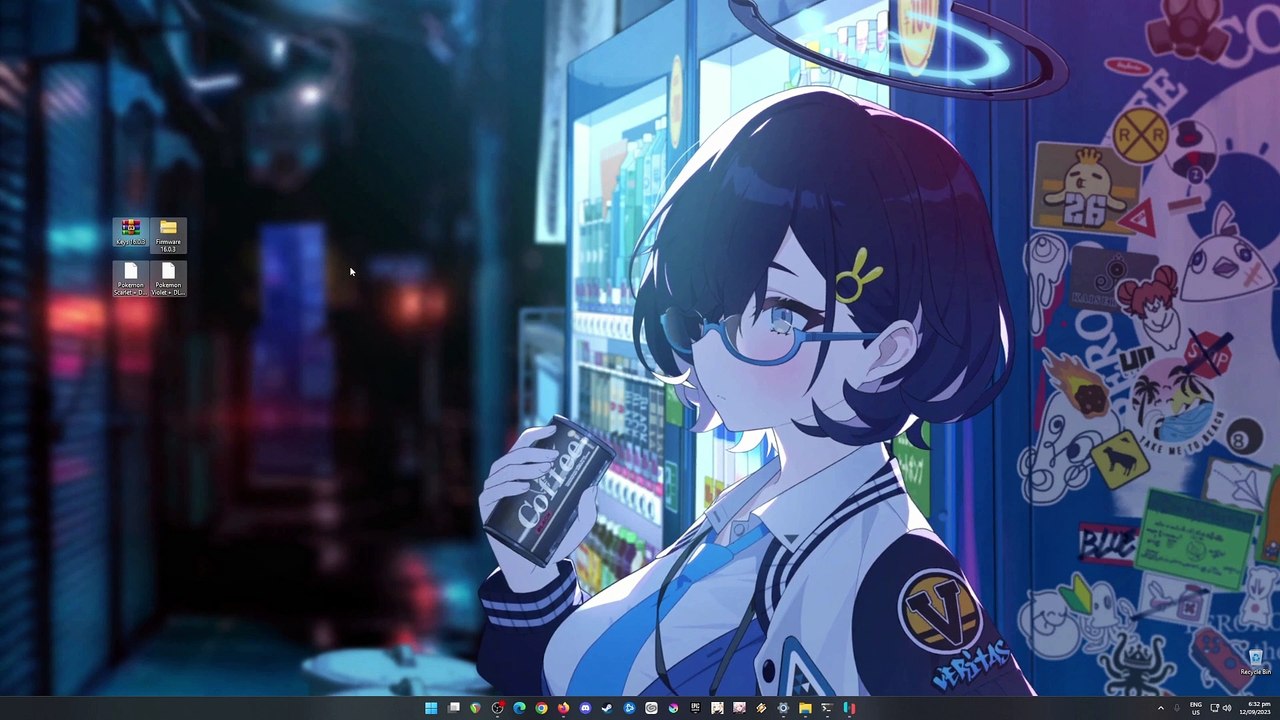
The latest Pokemon DLC Part 1 is now out! Play The Teal Mask update of Pokemon Scarlet and Violet into your PC. Be sure to have the base game, previous updates and the teal mask dlc installed in Ryujinx emulator in order for this game to run into your PC. If you don't know where to begin, then please do watch this guide and follow through all the steps I will show.<br /><br />Official Site: https://approms.com/pokesvryuzu/<br /><br />Tested with these PC Specs:<br />CPU: Intel i7-8700 8th GEN Cpu<br />GPU: Zotac RTX 2070 Super Twinfan<br />RAM: 16GB DDR4 G.Skill Trident Z<br />SSD: 1TB Samsung 970 EVO Plus<br />HDD: 2x 3TB Seagate Barracuda<br />CPU Cooler: ID Cooling Zoomflow 240XT<br />PSU: Seasonic FOCUS Plus 850 Gold<br />Case: NZXT H500<br /><br />#pokemonscarletviolet #TheHiddenTreasureofAreaZero #TheTealMask
Video Information
Views
463
Duration
8:48
Published
Sep 12, 2023
Related Trending Topics
LIVE TRENDSRelated trending topics. Click any trend to explore more videos.
No specific trending topics match this video yet.
Explore All Trends