Complete Guide to Playing Super Mario Bros. Wonder on PC with Ryujinx Emulator 🎮
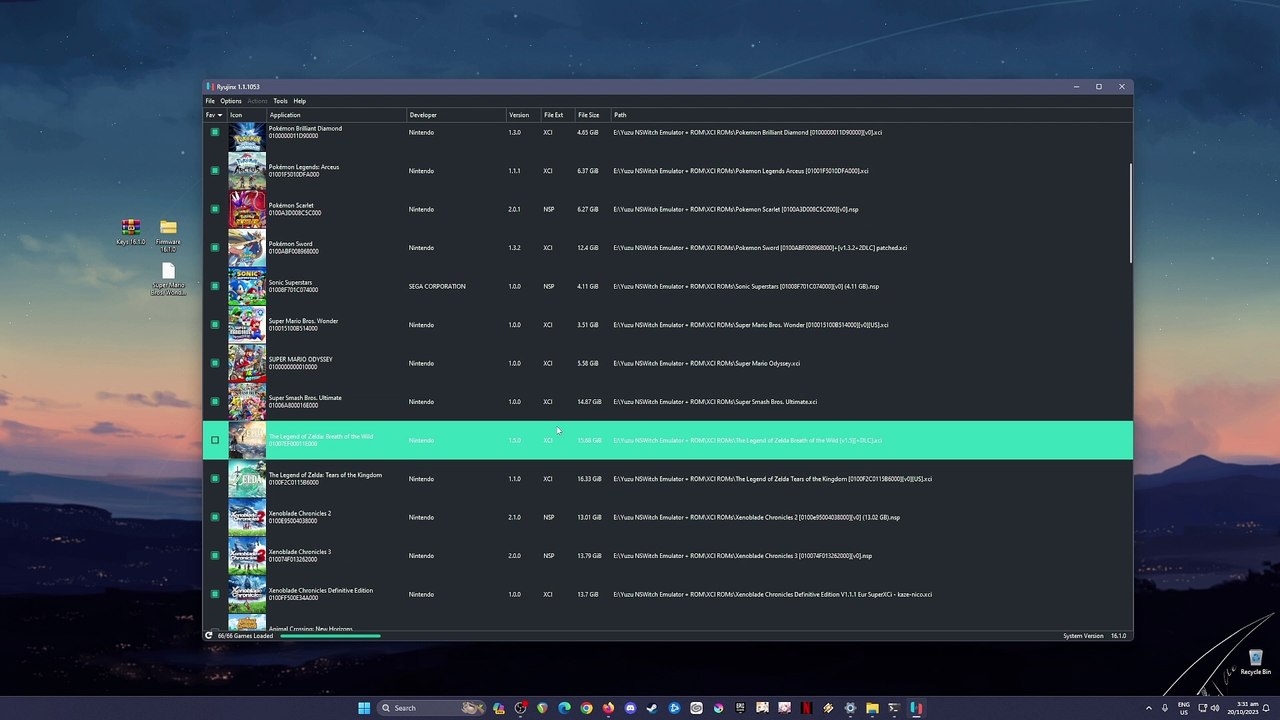
Discover how to enjoy Super Mario Bros. Wonder on your PC using the Ryujinx emulator. Step-by-step tips to set up and fully experience this exciting game without a Switch!
CappedFPS
495 views • Oct 20, 2023
About this video
What can I say, I really enjoyed playing Super Mario Bros. Wonder! It's a fun and engaging game. Don't have a Switch but want to try this out, then play it on PC. Watch this guide and follow all the steps to start playing the game.<br /><br />https://approms.com/supermariobroswonderryuzu/<br /><br />Tested with these PC Specs:<br />CPU: Intel i7-8700 8th GEN Cpu<br />GPU: Zotac RTX 2070 Super Twinfan<br />RAM: 16GB DDR4 G.Skill Trident Z<br />SSD: 1TB Samsung 970 EVO Plus<br />HDD: 2x 3TB Seagate Barracuda<br />CPU Cooler: ID Cooling Zoomflow 240XT<br />PSU: Seasonic FOCUS Plus 850 Gold<br />Case: NZXT H500<br /><br />#supermariobroswonder #supermariobros #ryujinx
Video Information
Views
495
Duration
7:41
Published
Oct 20, 2023
Related Trending Topics
LIVE TRENDSRelated trending topics. Click any trend to explore more videos.
No specific trending topics match this video yet.
Explore All Trends