Complete Guide to Playing Mario & Luigi Brothership on PC with Ryujinx Emulator 🎮
Learn step-by-step how to set up and fully enjoy Mario & Luigi Brothership on your PC using the latest Ryujinx Emulator. Perfect for fans wanting to relive the adventure!
Universo Primo
333 views • Oct 24, 2024
About this video
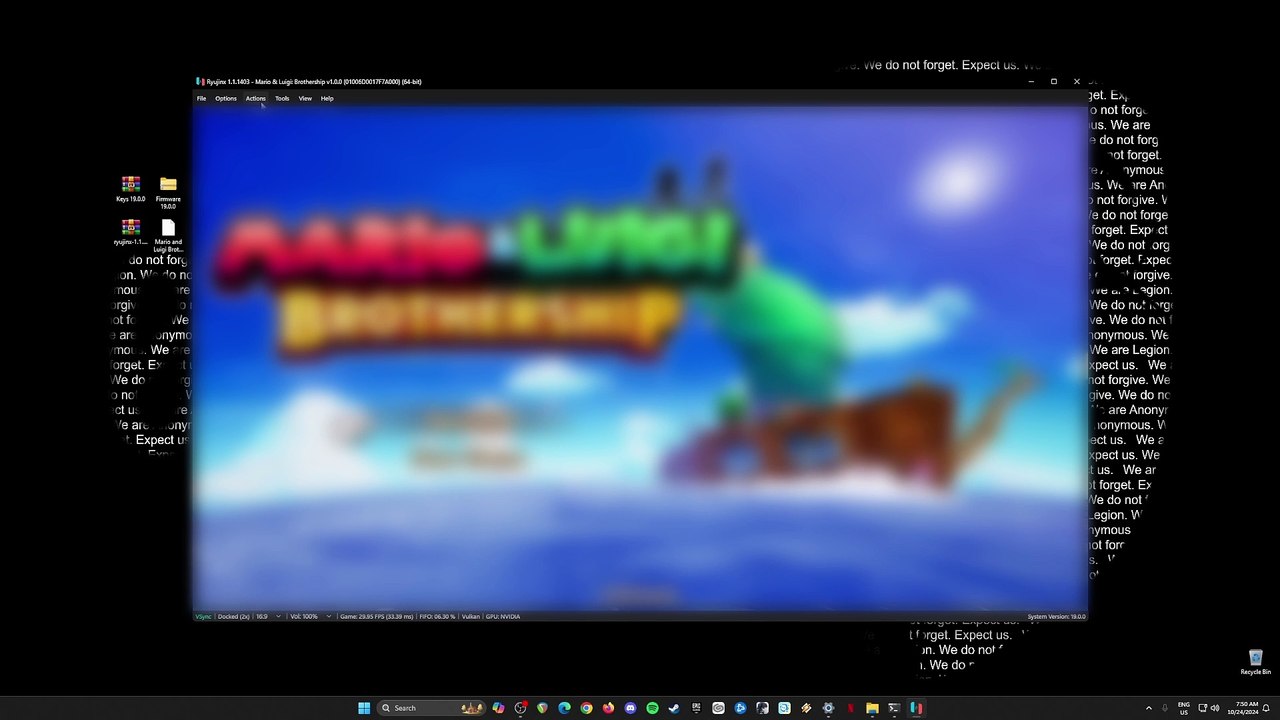
Hi, this is my 2nd video tutorial and I'll be teaching you guys on How to Fully Play Mario & Luigi Brothership game into your PC using the final build of Ryujinx. Just like my previous tutorial you will need to have a decent PC with a high single-core CPU performance with an OpelGL 4.6 graphics card. Follow all the simple steps shown so that you can play the game now.<br /><br />Official Site https://approms.com/marlubrothershipryuzu/<br /><br />Tested with these PC Specs:<br />CPU: Intel i7-8700k 8th GEN CPU<br />GPU: Palit RTX 4070 Super Dual<br />RAM: 16GB DDR4 G.Skill Trident Z<br />SSD: 1TB Samsung 970 EVO Plus<br />CPU Cooler: ID Cooling Zoomflow 240XT<br />PSU: Seasonic FOCUS Plus 850 Gold<br />Case: NZXT H500<br /><br />#MarioandLuigiBrothership #MarioandLuigi #RyujinxEmulator
Video Information
Views
333
Duration
7:57
Published
Oct 24, 2024
Related Trending Topics
LIVE TRENDSRelated trending topics. Click any trend to explore more videos.
No specific trending topics match this video yet.
Explore All Trends