How to Save Any Webpage as PDF in Firefox Browser on Android?
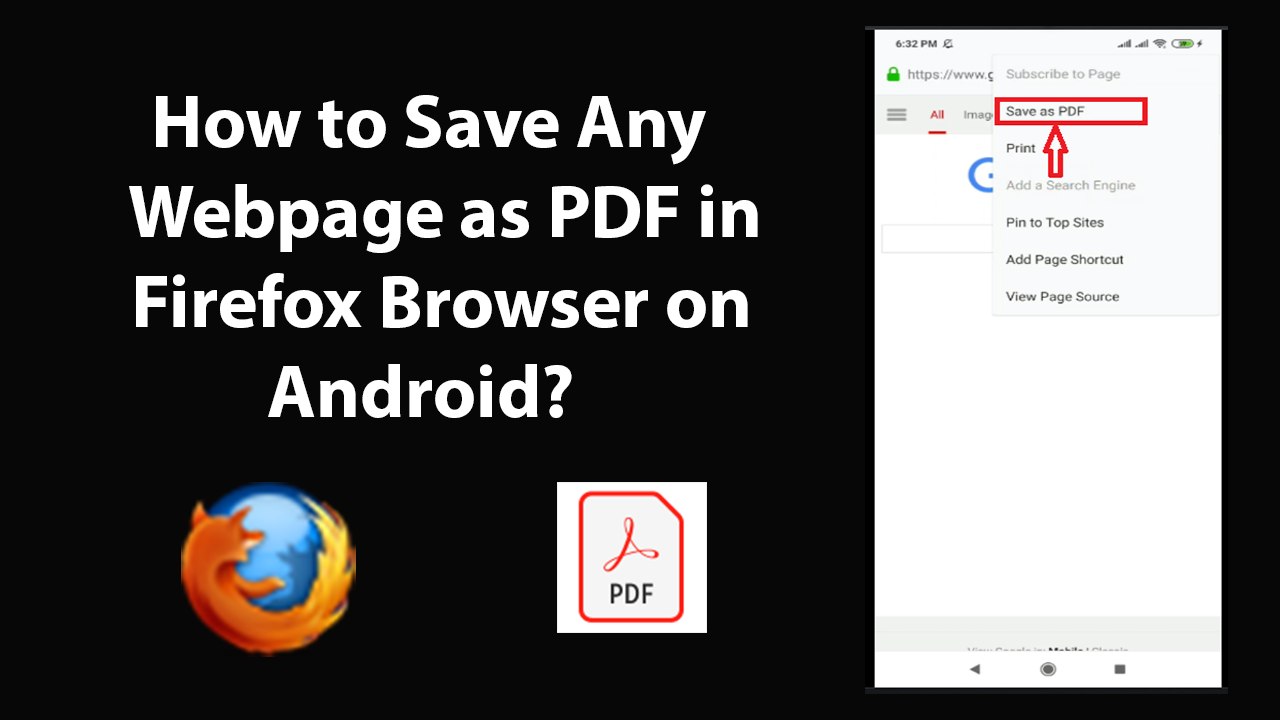
How to Save Any Webpage as PDF in Firefox Browser on Android?Step 1: Open 'Firefox' Web Browser.Step 2: Open WebPage of your choice that you want to 'Save as...
TechTips
32 views • Dec 3, 2019
About this video
How to Save Any Webpage as PDF in Firefox Browser on Android?<br /><br />Step 1: Open 'Firefox' Web Browser.<br /><br />Step 2: Open WebPage of your choice that you want to 'Save as PDF'<br /><br />Step 3: Tap on 'Three Dots' at the top right, and then tap on 'Page.'<br /><br />Step 4: Tap on 'Save as PDF.' After that, it will be saved.<br /><br />Step 5: In order to View PDF File, you need PDF Viewer, if you don't have. Go to 'Google Play store,' and install 'Adobe Acrobat reader.'<br /><br />Step 6: After that, open Firefox, tap on 'Three Dots' at the top right, and then tap on 'tools.' After that, tap on 'Downloads.'<br /><br />Step 7: Tap on 'PDF' file that you downloaded, select your PDF Viewer by tapping. After that, your PDF file will be opened.<br /><br />It's done.<br /><br />Thanks for watching, please like and subscribe <br /><br />==============================================<br /><br />https://www.facebook.com/HowtoTutorialsByAmit/
Video Information
Views
32
Duration
3:44
Published
Dec 3, 2019
Related Trending Topics
LIVE TRENDSRelated trending topics. Click any trend to explore more videos.
No specific trending topics match this video yet.
Explore All Trends