Easily Save Any Webpage as a PDF in Any Browser 🖥️
Learn simple steps to save web pages as PDFs across all browsers including Chrome, Firefox, Safari, Edge, and Opera. Perfect for offline reading or sharing!

Blog Ternet
147 views • May 30, 2020
About this video
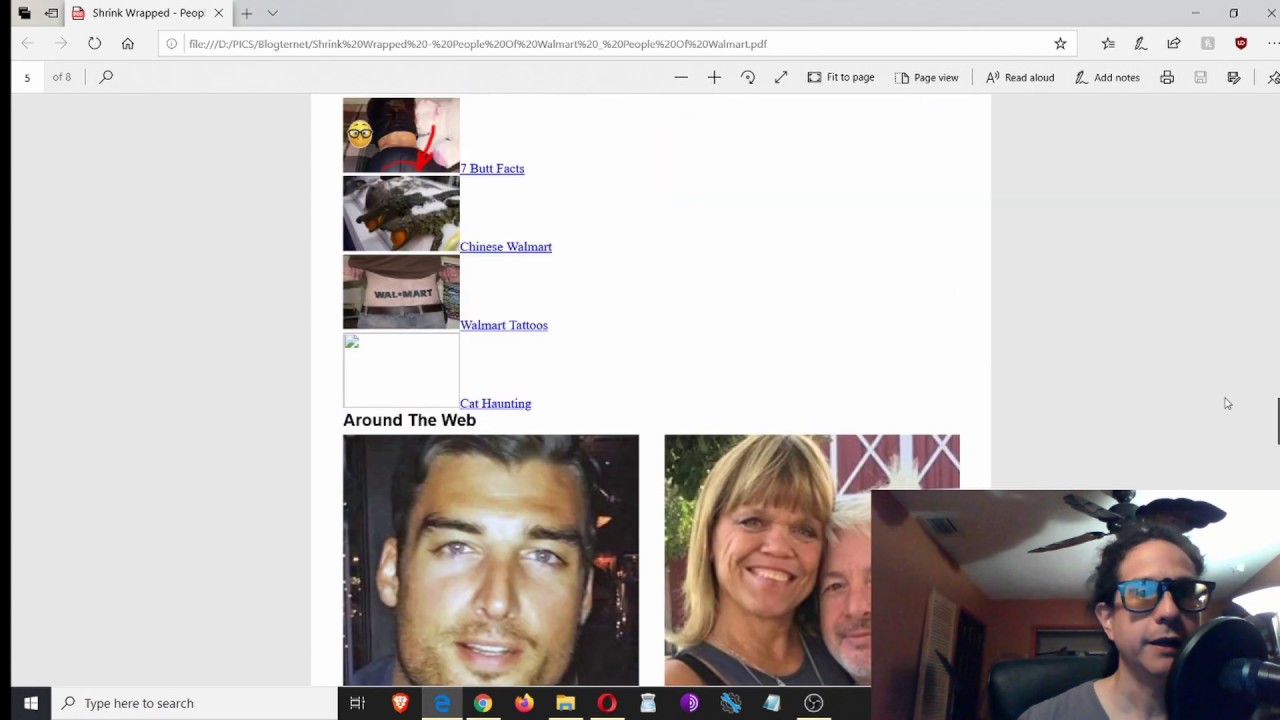
How to save a webpage as a PDF any browser - Save a webpage as pdf from any browser like Google Chrome, Firefox, Internet Explorer, Safari and Opera.
You don't need to install any plugins or add-ons. You can save a webpage in PDF format using the print function on your browser. You can use this method to download a website and read offline. In this video you will learn how to save a webpage as PDF document on any browser Google Chrome, Firefox, Internet Explorer, Safari, and Opera. The second method shows how you can do on a Mac.
Thanks for watching if you found useful please click a thumbs up, comment and subscribe!
#HowtosaveawebpageasaPDFanybrowser
You don't need to install any plugins or add-ons. You can save a webpage in PDF format using the print function on your browser. You can use this method to download a website and read offline. In this video you will learn how to save a webpage as PDF document on any browser Google Chrome, Firefox, Internet Explorer, Safari, and Opera. The second method shows how you can do on a Mac.
Thanks for watching if you found useful please click a thumbs up, comment and subscribe!
#HowtosaveawebpageasaPDFanybrowser
Tags and Topics
Browse our collection to discover more content in these categories.
Video Information
Views
147
Likes
6
Duration
6:31
Published
May 30, 2020