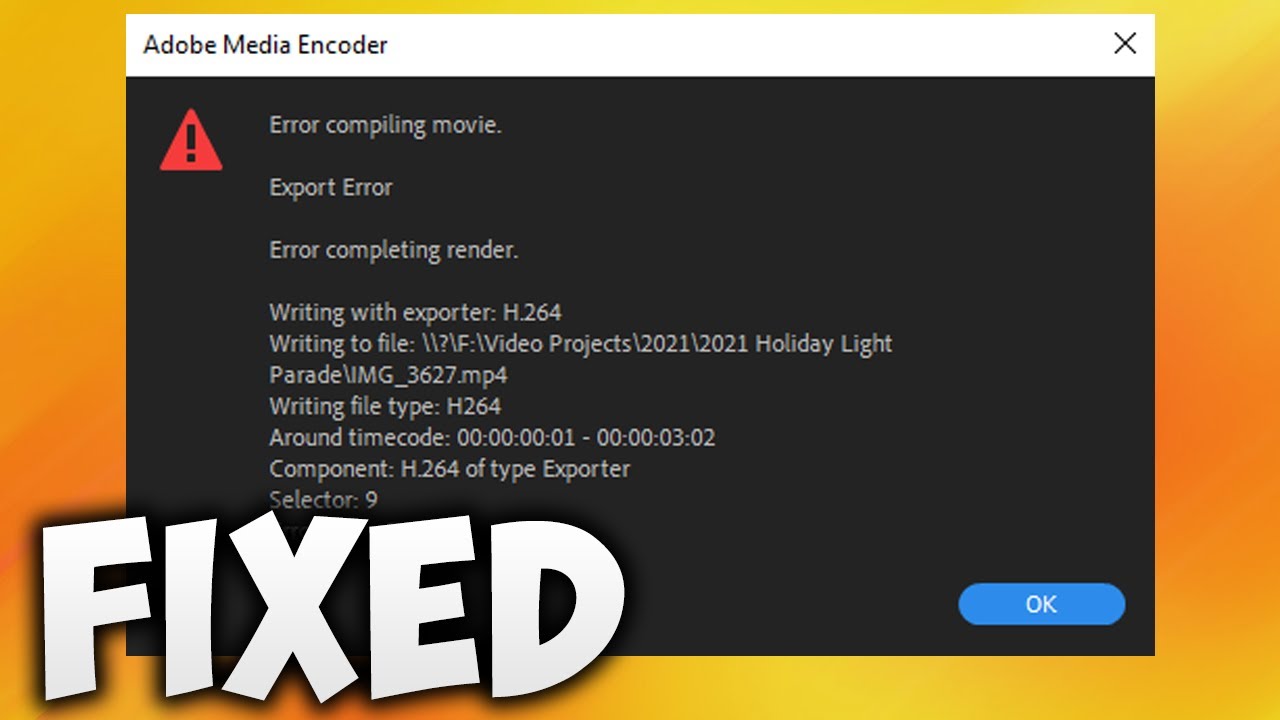
Fix Premiere Pro Error Code 3 During Export
Learn how to resolve the 'Error Completing Render' in Premiere Pro with simple steps to fix export issues and complete your project smoothly. 🎬

SoftTrick
856 views • Oct 13, 2024
About this video
In This Video We Will See
Here Are The Steps
1. Click OK Button
2. Click Video Tab
3. Scroll Down Umtil You Find "Encoding Settings"
4. In Performance Select "Software Encoding" From DropDown Menu
5. Click Export Button To Export The Video
6. Done!
Here Are The Steps
1. Click OK Button
2. Click Video Tab
3. Scroll Down Umtil You Find "Encoding Settings"
4. In Performance Select "Software Encoding" From DropDown Menu
5. Click Export Button To Export The Video
6. Done!
Tags and Topics
Browse our collection to discover more content in these categories.
Video Information
Views
856
Likes
5
Duration
0:44
Published
Oct 13, 2024
Related Trending Topics
LIVE TRENDSRelated trending topics. Click any trend to explore more videos.
No specific trending topics match this video yet.
Explore All Trends