Fix Adobe Premiere Render & Export Errors (2026)
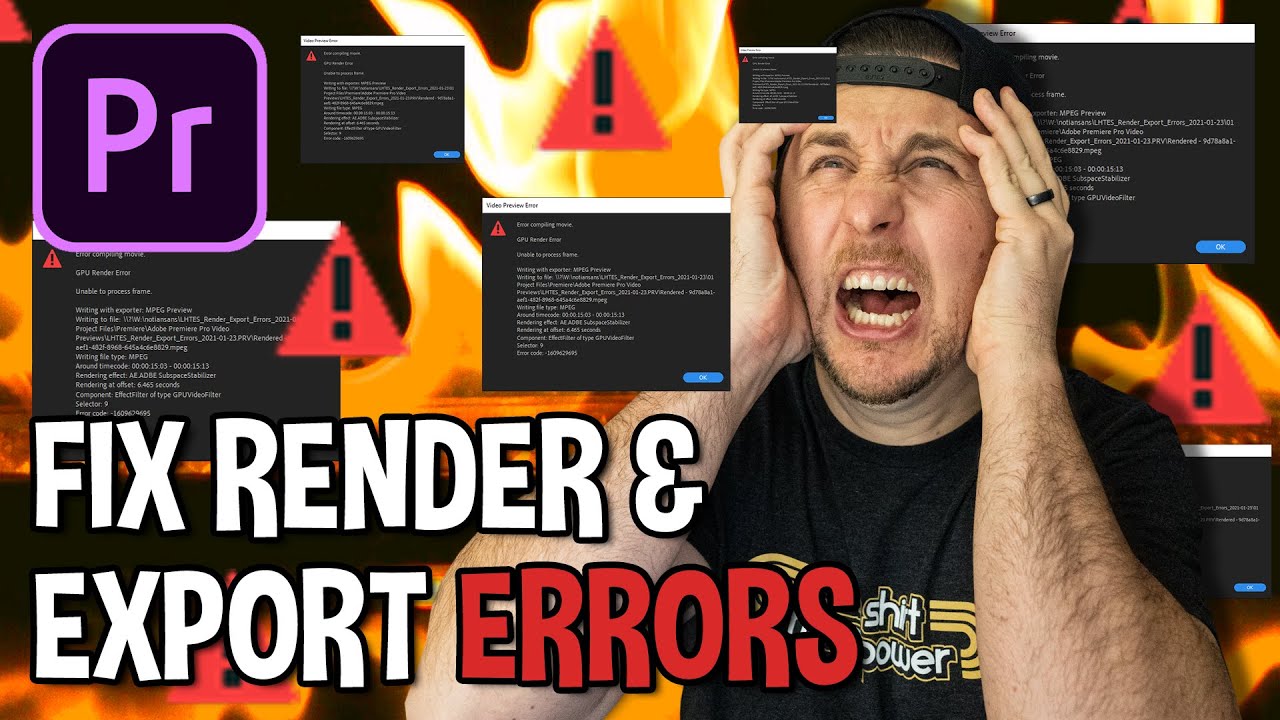
Learn how to troubleshoot and fix common render and export errors in Adobe Premiere. Comment with your successful fix! 🎬

Learn How To Generate Stuff
499.9K views • Jan 24, 2021
About this video
In this Adobe Premiere tutorial, I show you how to fix common render and export errors! Comment below with which fix worked for you - Additional links below, and If you enjoy my content please consider subscribing and hitting that like button!
If you'd like to connect with me outside of YouTube / support this channel / get awesome stuff: https://linktr.ee/LHTES
0:00 - Intro
0:56 - Good Housekeeping
1:03 - Update Adobe Premiere
1:19 - Update Windows / MAC
1:30 - Update Graphics Card Drivers
1:47 - Perform a Clean / Custom Install
2:07 - Restart Your Computer
2:36 - Set Correct Sequence Settings
3:39 - Turn Off “Refresh Growing Files”
4:17 - Valuable Information in Render Error Message
5:33 - Deactivate Plugins to Find the Problem
6:31 - Reorder Plugin Stack to Fix Issues
7:00 - Use Adjustment Layer for Plugins
7:31 - Plugin Render Error Recap
7:57 - Try Nesting the Problem Clip
8:18 - Nest Clip and Scale 1% and Render Again
8:39 - Change Video Preview Type
9:40 - Change to Software Encoding
10:41 - Export Error Fixes
11:13 - Export to ProRes Instead of H.264
12:32 - Use Software Encoding on Export
12:56 - Use Adobe Media Encoder
13:58 - Nest Entire Sequence Before Exporting
14:44 - Guess Based on Export Completion Percentage
15:20 - Comment Which Tip Helped You
15:41 - Outro
How To Fix Adobe Premiere Render and Export Errors (2023)
Learn How To Edit Stuff
notiansans
If you'd like to connect with me outside of YouTube / support this channel / get awesome stuff: https://linktr.ee/LHTES
0:00 - Intro
0:56 - Good Housekeeping
1:03 - Update Adobe Premiere
1:19 - Update Windows / MAC
1:30 - Update Graphics Card Drivers
1:47 - Perform a Clean / Custom Install
2:07 - Restart Your Computer
2:36 - Set Correct Sequence Settings
3:39 - Turn Off “Refresh Growing Files”
4:17 - Valuable Information in Render Error Message
5:33 - Deactivate Plugins to Find the Problem
6:31 - Reorder Plugin Stack to Fix Issues
7:00 - Use Adjustment Layer for Plugins
7:31 - Plugin Render Error Recap
7:57 - Try Nesting the Problem Clip
8:18 - Nest Clip and Scale 1% and Render Again
8:39 - Change Video Preview Type
9:40 - Change to Software Encoding
10:41 - Export Error Fixes
11:13 - Export to ProRes Instead of H.264
12:32 - Use Software Encoding on Export
12:56 - Use Adobe Media Encoder
13:58 - Nest Entire Sequence Before Exporting
14:44 - Guess Based on Export Completion Percentage
15:20 - Comment Which Tip Helped You
15:41 - Outro
How To Fix Adobe Premiere Render and Export Errors (2023)
Learn How To Edit Stuff
notiansans
Tags and Topics
Browse our collection to discover more content in these categories.
Video Information
Views
499.9K
Likes
9.2K
Duration
16:40
Published
Jan 24, 2021
User Reviews
4.8
(99) Related Trending Topics
LIVE TRENDSRelated trending topics. Click any trend to explore more videos.
No specific trending topics match this video yet.
Explore All Trends