How to Block Third-Party Cookies in Google Chrome (Updated)
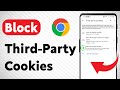
Learn how to block third-party cookies in Google Chrome with this easy, updated guide. Protect your privacy and stop advertisers from tracking your browsing ...
Smart Fixer
550 views • May 19, 2025
About this video
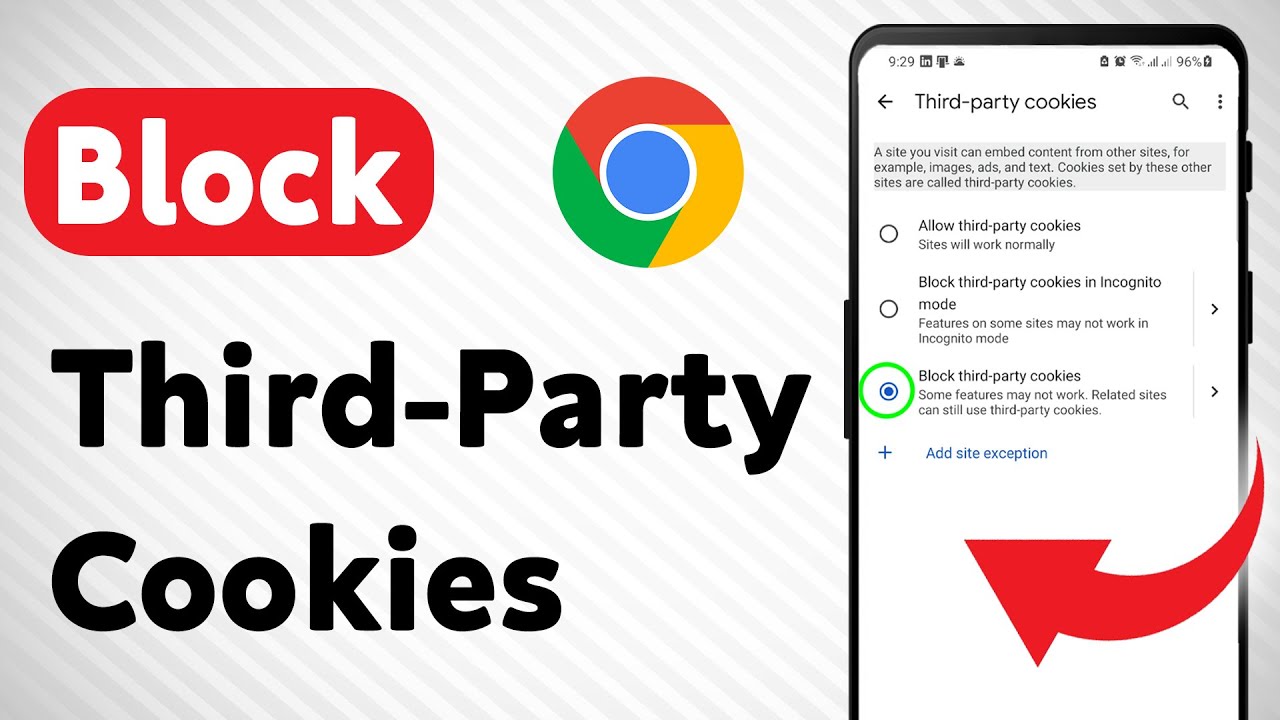
Learn how to block third-party cookies in Google Chrome with this easy, updated guide. Protect your privacy and stop advertisers from tracking your browsing activity by following these quick steps.
1. Open the Chrome app and tap the three dots (⋮), then tap Settings.
2. Scroll down and tap Privacy and security.
3. Tap on Third-party cookies.
4. Select Block third-party cookies.
Follow these steps to enhance your online privacy and take control of your browsing experience.-
===================
Chapters:
--------------
00:00 Intro
00:12 Soultion
01:05 Outro
===================
For advertiser contact us via email : smart_fixer@protonmail.com
1. Open the Chrome app and tap the three dots (⋮), then tap Settings.
2. Scroll down and tap Privacy and security.
3. Tap on Third-party cookies.
4. Select Block third-party cookies.
Follow these steps to enhance your online privacy and take control of your browsing experience.-
===================
Chapters:
--------------
00:00 Intro
00:12 Soultion
01:05 Outro
===================
For advertiser contact us via email : smart_fixer@protonmail.com
Tags and Topics
Browse our collection to discover more content in these categories.
Video Information
Views
550
Likes
4
Duration
1:48
Published
May 19, 2025
Related Trending Topics
LIVE TRENDSRelated trending topics. Click any trend to explore more videos.
No specific trending topics match this video yet.
Explore All Trends