Enable Third-Party Cookies in Chrome 🔧
Learn how to easily enable third-party cookies in Google Chrome to access all website features and content.

Smart Fixer
732 views • May 19, 2025
About this video
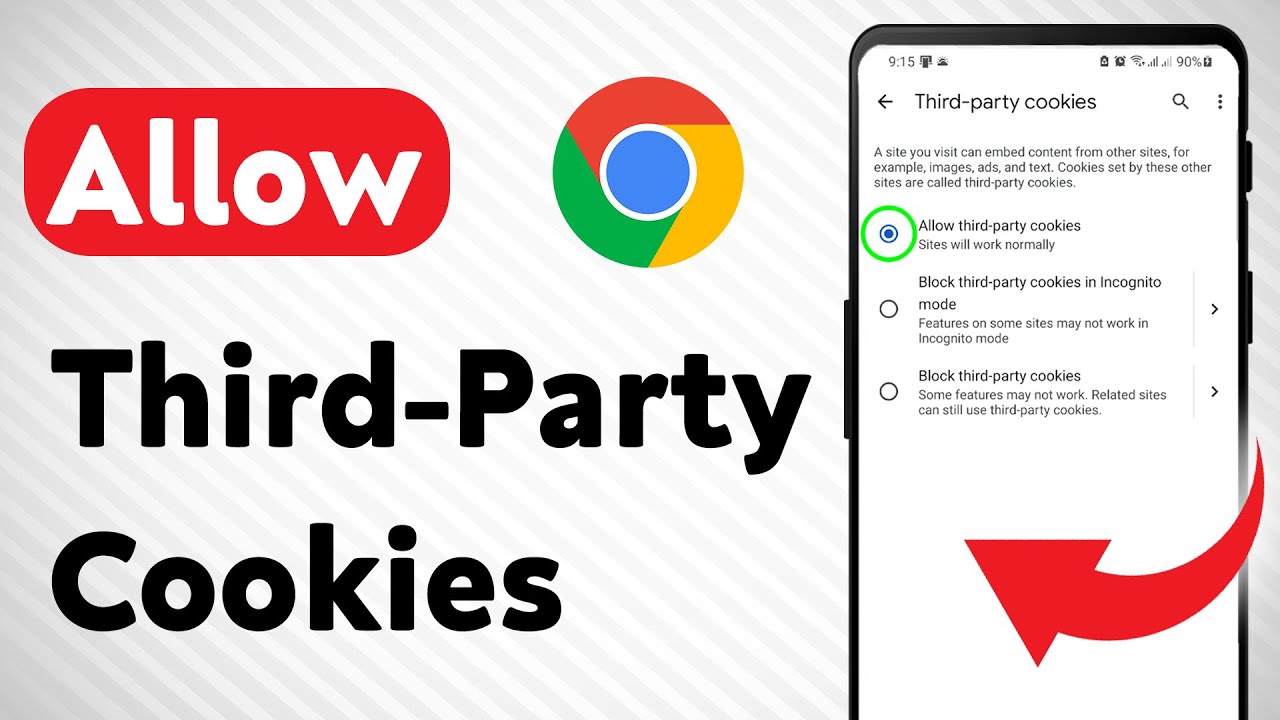
Learn how to allow third-party cookies in Google Chrome with this quick and easy guide. Enabling third-party cookies can help you access certain websites and features that require cross-site data.
1. Open the Chrome app and tap the three dots (⋮), then tap Settings
2. Scroll down and tap Privacy and security
3. Tap on Third-party cookies
4. Select Allow third-party cookies-
===================
Chapters:
--------------
00:00 Intro
00:12 Soultion
01:05 Outro
===================
For advertiser contact us via email : smart_fixer@protonmail.com
1. Open the Chrome app and tap the three dots (⋮), then tap Settings
2. Scroll down and tap Privacy and security
3. Tap on Third-party cookies
4. Select Allow third-party cookies-
===================
Chapters:
--------------
00:00 Intro
00:12 Soultion
01:05 Outro
===================
For advertiser contact us via email : smart_fixer@protonmail.com
Tags and Topics
Browse our collection to discover more content in these categories.
Video Information
Views
732
Likes
8
Duration
2:02
Published
May 19, 2025
Related Trending Topics
LIVE TRENDSRelated trending topics. Click any trend to explore more videos.
No specific trending topics match this video yet.
Explore All Trends