Allow or Block Third-Party Cookies in Chrome on Windows 🖥️
Learn how to enable or block third-party cookies in Google Chrome on Windows 10/11 with this simple step-by-step guide.

GearUpWindows
132 views • Mar 11, 2024
About this video
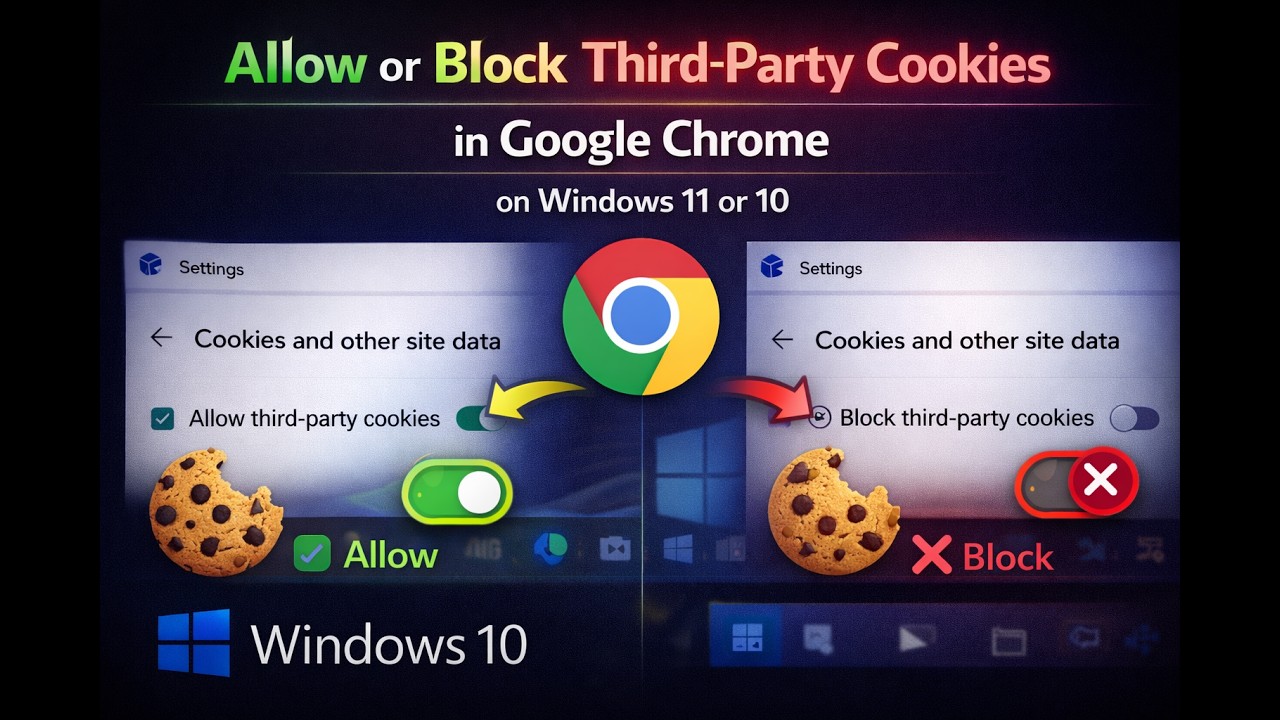
Title: How to Allow or Block Third Party Cookies in Google Chrome | Windows 11/10 Tutorial
Description:
Welcome to GearUpWindows! In this step-by-step tutorial, we'll guide you through the process of allowing or blocking third-party cookies in Google Chrome on Windows 11 or 10.
Third-party cookies can impact your browsing experience and privacy. Whether you want to enhance security or customize your browsing preferences, knowing how to manage these cookies is essential.
In this video, we'll cover:
- How to access Chrome settings on Windows 11 or 10.
- Navigating to the Privacy and security section.
- Understanding the implications of allowing or blocking third-party cookies.
- Step-by-step instructions on how to allow or block third-party cookies in Google Chrome.
By the end of this tutorial, you'll have a clear understanding of how to take control of your browsing privacy and security settings in Google Chrome.
Don't forget to subscribe to GearUpWindows for more Windows tips, tricks, and tutorials! Let's get started.
#GoogleChrome #Windows11 #Windows10 #PrivacySettings #BrowserSecurity #Tutorial #TechTips #OnlinePrivacy #CookieManagement #InternetSecurity #GearUpWindows #TechTutorial
Description:
Welcome to GearUpWindows! In this step-by-step tutorial, we'll guide you through the process of allowing or blocking third-party cookies in Google Chrome on Windows 11 or 10.
Third-party cookies can impact your browsing experience and privacy. Whether you want to enhance security or customize your browsing preferences, knowing how to manage these cookies is essential.
In this video, we'll cover:
- How to access Chrome settings on Windows 11 or 10.
- Navigating to the Privacy and security section.
- Understanding the implications of allowing or blocking third-party cookies.
- Step-by-step instructions on how to allow or block third-party cookies in Google Chrome.
By the end of this tutorial, you'll have a clear understanding of how to take control of your browsing privacy and security settings in Google Chrome.
Don't forget to subscribe to GearUpWindows for more Windows tips, tricks, and tutorials! Let's get started.
#GoogleChrome #Windows11 #Windows10 #PrivacySettings #BrowserSecurity #Tutorial #TechTips #OnlinePrivacy #CookieManagement #InternetSecurity #GearUpWindows #TechTutorial
Tags and Topics
Browse our collection to discover more content in these categories.
Video Information
Views
132
Duration
1:30
Published
Mar 11, 2024
Related Trending Topics
LIVE TRENDSRelated trending topics. Click any trend to explore more videos.
No specific trending topics match this video yet.
Explore All Trends