Block Adult Websites Permanently on Android 🚫
Learn quick steps to permanently block adult websites on Android devices for safer browsing and protection.

Phone Transformer
80.0K views • Apr 2, 2025
About this video
How to Block Adult Websites Permanently in Android
Blocking adult websites on Android devices is essential for users who want to protect themselves or their loved ones from inappropriate content. In this video, we will explain why blocking adult websites is important for maintaining privacy, security, and a healthier online environment. With easy-to-follow steps, we will help you ensure your Android device is free from explicit content, whether for personal or family use. Stay tuned to learn how to take control of your browsing experience and ensure safer internet usage for everyone.
- How to block adult websites on Android for kids
- Block adult content Android permanently
- Restrict adult websites Android parental controls
- Android app to block adult sites
- Secure browsing on Android without adult content
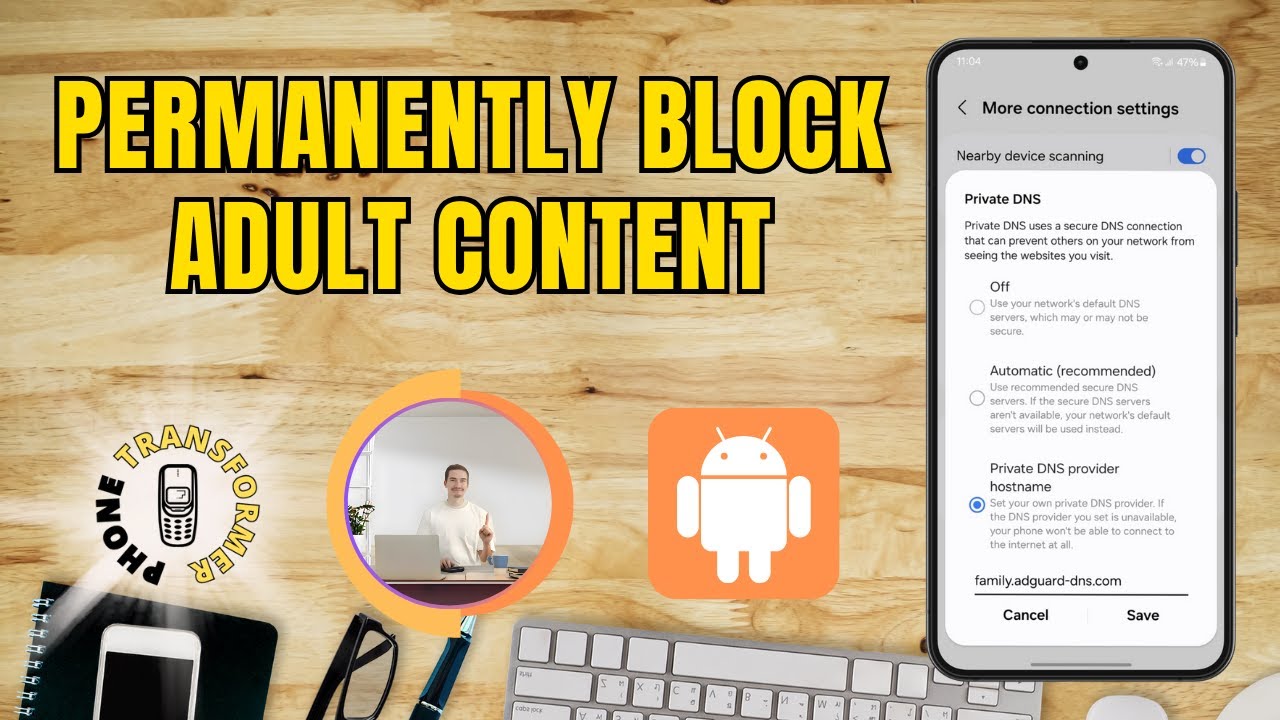
Type: 'family.adguard-dns.com'
Subscribe the channel from here - http://www.youtube.com/@phonetransformer?sub_confirmation=1
Note: The solution may vary depending on your smartphone model and software version. We have used the most common smartphone and Android/iOS version to demonstrate the fix. If you don’t see the exact options on your device, try searching in your phone’s settings. If the solution doesn’t match your device, leave a comment, and we’ll do our best to help you fix your specific issue!
Blocking adult websites on Android devices is essential for users who want to protect themselves or their loved ones from inappropriate content. In this video, we will explain why blocking adult websites is important for maintaining privacy, security, and a healthier online environment. With easy-to-follow steps, we will help you ensure your Android device is free from explicit content, whether for personal or family use. Stay tuned to learn how to take control of your browsing experience and ensure safer internet usage for everyone.
- How to block adult websites on Android for kids
- Block adult content Android permanently
- Restrict adult websites Android parental controls
- Android app to block adult sites
- Secure browsing on Android without adult content
Type: 'family.adguard-dns.com'
Subscribe the channel from here - http://www.youtube.com/@phonetransformer?sub_confirmation=1
Note: The solution may vary depending on your smartphone model and software version. We have used the most common smartphone and Android/iOS version to demonstrate the fix. If you don’t see the exact options on your device, try searching in your phone’s settings. If the solution doesn’t match your device, leave a comment, and we’ll do our best to help you fix your specific issue!
Tags and Topics
Browse our collection to discover more content in these categories.
Video Information
Views
80.0K
Likes
655
Duration
1:44
Published
Apr 2, 2025
User Reviews
4.3
(16) Related Trending Topics
LIVE TRENDSRelated trending topics. Click any trend to explore more videos.
Trending Now