Block Porn Websites on Any Android 📱
Learn a simple way to block adult websites on your Android phone for safer browsing and peace of mind.

DroidTricks
1.1K views • Feb 3, 2025
About this video
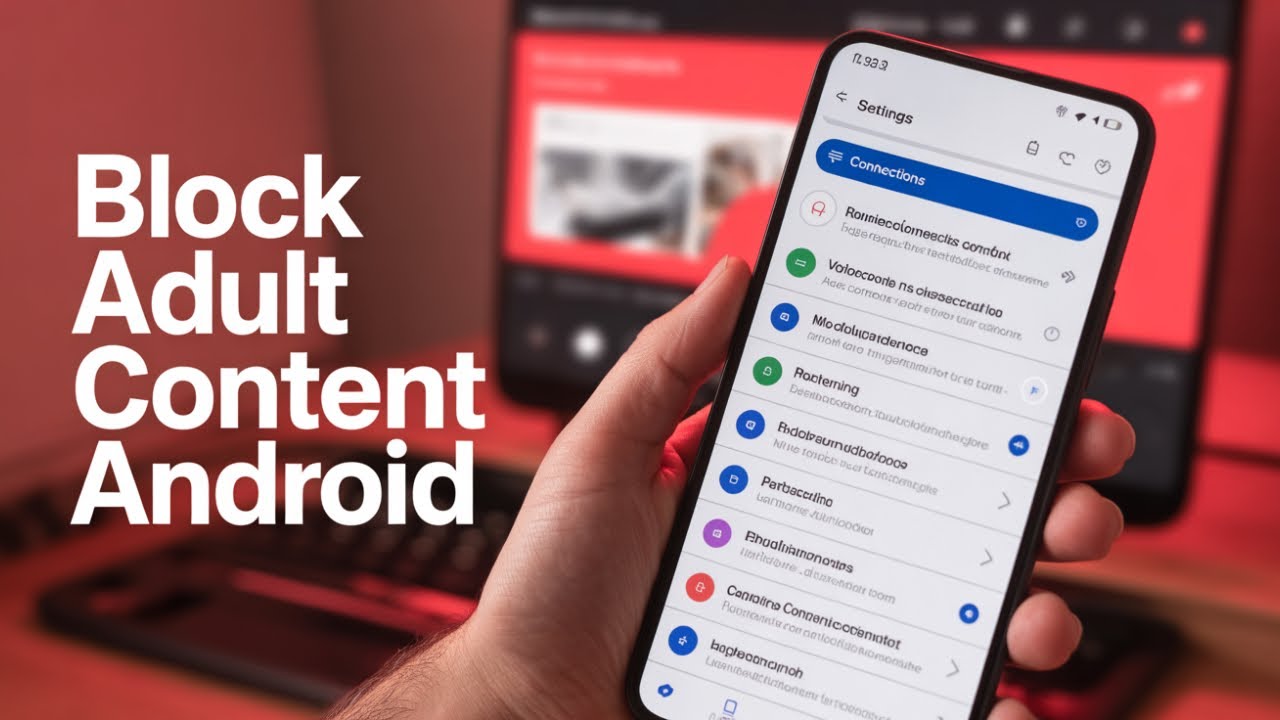
Looking for a safe and secure way to use your Android phone? In this video, I'll show you a simple yet effective method to block access to adult content across all browsers on your device. We'll dive into the settings menu, explore how to set up a Private DNS, and I'll guide you through entering a specific DNS address that filters out unwanted websites. This process works on any Android device, including Samsung. By the end of this tutorial, your phone will prevent access to all known adult sites, ensuring safer browsing for you and your family.
This video also covers the following topics:
- Simple Steps to Block Porn on Any Android Device
- Android Phone Setup to Safeguard Against Adult Sites
- How to Use Private DNS to Block Unwanted Websites on Android
#AndroidSafety #BlockAdultContent #TechTips
This video also covers the following topics:
- Simple Steps to Block Porn on Any Android Device
- Android Phone Setup to Safeguard Against Adult Sites
- How to Use Private DNS to Block Unwanted Websites on Android
#AndroidSafety #BlockAdultContent #TechTips
Tags and Topics
Browse our collection to discover more content in these categories.
Video Information
Views
1.1K
Likes
5
Duration
1:39
Published
Feb 3, 2025
User Reviews
3.9
(1) Related Trending Topics
LIVE TRENDSRelated trending topics. Click any trend to explore more videos.
Trending Now