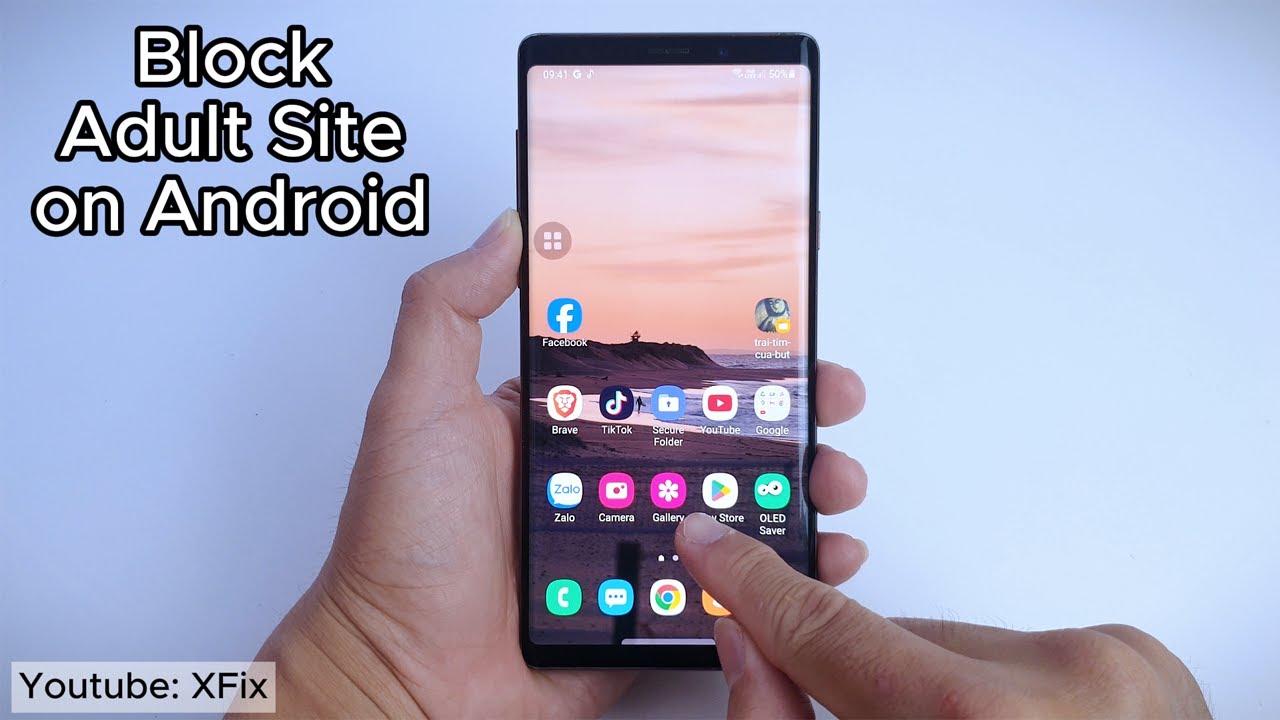
Block Adult Content on Android 📱
Learn how to permanently block 18+ content on Android by adjusting settings in Connections and Privacy options.

XFix
190.9K views • Mar 25, 2024
About this video
How to Block Adult Content on Android, and this video will show you How do I permanently block 18+ content on Android?
Go to Settings - Connection - Find Private DNS setting - enter the DNS of cleanbrowsing.
Or you can use other way to block Adult site on your phone:
Enable Google SafeSearch.
Turn on Enhanced Protection on Chrome.
Use Chrome Extensions.
Activate Google Play Restrictions.
Set up OpenDNS on Your Phone.
Try a Parental Control App.
Thanks for watching, and please subscribe to follow me.
Email: nguyentuananh1004@gmail.com
Go to Settings - Connection - Find Private DNS setting - enter the DNS of cleanbrowsing.
Or you can use other way to block Adult site on your phone:
Enable Google SafeSearch.
Turn on Enhanced Protection on Chrome.
Use Chrome Extensions.
Activate Google Play Restrictions.
Set up OpenDNS on Your Phone.
Try a Parental Control App.
Thanks for watching, and please subscribe to follow me.
Email: nguyentuananh1004@gmail.com
Tags and Topics
Browse our collection to discover more content in these categories.
Video Information
Views
190.9K
Likes
807
Duration
0:40
Published
Mar 25, 2024
User Reviews
4.1
(38) Related Trending Topics
LIVE TRENDSRelated trending topics. Click any trend to explore more videos.
Trending Now