Block Websites on iPhone in Easy Steps 📱
Learn how to block websites on your iPhone quickly via Settings, Screen Time, and Content & Privacy Restrictions.

Techlomedia
268.2K views • Jan 17, 2024
About this video
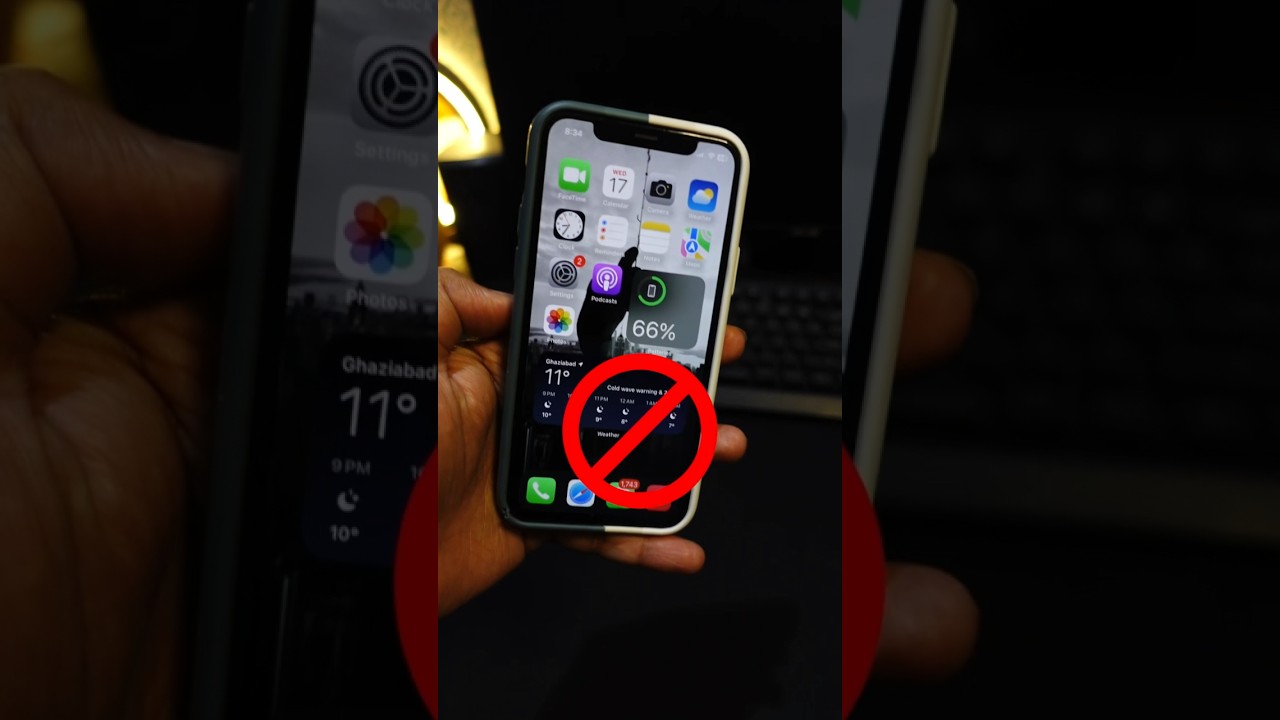
It is super easy to block a website on iPhone. Let me show you how.
Open Settings app, and go to Screen Time. Now Content & Privacy Restrictions. Enable the toggle. Now go to Content restriction. Web Content.
Select Limit Adult Websites and add the URL in the Never Allow section.
Boom.
Now this website will be blocked on the iPhone.
Share it with your friends and follow for more.
#iPhone #shortsvideo #iPhonetricks
Open Settings app, and go to Screen Time. Now Content & Privacy Restrictions. Enable the toggle. Now go to Content restriction. Web Content.
Select Limit Adult Websites and add the URL in the Never Allow section.
Boom.
Now this website will be blocked on the iPhone.
Share it with your friends and follow for more.
#iPhone #shortsvideo #iPhonetricks
Tags and Topics
Browse our collection to discover more content in these categories.
Video Information
Views
268.2K
Likes
2.5K
Duration
0:25
Published
Jan 17, 2024
User Reviews
4.4
(53) Related Trending Topics
LIVE TRENDSRelated trending topics. Click any trend to explore more videos.