Guide to Encrypt Files and Folders in Windows 11 & Windows 10
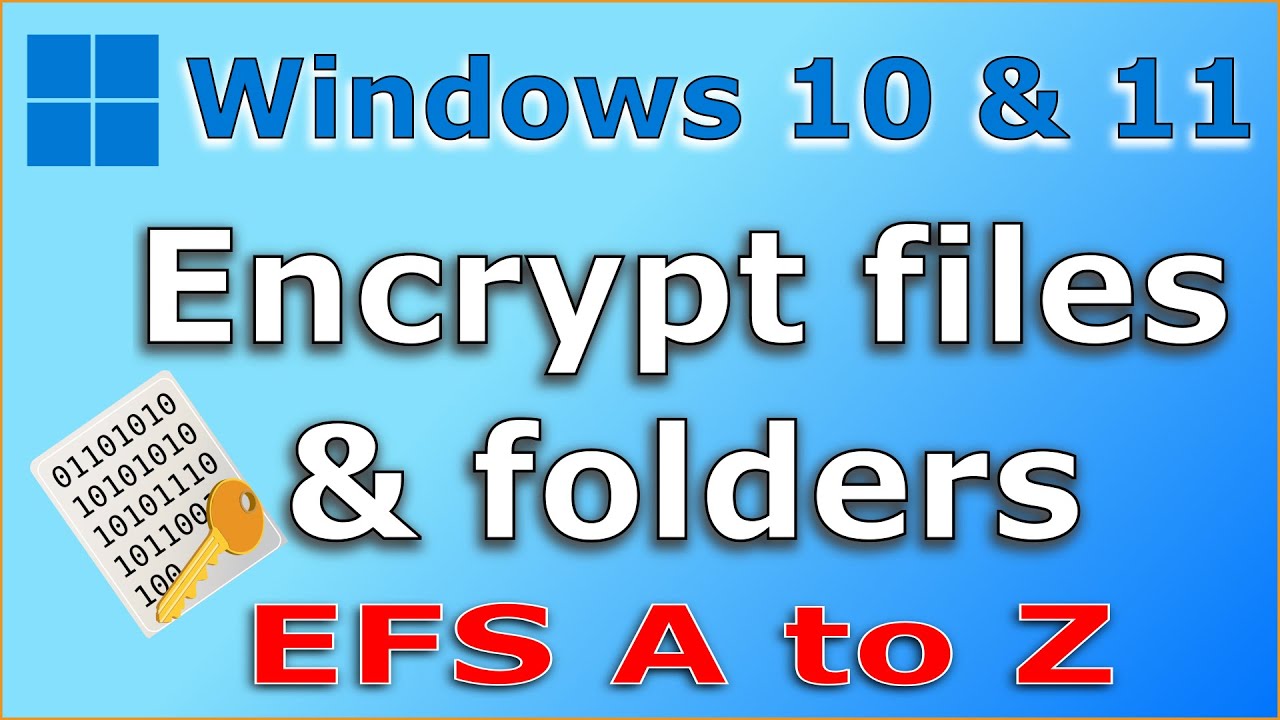
Step-by-step instructions on using EFS (Encrypting File System) to encrypt your files and folders in Windows 10 and Windows 11 for enhanced security.

Knowledge Sharing Tech
141.2K views • Dec 26, 2020
About this video
Step by step instructions on how to use EFS or Encrypting File System to encrypt your files and folders in Windows 10 or Windows 11 to protect them from illicit access and how to regain access using the encryption certificate (Personal Information Exchange Certificate)
Amazon tech deals: https://amzn.to/3VgqUU8
Amazon links are affiliate links. I gain a small percentage at no cost to you if you make a purchase.
✅ Subscribe, it really helps: https://www.youtube.com/knowledgesharingtech?sub_confirmation=1
Important notes
1- Do not loose the encryption certificate nor its password and keep them in a safe place
2- Do not share the certificate nor the password with anyone
Chapters Use EFS to encrypt your data in Windows 10
00:00 Intro
01:18 What is EFS and why to encrypt you files
01:02 Demo of data vulnerability if not encrypted
01:50 Encrypting folder and files
02:47 Backing up the encryption certificate
04:26 Configure folder view to display encrypted data in color
05:33 Demo on how the encrypted data is no longer accessible by the admin
06:33 How to decrypt the data
07:35 What happens if someone resets your password forcibly
09:20 Re-importing the certificate to regain access to encrypted data
11:03 Testing after certificate re-import
11:16 Final important notes and thanks
Follow me on:
My websites:
https://knowledgesharingtech.com/
https://tripleewebdesigns.com
Facebook: https://www.facebook.com/knowledgesharingtech
Twitter: https://twitter.com/KnowledgeShari6
Instagram: https://www.instagram.com/knowledge_sharing_tech
Disclaimer
Use the instructions in this video at your own risk. We are not responsible for any data loss or other damages that may occur
Amazon tech deals: https://amzn.to/3VgqUU8
Amazon links are affiliate links. I gain a small percentage at no cost to you if you make a purchase.
✅ Subscribe, it really helps: https://www.youtube.com/knowledgesharingtech?sub_confirmation=1
Important notes
1- Do not loose the encryption certificate nor its password and keep them in a safe place
2- Do not share the certificate nor the password with anyone
Chapters Use EFS to encrypt your data in Windows 10
00:00 Intro
01:18 What is EFS and why to encrypt you files
01:02 Demo of data vulnerability if not encrypted
01:50 Encrypting folder and files
02:47 Backing up the encryption certificate
04:26 Configure folder view to display encrypted data in color
05:33 Demo on how the encrypted data is no longer accessible by the admin
06:33 How to decrypt the data
07:35 What happens if someone resets your password forcibly
09:20 Re-importing the certificate to regain access to encrypted data
11:03 Testing after certificate re-import
11:16 Final important notes and thanks
Follow me on:
My websites:
https://knowledgesharingtech.com/
https://tripleewebdesigns.com
Facebook: https://www.facebook.com/knowledgesharingtech
Twitter: https://twitter.com/KnowledgeShari6
Instagram: https://www.instagram.com/knowledge_sharing_tech
Disclaimer
Use the instructions in this video at your own risk. We are not responsible for any data loss or other damages that may occur
Tags and Topics
Browse our collection to discover more content in these categories.
Video Information
Views
141.2K
Likes
1.5K
Duration
11:37
Published
Dec 26, 2020
User Reviews
4.4
(28) Related Trending Topics
LIVE TRENDSRelated trending topics. Click any trend to explore more videos.