Step-by-Step Guide to Encrypting Files and Folders in Windows 10 Using EFS
This guide provides clear instructions on utilizing the Encrypting File System (EFS) to securely encrypt your files and folders in Windows 10 and Windows 11, safeguarding them from unauthorized access.

AjobsTech
1.6K views • Mar 1, 2022
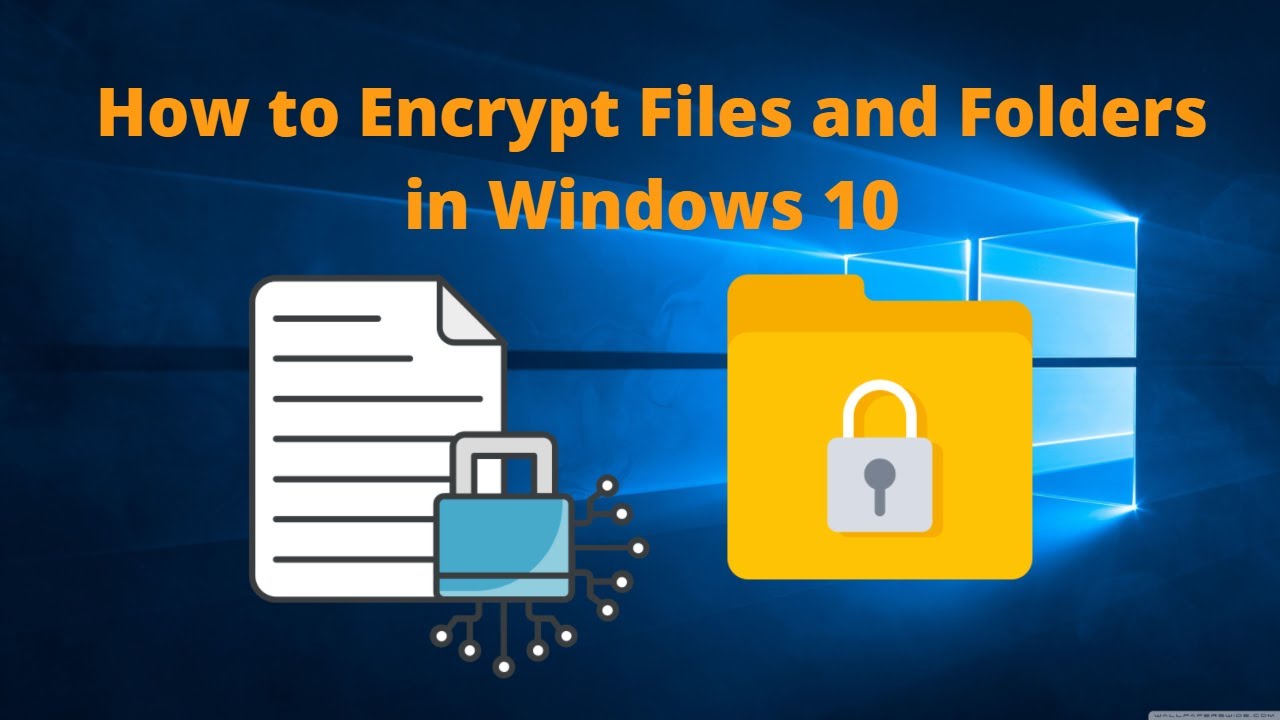
About this video
Step by step instructions on how to use EFS or Encrypting File System to encrypt your files and folders in Windows 10 or Windows 11 to protect them from illicit access and how to regain access using the encryption certificate (Personal Information Exchange Certificate)
✅ Subscribe, it really helps: https://www.youtube.com/channel/UCRdISBY2tCzbV30WAqSo3iA
Important notes:
1- Do not loose the encryption certificate nor its password and keep them in a safe place
2- Do not share the certificate nor the password with anyone
What is File Encryption? 00:30
How to Encrypt a File 01:11
How to Confirm File Successfully Encrypted 03:13
How to Encrypt a Folder 04:49
How to Confirm Folder Successfully Encrypted 07:11
How to Create New User Account in Windows 10 - https://youtu.be/DGt4XYSyqyg
How to Disable New File Automatic Encryption - https://youtu.be/D4TL28Wqpws
Thanks for watching, I hope it was helpful.
If you find this video helpful, kindly hit the SUBSCRIBE button, Like, Comment and Share.
Disclaimer: Use the instructions in this video at your own risk. We are not responsible for any data loss or other damages that may occur
Facebook: Facebook.com/ajobstech
Instagram: Instagram.com/ajobstech
#File #Folder #Encryption #Windows #EFS #Password
✅ Subscribe, it really helps: https://www.youtube.com/channel/UCRdISBY2tCzbV30WAqSo3iA
Important notes:
1- Do not loose the encryption certificate nor its password and keep them in a safe place
2- Do not share the certificate nor the password with anyone
What is File Encryption? 00:30
How to Encrypt a File 01:11
How to Confirm File Successfully Encrypted 03:13
How to Encrypt a Folder 04:49
How to Confirm Folder Successfully Encrypted 07:11
How to Create New User Account in Windows 10 - https://youtu.be/DGt4XYSyqyg
How to Disable New File Automatic Encryption - https://youtu.be/D4TL28Wqpws
Thanks for watching, I hope it was helpful.
If you find this video helpful, kindly hit the SUBSCRIBE button, Like, Comment and Share.
Disclaimer: Use the instructions in this video at your own risk. We are not responsible for any data loss or other damages that may occur
Facebook: Facebook.com/ajobstech
Instagram: Instagram.com/ajobstech
#File #Folder #Encryption #Windows #EFS #Password
Tags and Topics
Browse our collection to discover more content in these categories.
Video Information
Views
1.6K
Likes
15
Duration
8:32
Published
Mar 1, 2022
User Reviews
4.2
(1) Related Trending Topics
LIVE TRENDSRelated trending topics. Click any trend to explore more videos.
Trending Now