Easily Switch to Vertical Layout in CapCut PC for Shorts & Reels 📱
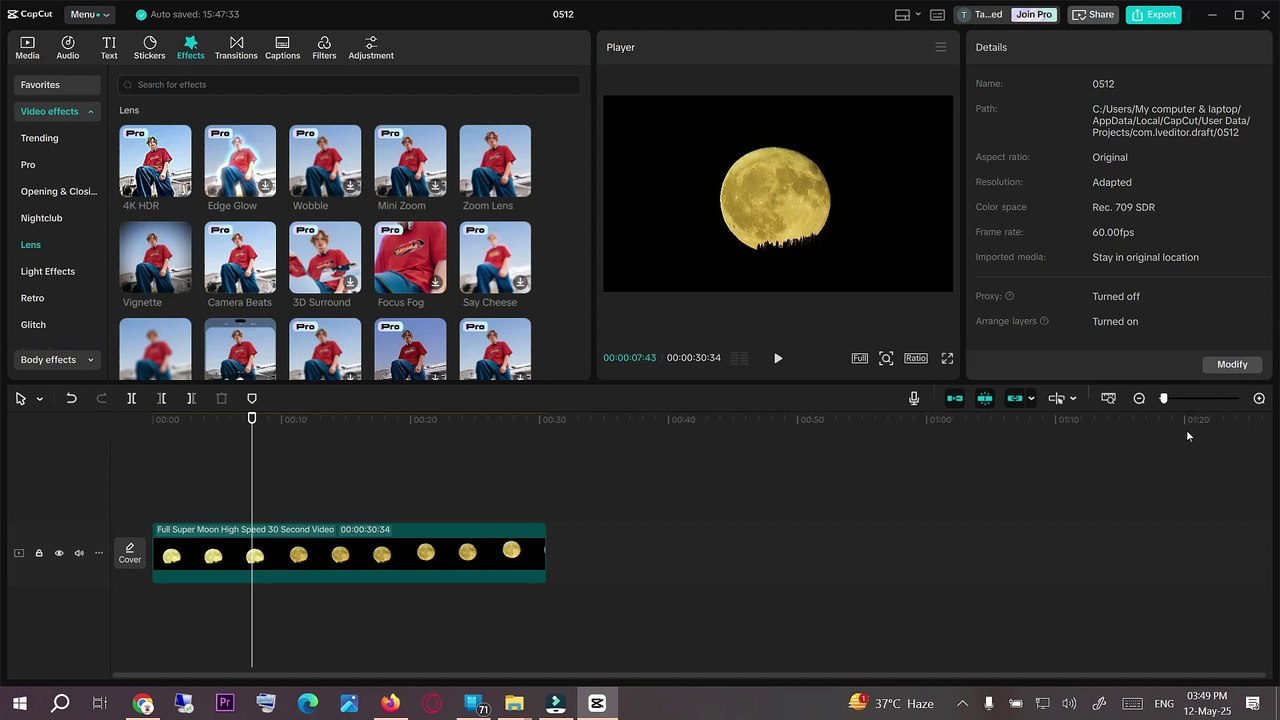
Learn how to quickly change your video layout to vertical in CapCut on PC, perfect for YouTube Shorts, TikTok, and Instagram Reels. Follow this simple guide to optimize your videos for mobile platforms!
Mr. Devotor
964 views • May 12, 2025
About this video
Want to make your videos vertical for YouTube Shorts, TikTok, or Instagram Reels using CapCut on PC? In this quick and easy tutorial, I'll show you step-by-step how to change your video layout to vertical (9:16 aspect ratio) in CapCut for Windows. Whether you're editing vlog content or creating social media clips, this guide is for you!<br /><br />🔹 What You’ll Learn:<br /><br />How to switch from horizontal to vertical format<br /><br />Adjusting canvas size in CapCut PC<br /><br />Best practices for vertical content editing<br /><br />👉 Don’t forget to Like, Share, and Subscribe for more editing tips and tutorials!<br /><br />#CapCutPC #VerticalVideo #CapCutTutorial #VideoEditing #YouTubeShorts #TikTokEditing #ReelsEditing #CapCutTips #9by16Format #HowToUseCapCut
Video Information
Views
964
Duration
0:51
Published
May 12, 2025
Related Trending Topics
LIVE TRENDSRelated trending topics. Click any trend to explore more videos.
No specific trending topics match this video yet.
Explore All Trends